


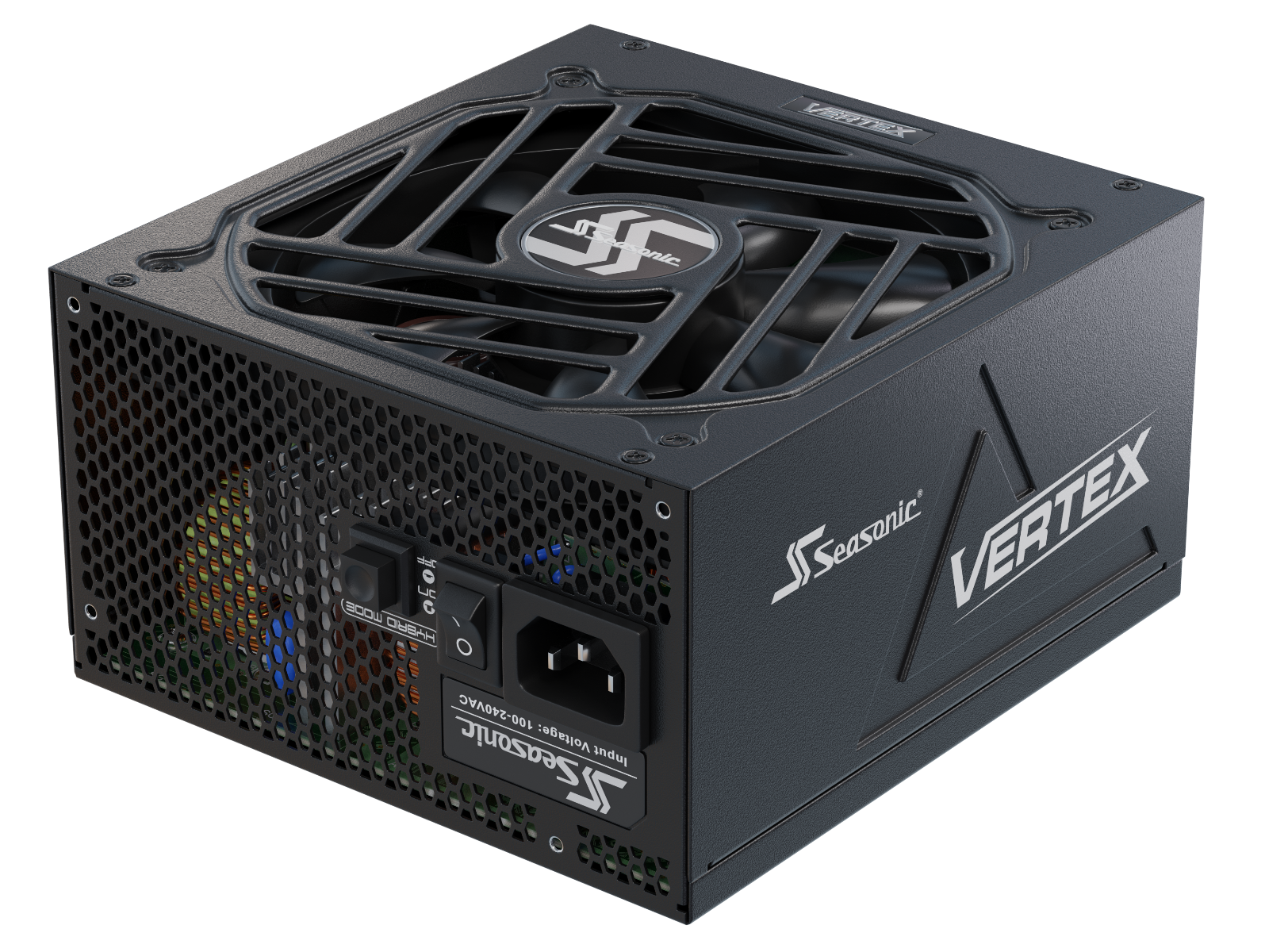


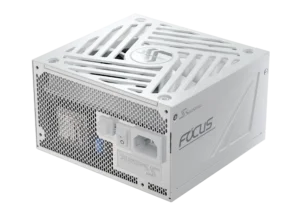


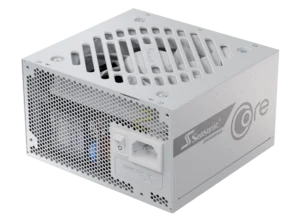
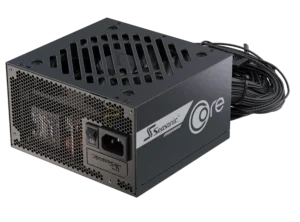
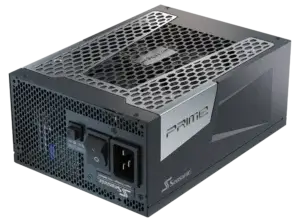



A prebuilt PC comes ready to use, but future upgrades depend on its design. Here’s how ATX power supplies fit into these systems and what to check before choosing a replacement.
Can you replace the PSU in a prebuilt PC with a standard ATX power supply?
You can replace the factory power supply in a prebuilt PC with a standard ATX PSU if the specific system is electrically and physically compatible. Before buying a replacement, check the PC manufacturer’s documentation, the power connections, the available installation space, and the requirements of your current or planned components.
Below, we’ll look at what ATX means, how to check compatibility with the motherboard and case, and when installing a new power supply is truly necessary.
Understanding the ATX power supply standard
An ATX power supply uses a standardized enclosure and mounting layout. Its electrical specification, such as ATX12V, defines the output voltages, power connectors, and control signals. The ATX 3.0 and ATX 3.1 standards account for short-term power spikes from modern components, especially GPUs. ATX 3.1 is also associated with the transition to the updated 12V-2×6 GPU power connector. It doesn’t mean you can’t use older power supplies: you have to evaluate the hardware requirements and the power supply’s capabilities.
The physical format and electrical specification must both suit the specific PC. Having enough wattage alone does not confirm compatibility, and a PSU that fits the case may still be electrically unsuitable for the motherboard.
Compatibility checks before replacing the PSU in a prebuilt PC
Before replacing the PSU in a prebuilt PC, start by identifying the exact PC model and configuration. Review the manufacturer’s specifications, service manual, and identify the installed PSU. If the documentation doesn’t clearly describe replacement requirements, contact the PC manufacturer before choosing a new PSU.
Electrical standard and ATX motherboard connections
Confirm whether the system uses ATX12V, ATX12VO, or proprietary power connections. Traditional ATX12V systems typically use a 24-pin main motherboard connector. ATX12VO is a separate 12-volt-only power supply standard. Check the documentation for your exact PC model to confirm its required connectors, pin assignments, voltages, and control signals. Matching pin counts or finding an adapter for sale doesn’t establish compatibility.
Power capacity and component connections
Check that the replacement can support the current or planned configuration and provides the required motherboard, CPU, GPU, and drive power connections. Confirm the exact PSU model’s electrical specifications and supplied cables.
PSU format, mounting, and clearance
Determine whether the PC accepts ATX, SFX, TFX, Flex ATX, or a manufacturer-specific PSU format. Check the mounting points and any required brackets. Compare the replacement’s width, height, and length with the available space, accounting for drive cages, nearby components, and room for connectors and cables.
Cable reach and airflow
Cables must reach the components without tension, excessive bending, or pressure from the side panel. Keep them clear of fan blades and leave the PSU’s air intake and exhaust unobstructed. Follow the case and PSU manuals for the correct installation orientation.
Modular cable compatibility
Use the cables supplied with the replacement PSU, or reuse existing modular cables only when the PSU manufacturer confirms compatibility with the exact new model. Connectors that look identical may have different PSU-side pinouts. For Seasonic models, consult our Cable Compatibility Guide before reusing cables.
Connecting CPU and GPU power cables correctly
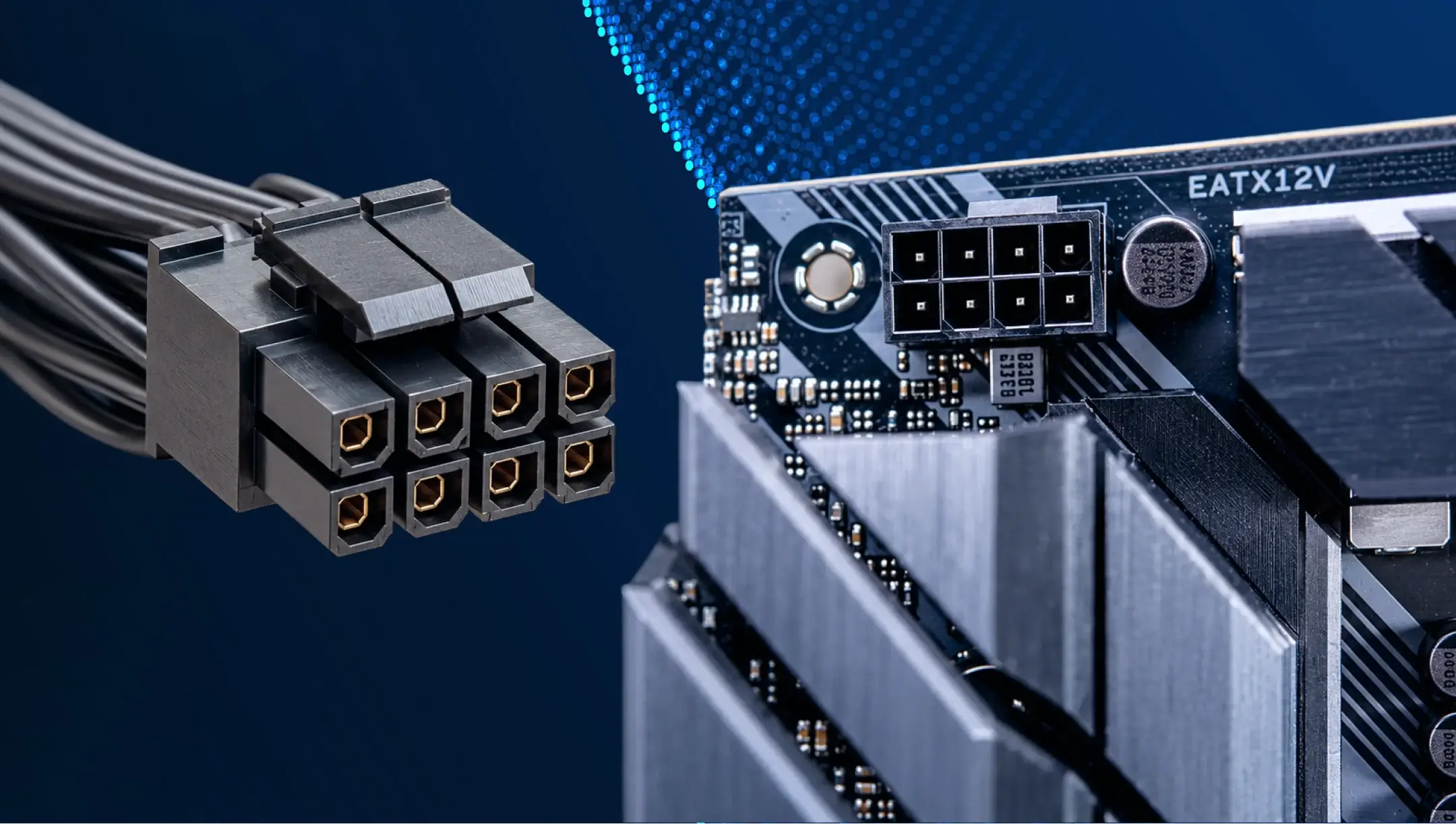
The CPU/EPS power cable connects to the motherboard’s CPU power socket, usually near the processor. Follow the motherboard manual to confirm which CPU power connections are required. The 8-pin CPU/EPS and 6+2-pin PCIe GPU connectors have different pinouts and are not interchangeable at the component end. This remains true even when the power supply has shared modular ports labeled “CPU/PCIe”.
Here are the possible connection options:
– 4-pin ATX12V. A four-pin power connector for the CPU.
– 8-pin EPS12V. An eight-pin connector with more power pins.
– 4+4-pin CPU. A split connector, the two halves of which form an 8-pin connector. If your motherboard has a 4-pin socket, use the corresponding half.
– Multiple CPU connectors on the motherboard. The required number of connections is specified in the motherboard manual; an additional socket should not automatically be considered optional.
Before working inside the PC, shut it down and unplug the AC power cord. Follow the PC manufacturer’s instructions and the PSU installation guide.
The motherboard’s 24-pin connector does not replace the dedicated CPU power connection. During installation, be sure to connect all connectors as specified in the instructions, verify that the plugs are fully seated, and ensure that the latches are securely locked.
Advantages of replacing the PSU with a standard ATX model
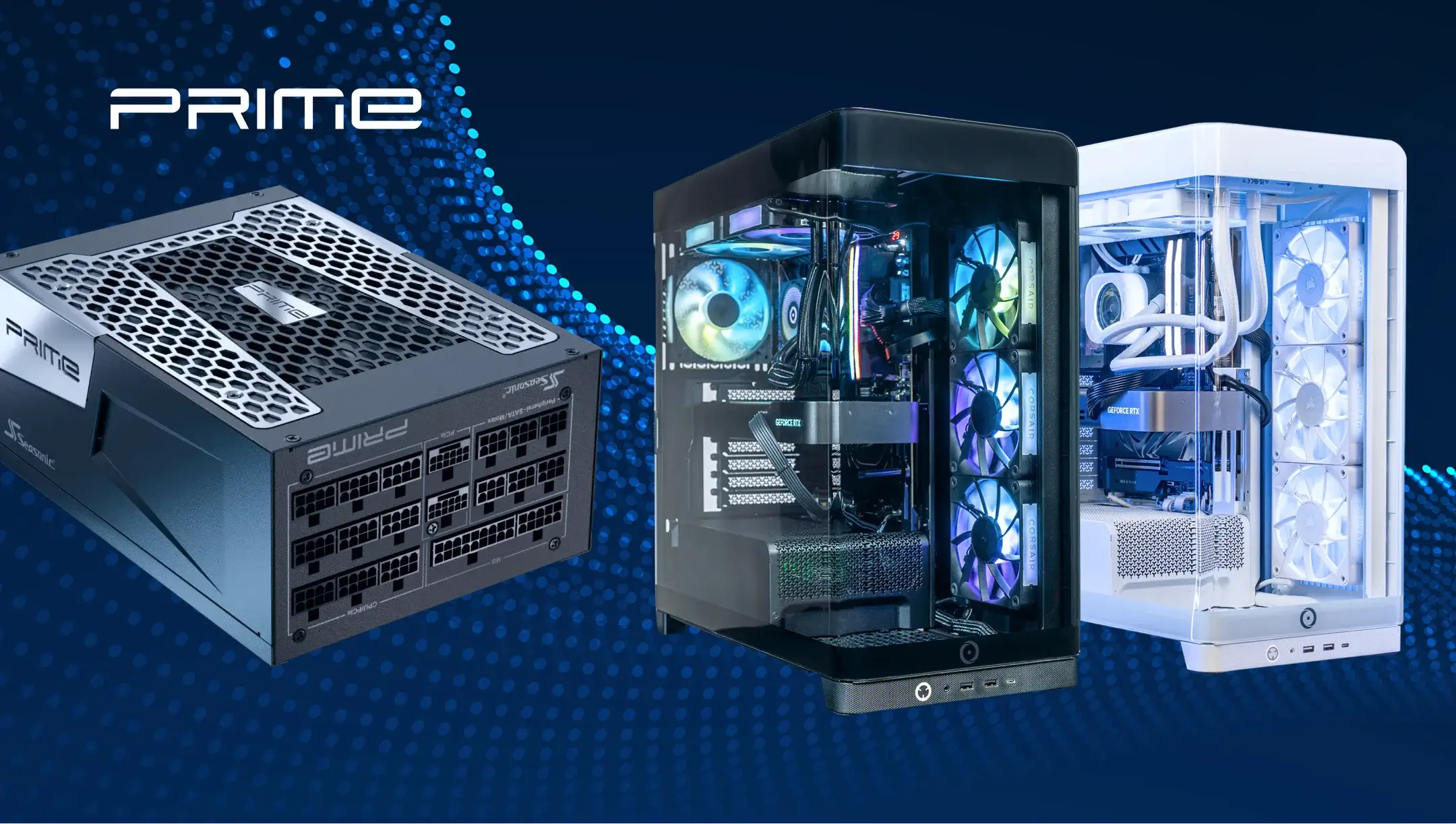
When the system is compatible, a standard ATX PSU offers more replacement and upgrade options. For the user, this translates into the following benefits:
– You can choose among compatible models with the capacity and connections needed for your current hardware or a planned upgrade. For this, you need to calculate the power consumption of the entire system and determine the power headroom based on planned upgrades. Seasonic’s online wattage calculator is available for an initial estimate.
– You can also compare features such as modular cabling, efficiency certification, fan control, and warranty coverage.
– A fully modular model lets you connect only the cables your configuration needs.
These features vary by model, so the ATX designation alone does not guarantee a particular feature set.
Limitations to consider when replacing the PSU
A standard ATX PSU is not a universal replacement for every prebuilt PC. Some systems need a replacement specified for that exact model, which can restrict the available options. Confirming a suitable retail replacement may therefore take more research than ordering the part recommended by the PC manufacturer.
Before proceeding, review the PC manufacturer’s warranty and support terms for user-installed replacement parts. If the conditions are unclear, ask the manufacturer or seller how a PSU replacement would affect support for your specific system.
When to replace the ATX power supply in a prebuilt PC
Replace the PSU when a fault has been confirmed or when it cannot support the power and connection requirements of a planned upgrade. Installing a new graphics card does not automatically mean you need a new power supply.
Use our wattage calculator to estimate the power requirements of the planned configuration, then compare them with the existing PSU’s capabilities and the component manufacturers’ recommendations. The calculator result does not need to match the PSU’s rated wattage exactly. What matters is whether the existing unit has sufficient capacity and the required compatible connections. If only a suitable GPU cable is missing, a cable confirmed as compatible with the exact PSU model may be enough.
Startup problems or unstable operations do not by themselves confirm a PSU fault. Check the AC supply, power cord, PSU switch, and cable connections, unplugging the PC before inspecting internal connections. For a factory-installed PSU, contact the PC manufacturer or seller first. If the PSU is a Seasonic product, consult our troubleshooting guide or technical support. Do not open the PSU enclosure.
Abschluss
A standard ATX PSU can be a suitable replacement in a prebuilt PC when compatibility has been confirmed for the exact system. Start with the PC manufacturer’s documentation and verify the electrical connections, physical fit, cable compatibility, and requirements of the planned configuration.
Decide on a replacement only after confirming that the existing PSU needs to be replaced and that the new unit meets those requirements.