









최신 그래픽 카드는 부하가 급격하게 변할 때 순간적으로 더 많은 전력을 소모할 수 있습니다. 이러한 전력 급증의 크기는 GPU와 작업 부하에 따라 다릅니다. 이러한 순간적인 전력 급증을 이해하는 것은 시스템 용량을 정확하게 산정하고 급격한 부하 변화에도 안정적이고 신뢰할 수 있는 전력 공급을 유지할 수 있는 파워서플라이(PSU)를 선택하는 데 필수적입니다.
GPU 전력 급증이란 무엇 이며 언제 발생합니까?
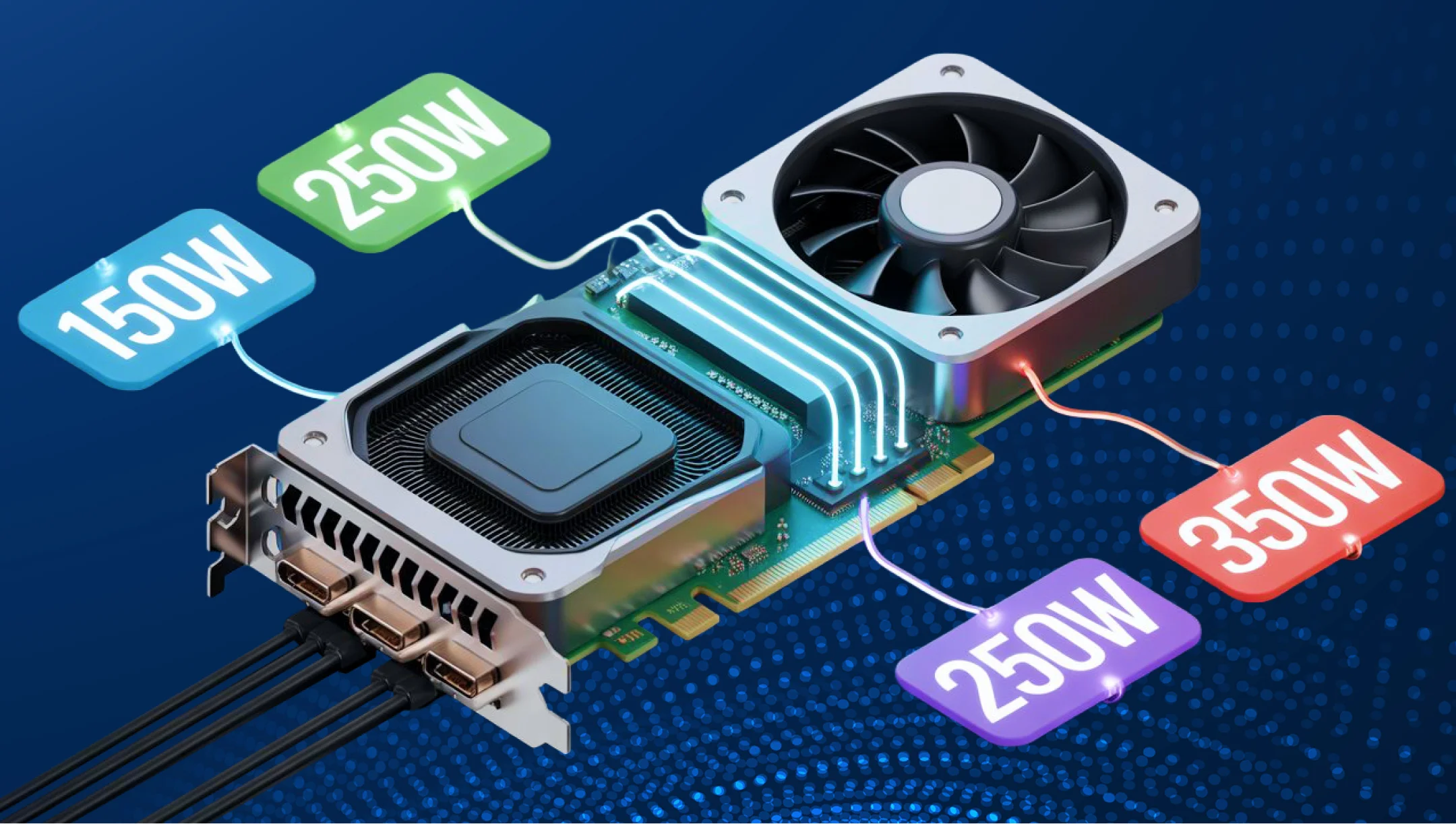
GPU 전력 급증 또는 과도 전력 변동은 GPU 부하 , 클럭 속도 또는 전압 의 갑작스러운 변화 동안 발생하는 짧은 시간(수 마이크로초에서 수 밀리초) 동안의 전력 소비량 급증 현상입니다 .
사용자 입장에서는 평균 소비량이 거의 동일하게 유지되고 순간적인 소비량 급증이 수 마이크로초 또는 수 밀리초에 불과하기 때문에 알아차리기 어려울 수 있습니다. 그러나 전원 공급 장치(PSU) 측면에서는 이러한 급격한 부하 변화가 심각한 결과를 초래할 수 있습니다.
GPU 내부에는 연산 장치, 메모리, 캐시, 레이 트레이싱 및 AI 처리 장치, 그리고 기타 구성 요소들이 함께 작동하여 작업 부하를 처리합니다. GPU의 작업 부하는 당시 처리하는 작업에 따라 끊임없이 변화합니다. 예를 들어, 간단한 게임 장면을 렌더링해야 할 수도 있지만, 다음 장면은 복잡한 레이 트레이싱이나 수많은 객체 또는 효과를 포함해야 할 수도 있습니다. 화면의 그래픽 변화에 대응하기 위해 GPU는 추가 리소스를 빠르게 활성화하고 클럭 속도를 높이며, 이로 인해 전력 소모량이 증가할 수 있습니다.
간단히 말해, GPU는 항상 최대 성능으로 작동하는 것이 아니라 부하 변화에 동적으로 반응합니다.
GPU 전력 소비 급증은 언제 발생할까요? 사실 모든 GPU에서 가장 큰 전력 소비 급증을 유발하고 모든 PC 유형에 동일하게 적용되는 단일 시나리오는 없습니다. 이는 GPU 전력 제한 , 아키텍처, 펌웨어, 드라이버 및 특정 작업 부하에 따라 달라집니다. 하지만 알아두면 유용한 몇 가지 일반적인 상황이 있습니다.
- 갑작스러운 장면 전환. 게임이 단순한 장면에서 기하학적 요소, 조명, 텍스처 또는 효과가 풍부한 장면으로 전환될 때 GPU의 작업 부하가 훨씬 높아집니다.
- 레이 트레이싱 하드웨어 부하 증가. 레이 트레이싱은 특수 GPU 블록을 많이 사용할 수 있습니다. RT 작업 부하는 칩의 작업 분배 방식과 그에 따른 전력 사용량을 변화시킵니다.
- GPU 부스트. 예를 들어, NVIDIA GPU 부스트는 그래픽 프로세서가 열 및 전력 여유가 충분할 경우 클럭 속도를 자동으로 높일 수 있도록 합니다. GPU가 단위 시간당 더 많은 작업을 수행하려고 하면 전력 소비가 증가할 수 있습니다.
- AI 및 컴퓨팅 워크로드. 생성 모델, 렌더링 및 전문 컴퓨팅 워크로드는 다양한 GPU 블록에 각기 다른 수준의 부하를 발생시킬 수 있습니다. 이는 전력 소비 양상에도 영향을 미칩니다.
GPU 평균 전력 소비량이 전체 소비량을 반영하지 않는 이유는 무엇인가요?
GPU의 평균 전력 소비량은 안정적인 부하 상태를 평가하는 데는 유용하지만, 파워서플라이(PSU)에 얼마나 큰 부담을 줄지 예측하기에는 불충분합니다. 기술적인 관점에서 볼 때, 평균 전력 소비량은 특정 시간 간격 동안의 평활화된 값만을 보여주기 때문에, 수 마이크로초 동안 지속되지만 PSU에 순간적으로 훨씬 높은 부하를 발생시킬 수 있는 단기적인 전력 급증을 고려하지 않습니다.
그래픽 카드는 시스템에서 발생하는 부하에 따라 지속적으로 성능을 조절합니다. 즉, 주파수와 전압을 조정하고, 다양한 처리 장치를 활성화하며, 메모리 부하를 변화시킵니다. 결과적으로 그래픽 카드의 전력 소비량은 항상 변동합니다.
이는 평균 전력 소비량이 동일한 두 시스템이 동일한 전원 공급 장치에 연결되었을 때 다르게 동작하는 이유를 설명합니다. 하나는 비교적 안정적인 부하를 생성하는 반면, 다른 하나는 더 빈번하거나 더 높은 순간적인 전력 급증을 발생시킬 수 있습니다.
실제 사용 환경에서 GPU가 평균 500W를 소비한다고 해서 항상 그 수준으로 작동하는 것은 아닙니다. 부하가 변하면 순간적으로 전력 소비량이 급격히 증가했다가 이전 값으로 돌아올 수 있습니다. 이러한 전력 급증은 매우 짧기 때문에 일반적인 모니터링 프로그램에서 감지되지 않을 수 있지만, 파워서플라이는 이러한 급증을 처리할 수 있어야 합니다.
어떤 역할을 맡고 있나요? ATX 3.0/3.1 버전에서 과도 부하 처리 시 성능 차이가 있나요?
ATX 3.0 버전에서는 특정 PSU 전력 변동 요구 사항이 도입되었으며, 이는 에서도 유지되었습니다. ATX 3.1. 이러한 요구사항은 전원 공급 장치가 출력 전압 안정성을 유지하면서 부하의 일시적인 증가를 어떻게 처리해야 하는지를 정의합니다.
일부 고출력 파워서플라이(PSU)의 경우, 이러한 요구 사항에는 지정된 테스트 조건에서 정격 출력 전력의 최대 200%까지 100마이크로초 동안, 그리고 180%까지 1밀리초, 160%까지 10밀리초, 120%까지 100밀리초 동안 단기 부하를 처리하는 것이 포함됩니다. 이러한 값은 ATX 3.0 및 ATX 3.1 설계 가이드에 모두 나와 있습니다. 이는 PSU의 요구 사항을 설명하는 것이며, 그래픽 카드(GPU)가 반드시 정격 전력의 200%까지 전력을 소비한다는 것을 의미하는 것은 아닙니다.
따라서, ATX 3.0/3.1 버전은 파워서플라이가 지속적으로 공급할 수 있는 전력과 단시간 부하 변동을 처리하는 능력을 모두 고려합니다. 따라서 전압 강하나 시스템 불안정 가능성이 줄어듭니다.
단기적인 전력 급증은 PC 전원 공급 장치에 어떤 영향을 미칠까요?
단기적인 전력 급증은 매우 짧은 시간 동안 발생하며, 이로 인한 유일한 명백한 영향은 부하 변화에 신속하게 대응하고 출력 전압을 안정적으로 유지해야 하는 전원 공급 장치(PSU)에 미치는 영향입니다. 전원 공급 장치가 이러한 부하 변화를 잘 처리하면 시스템은 아무 일도 없었던 것처럼 계속 작동합니다.
만약 순간적인 전압 변동이 파워서플라이의 응답 용량을 초과하면, 일시적인 전압 강하가 발생하여 시스템 불안정이나 재부팅으로 이어질 수 있습니다. 보호 회로는 이와는 별개의 목적을 가지고 있으며, 특정 임계값에 도달하거나 비정상적인 작동 상태가 감지될 때 활성화됩니다. 파워서플라이 설계 한계 내의 정상적인 GPU 전압 변동은 이러한 보호 회로가 작동하지 않고 처리되어야 합니다.
전력 소모량이 급격히 증가할 경우 시스템이 어떻게 반응할지 알아보겠습니다.
| 대본 | 무슨 일이 일어나는가 | 잠재적 결과 |
|---|---|---|
| 안정적인 하중 | GPU는 비교적 일정한 전력을 소모합니다. | 전원 공급 장치가 정상적으로 작동합니다. |
| 중간 정도의 일시적 | GPU 전력 소모량이 단시간 내에 급격히 증가합니다. | 파워서플라이는 눈에 띄는 영향 없이 변화를 처리합니다. |
| 높은 과도 현상 | GPU가 갑자기 훨씬 더 많은 전류를 요구합니다. | 파워서플라이 전원 부품 및 조절 회로에 더 큰 부담이 가해집니다. |
| 과도 전류가 전원 공급 장치의 용량을 초과했습니다. | 전원 공급 장치가 안정적인 출력 전압을 유지할 수 없으며, 특정 트립 조건이 충족될 경우 보호 장치가 작동될 수 있습니다. | 전압 강하, 시스템 불안정, 재시작 또는 종료. |
그렇기 때문에 오늘날의 고성능 GPU에는 동적 부하 변화에 신속하게 반응하는 능력을 기준으로 파워서플라이를 선택해야 합니다.
고성능 그래픽 카드에 추가적인 전원 공급 여유 공간이 중요한 이유는 무엇입니까?
파워서플라이 헤드룸이란 PC 파워서플라이의 정격 연속 출력과 GPU, CPU 및 기타 구성 요소를 포함한 전체 시스템의 예상 지속 전력 소비량 사이의 여유를 말합니다 CPU 이 여유를 통해 파워서플라이가 정격 용량에 가깝게 지속적으로 작동하는 것을 방지하고 향후 업그레이드를 위한 공간을 확보할 수 있습니다 .
GPU의 급격한 전압 변동을 처리하는 것은 주로 파워서플라이의 전기적 설계에 달려 있습니다. 적용 가능한 ATX 3.0/3.1 전력 변동 요구사항은 규격에 맞는 전원 공급 장치(PSU)가 감당해야 하는 과도 부하를 정의합니다. 추가적인 와트 마진은 유용하지만, 그것만으로는 PSU가 이러한 부하 변화를 처리할 수 있음을 보장하지 않습니다.
따라서 고성능 GPU의 경우, 전체 시스템, 부하의 특성 및 과도 전력 변동을 고려하여 파워서플라이(PSU)를 평가하는 것이 중요합니다.
Seasonic 파워 서플라이는 단기적인 GPU 전력 급증을 어떻게 처리하나요 ?
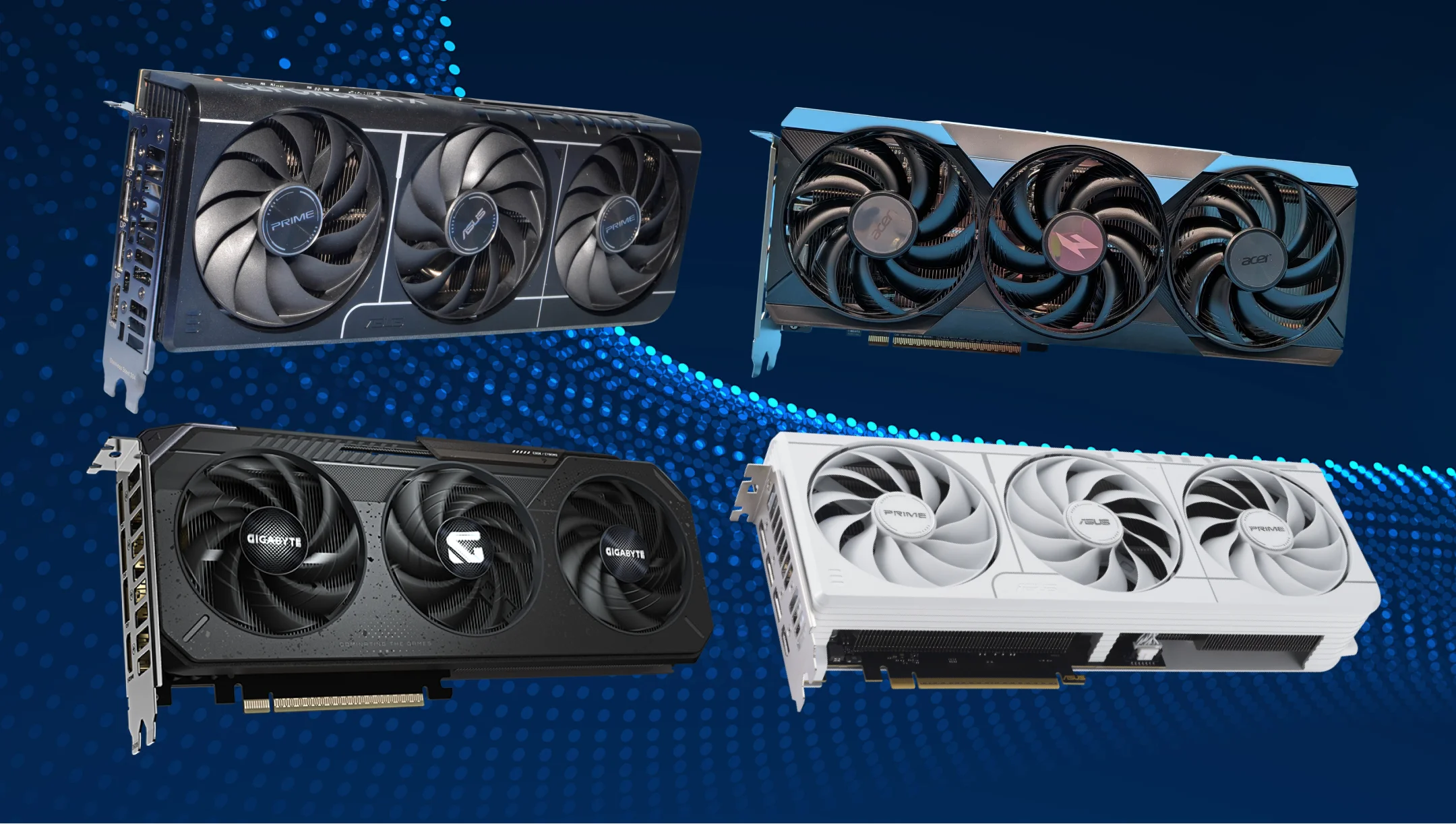
시소닉에서는 전원 공급 장치를 최신 GPU에서 흔히 발생하는 단기 전력 급증을 Seasonic 다양한 조건에서 테스트합니다 . 테스트 중 전원 공급 장치는 모의 과도 부하에 노출되며, 엔지니어는 전압, 전류, 온도 및 보호 회로의 작동을 모니터링합니다.
Seasonic ATX 3.0/3.1 모델은 해당 PSU 전력 급증 요구 사항을 충족하도록 설계되었습니다. ATX 3.0 버전에서 유지됨 ATX 3.1. 해당 모델의 경우, 이는 지정된 테스트 조건에서 100마이크로초 동안 PSU 정격 출력 전력의 최대 200%까지 처리하는 것을 포함합니다.
Seasonic 파워서플라이(PSU)는 전기 설계 및 전압 조절을 통해 급격한 부하 변화에 대응합니다. LLC + DC-DC 토폴로지 및 고품질 일본산 콘덴서와 같은 설계 특징은 안정적인 전력 공급을 지원합니다. 과전압 보호(OVP), 과전류 보호(OCP), 과부하 차단(SCP), 과전압 보호(OTP) 기능은 각각 독립적인 역할을 수행합니다. 특정 보호 임계값에 도달하거나 비정상적인 작동 조건이 발생할 때 활성화되며, 정상적인 GPU 전력 급증을 조절하지는 않습니다.
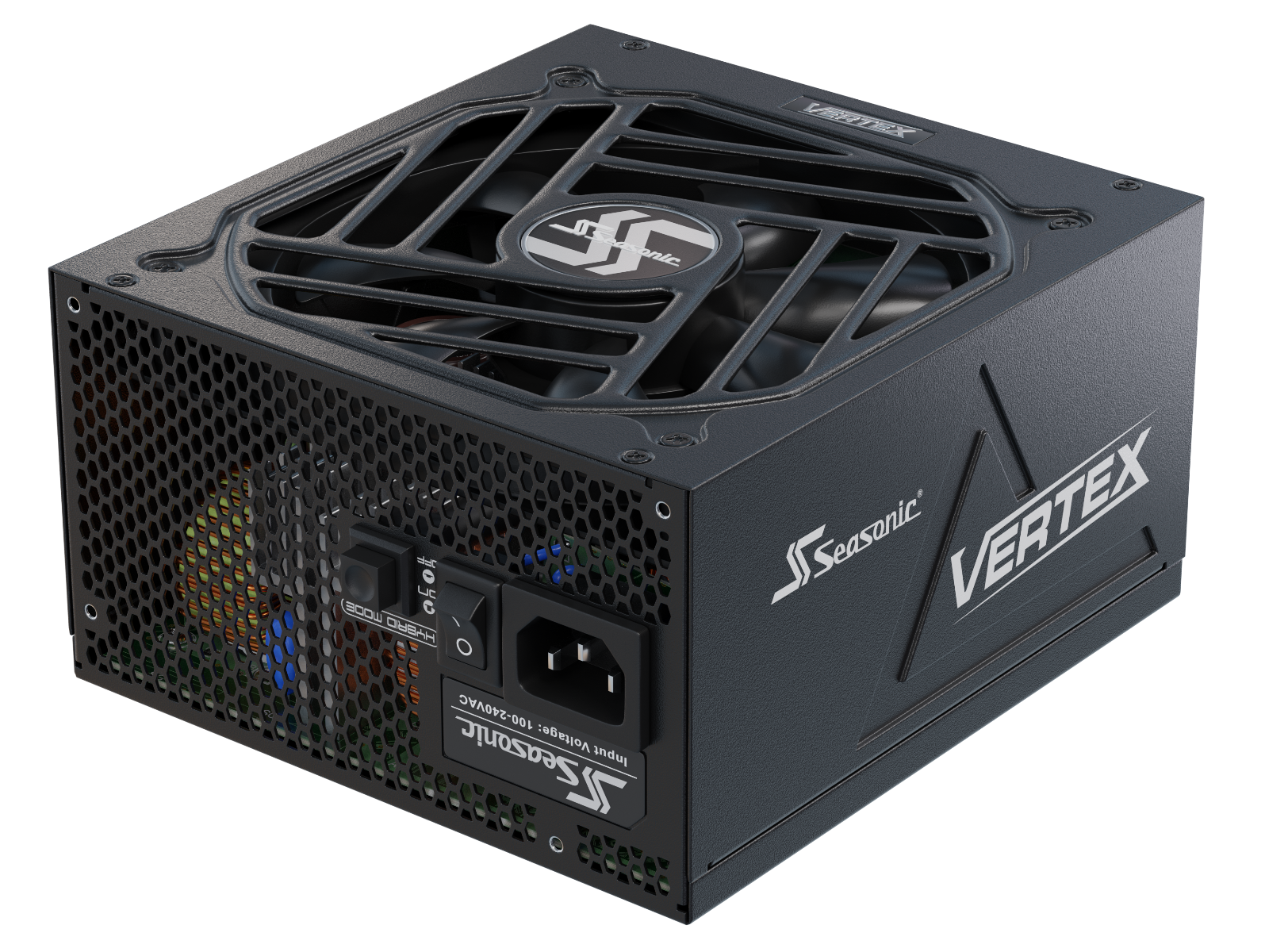
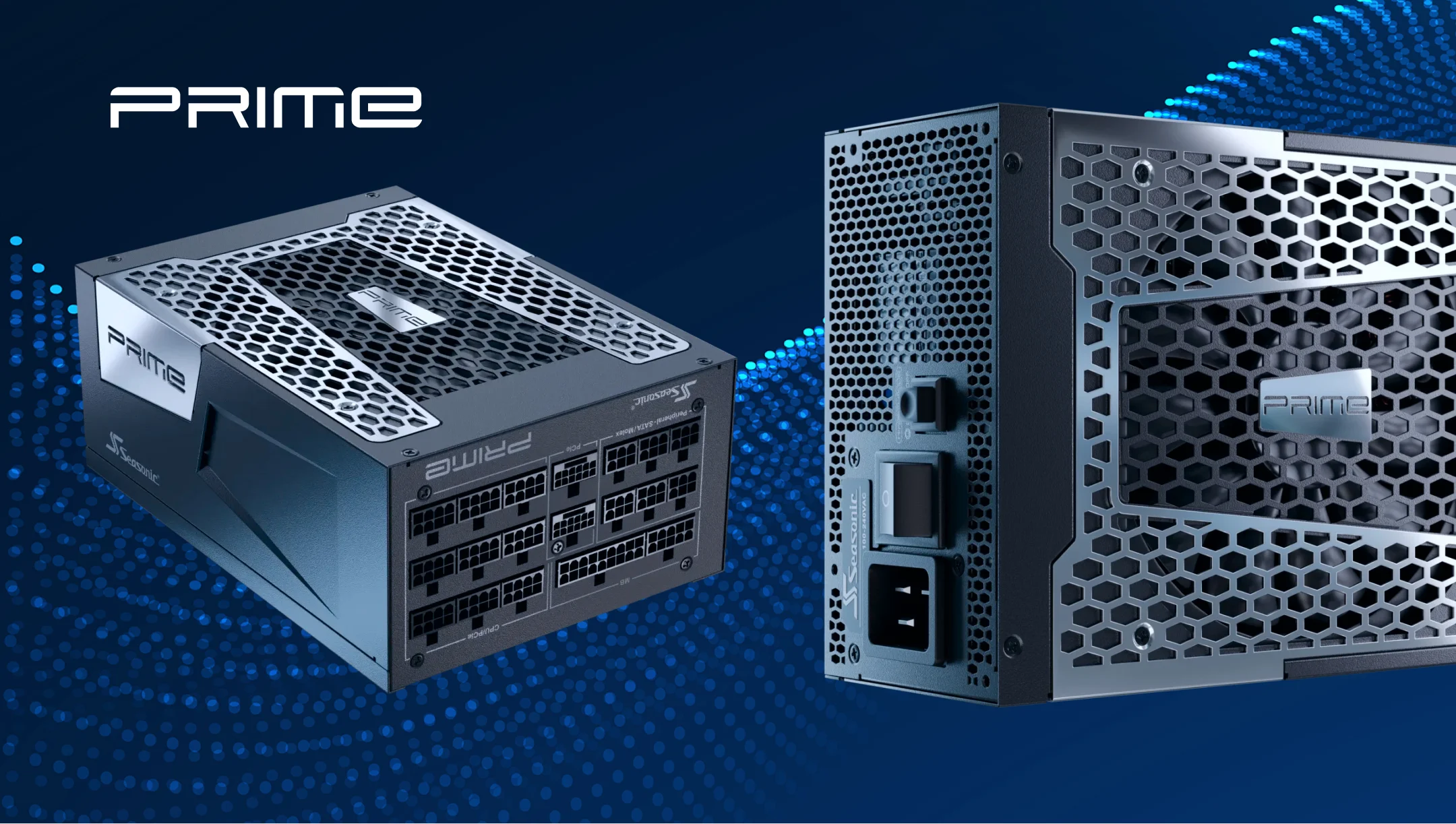
예를 들어, Seasonic PRIME TX / PX ATX 3.1 및 VERTEX ATX 3.1 파워서플라이 시리즈는 최신 고성능 GPU를 위해 설계되었으며 12V-2×6 GPU 연결 단자를 갖추고 있습니다. 호환되는 12V-2×6 케이블은 특정 파워서플라이 모델, 케이블 정격 및 GPU 구현 방식에 따라 단일 연결을 통해 최대 600W까지 공급할 수 있습니다.
올바른 것을 선택하는 방법 Seasonic 그래픽 카드용 전원 공급 장치인가요?
GPU 부하를 감당할 수 있는 적절한 Seasonic 파워서플라이(PSU)를 선택하려면 다음의 간단한 계획을 따르세요.
그래픽 카드 제조사의 파워 서플라이 권장 사항부터 시작하세요.
사용 중인 그래픽 카드에 맞는 GPU 제조사의 시스템 파워서플라이(PSU) 권장 와트 수를 확인하세요. 이 권장 사항을 기준으로 삼고, 전체 시스템의 전력 요구량을 고려하여 PSU의 정격 와트 수를 선택하십시오.
전체 시스템의 전력 수요를 고려해 보세요.
GPU의 총 전력 소비량을 추정하십시오. CPU 저장 장치, 팬 및 기타 구성 요소가 예상되는 작업 부하에서 얼마나 많은 전력을 소비하는지 확인하십시오. 이 총량을 파워서플라이의 정격 연속 출력과 비교하여 정격 용량 근처에서 지속적인 작동을 방지하고 향후 업그레이드를 수용할 수 있도록 적절한 여유 용량을 확보하십시오.
최신 고성능 GPU의 경우 다음을 고려해 보세요. ATX 3.1 PSU
이러한 파워서플라이는 최신 GPU의 동적 부하를 감당할 수 있도록 설계되었으며, 순간적인 전력 변동에 대한 전류 요구 사항을 충족합니다.
기본 제공되는 12V-2×6 커넥터를 확인하십시오.
이 제품을 사용하면 추가 어댑터 없이 GPU를 직접 연결할 수 있습니다.
적절한 것을 선택하세요 Seasonic PSU 시리즈
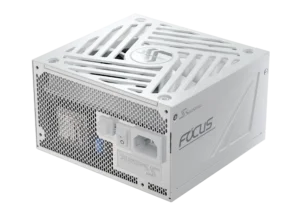
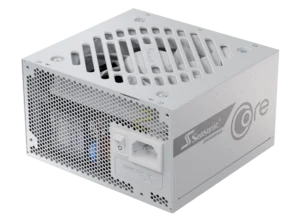
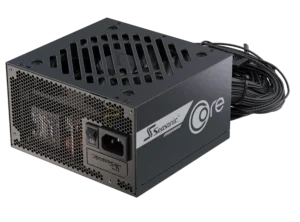
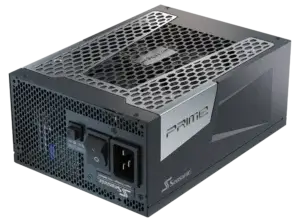
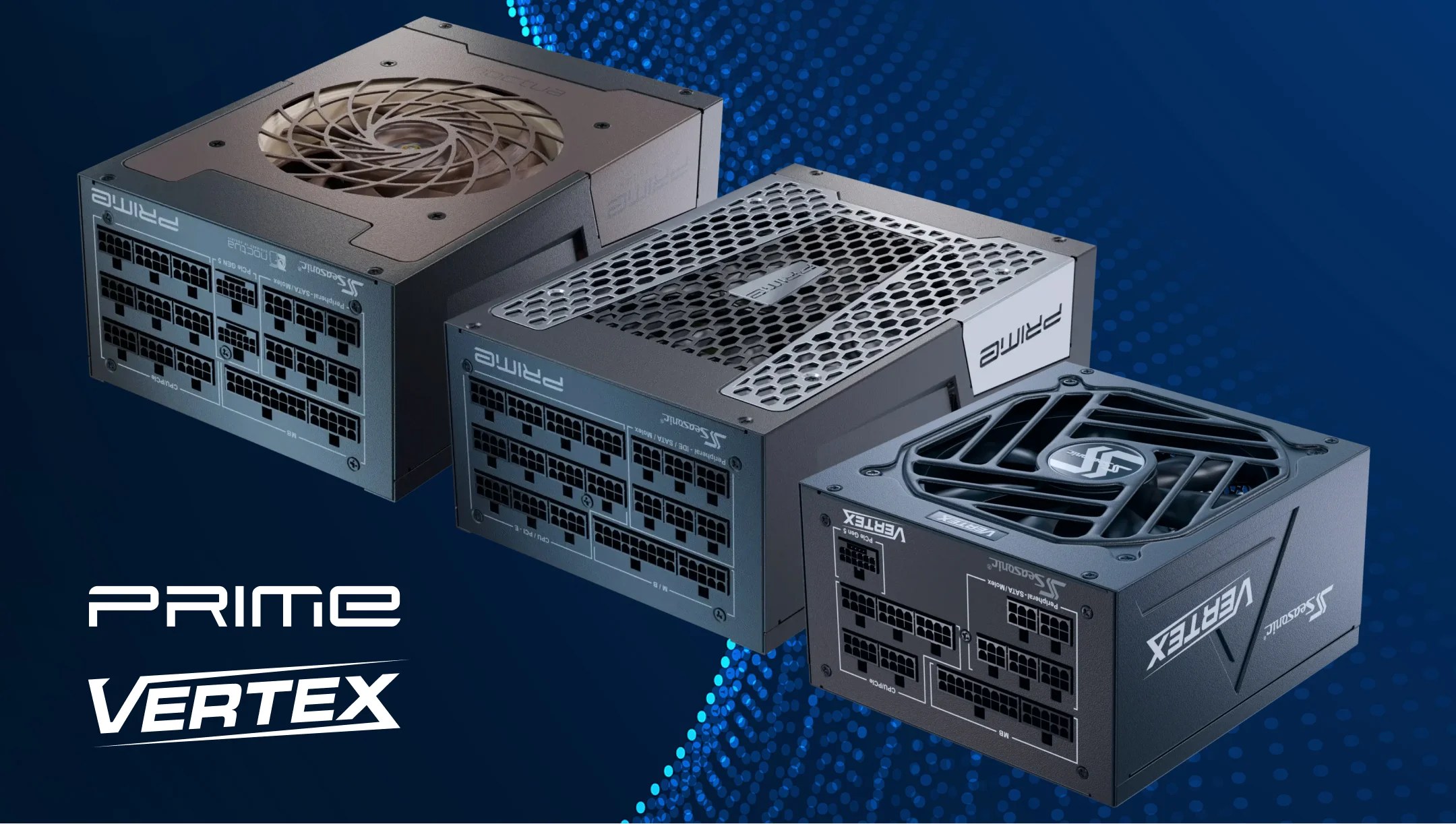
고성능 GPU의 경우, Seasonic 추천합니다 PRIME 시리즈; 고성능 게임 시스템용 – VERTEX ; FOCUS 대부분의 중급 및 고급 구성에 적합합니다. CORE 보급형 PC 및 일반적인 게임 시스템에 적합합니다.
올바른 와트 수를 선택하세요
GPU 제조업체의 시스템 PSU 권장 사양과 전체 시스템 전력 요구 사항을 충족하고 충분한 여유 전력을 확보한 정격 연속 출력의 PSU를 선택하십시오. 과도 전류 처리 능력은 PSU의 전기 설계 및 관련 규정 준수 여부를 통해 별도로 평가하십시오. ATX 3.0/3.1 전력 변동 요구 사항.
결론
최신 GPU는 전력을 고정적으로 소모하지 않습니다. 작업 부하, 클럭 속도, 사용률, 부스트 동작에 따라 전력 소모량이 끊임없이 변합니다. 따라서 고성능 PC용 파워서플라이(PSU)를 선택할 때는 GPU의 일반적인 전력 등급만 고려해서는 안 됩니다.
실제 작업 부하, 순간적인 전력 급증, 그리고 시스템 전체의 전력 요구량을 모두 고려해야 합니다. 이를 통해 실제로 필요한 파워서플라이 용량을 보다 정확하게 파악하고, 일상적인 사용과 최대 부하 시에도 안정적인 전력 공급을 보장할 수 있습니다.