








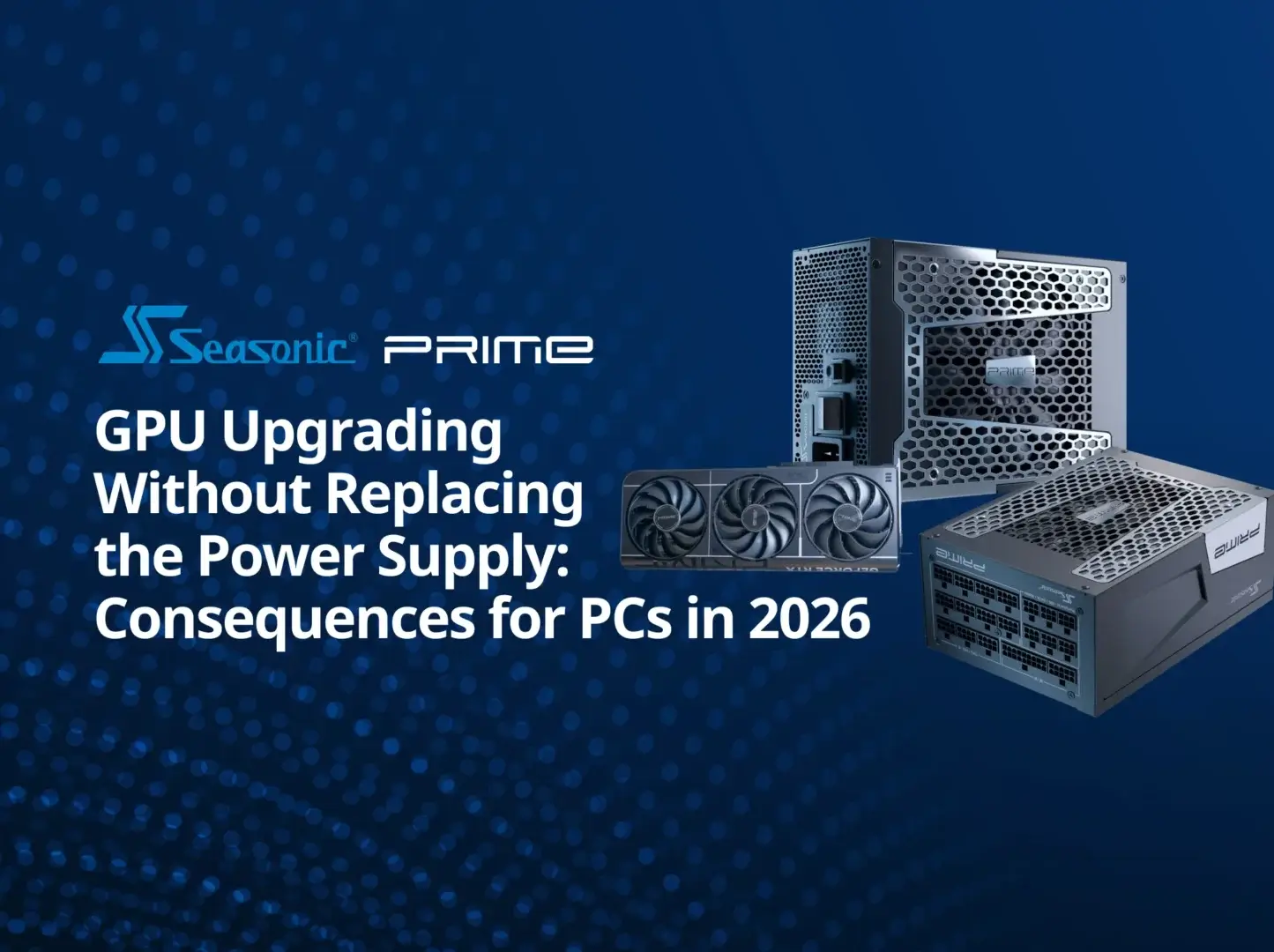

By 2026, GPU upgrades won’t be just about compatibility or wattage. Up-to-date GPUs operate with fast, responsive power demands that strong PSUs should handle with ease. In this article, we’ll cover when you can upgrade your GPU safely without the need to replace the PSU as well.
Is it possible to upgrade the GPU without replacing the power supply in 2026?
Of course, it’s possible, but only if your PSU still has enough power capacity for a new-installed GPU and is ready to handle the rapid load changes it may cause.
From what we’ve seen with newer RTX platforms:
“…the new RTX 50 Series GPUs pull noticeably more power because of aggressive short-term power spikes and the move to the 12V-2×6 connector setup.”
For instance, the RTX 5090 GPU can pull up to 575W TGP (Total Graphics Power), but sustained power draw isn’t even the main issue. The real challenge is transient spikes – these short power surges that can jump hundreds of watts above normal load in a split second. This is exactly why a system can suddenly shut down even when the PSU looks powerful enough on paper.
If you have a legacy PSU that doesn’t meet modern power requirements that GPUs dictate now, it may be a tricky task. Like these ones:
- Older 80 PLUS® Bronze-rated PSUs.
- Any PSU that’s around 10+ years old.
- Cheap no-name power supplies.
The system may work seamlessly with:
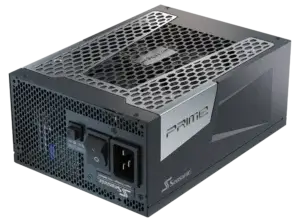
- Seasonic PRIME TX/PX ATX 3.1.
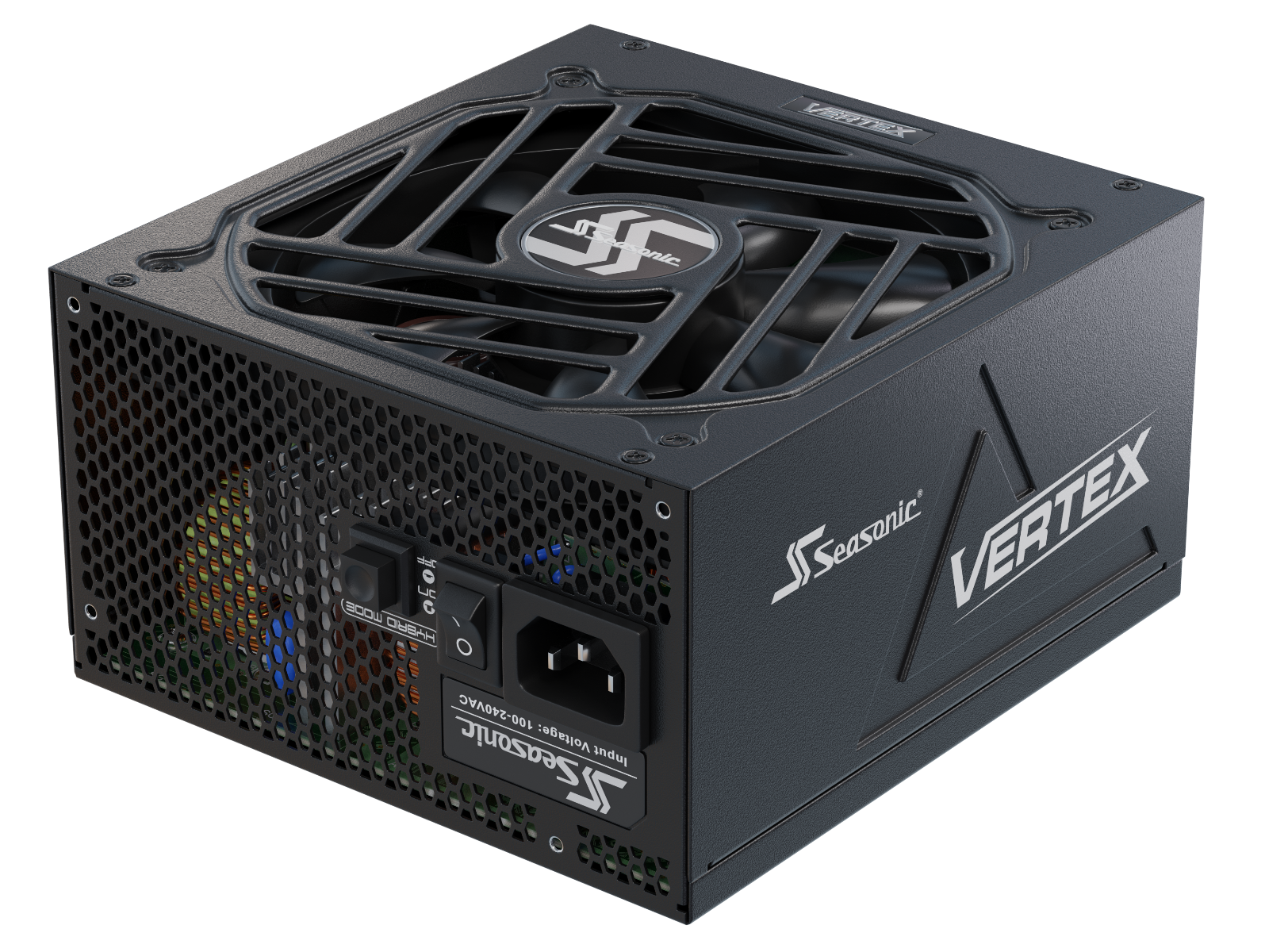
- Seasonic VERTEX PX/GX ATX 3.1.
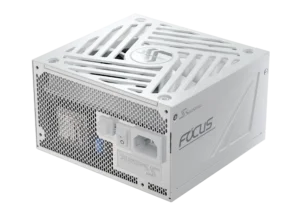
- Seasonic FOCUS PX/GX ATX 3.1 (2023+).
What happens if your PSU isn’t powerful enough for a new graphics card
If your PSU doesn’t have enough power capacity to lift the tasks from the replaced GPU, things can become unstable pretty fast. This behaviour makes sense as the new-gen GPUs take slightly more power from your PSU, and if it can’t keep up – it turns off to protect the system.
The potential issues PC builders run into when the PSU doesn’t keep up with a GPU upgrade are:
- random crashes during gaming or AI workloads;
- black screen + sudden reboot;
- performance drops from power limiting;
- unstable GPU behaviour under peak loads.
There are already plenty of real-world reports on Reddit where even high-end systems with RTX 5090s shut down simply because the PSU couldn’t handle sudden power surges. The point is that it is recommended to have an ATX 3.1 and PCIe 5.1 PSU for modern GPUs, since older units often aren’t built to handle these issues.
Risks of using an old power supply
There’s nothing really good about sticking with an old power supply. If you leave everything as it is inside your build, the system will probably keep running fine. But once you start upgrading components (like a new GPU we’re talking about), that’s where problems can start showing up, leading to unreliability and even full system failures over time.
That’s what may happen:
- random shutdowns under load (gaming, rendering, AI workloads);
- sudden reboots with no errors or warnings;
- unstable GPU behaviour during transient power events;
- voltage drops that hurt overall system performance;
- overheating cables or connectors (especially with modern GPUs);
- PSU protection triggers (OCP / OPP) kicking in under overload;
- potential data loss or storage corruption from sudden power cuts;
- extra stress on motherboard VRMs;
- long-term risk of component wear from unstable power delivery;
- in worst cases – physical damage to the GPU or PSU.
If you upgrade one component, be ready to rethink the whole system. It’s all connected – changing one part can force the whole system to upgrade. A powerful new GPU, for example, needs a PSU, cooling, and sometimes even motherboard support that can keep up. Otherwise, it’s like a machine assembled from mismatched parts – it works until real stress exposes the weak spots.
How to calculate if your current power supply can handle a GPU upgrade
Before replacing the power supply – check if it can handle the graphics card upgrade you plan. The whole thing is basically about accounting for the actual total load + margin for short spikes. The basic engineering formula looks like this:
(CPU + GPU + other components) × ~1.2–1.3 for headroom.
This is how it’s worked out:
- You take GPU TDP (for example, 320W–360W for high-end RTX 50).
- Add CPU TDP (65W–250W depending on the model).
- Add around ~100W for the rest of the system (SSD, motherboard, fans).
- And add a 20–30% margin.
But that’s not all math. Seasonic’s engineering practice also includes a few more factors in the calculation.
- brief power spikes under load;
- fluctuating load during gameplay and AI workloads;
- keeping headroom instead of running near max all the time.
When the final figure meets your current PSU power capacity, move on with it. If not – it must be replaced.
If you’re not sure how to do it manually, use an online wattage calculator to get more accurate results in just a few minutes. To start work with it, find out the every PC components power requirements, taking as a priority the GPU needs.
Signs that your power supply is struggling after a GPU upgrade
If you notice any of these signs right after a GPU upgrade, it’s a clear hint that your PSU is underpowered for the new load:
- sudden system power-offs during gaming or rendering (black screen + restart);
- smooth light use, but crashes under GPU load;
- micro-freezes or random FPS drops with no clear reason;
- reboots during heavy scenes, AI tasks, or ray tracing;
- PSU protection kicking in (OCP / OPP trips);
- visual artefacts or GPU instability under peak load;
- overheating or hot smell from cables/connectors (especially 12V-2×6);
- random BSODs or power errors in Windows Event Viewer;
- the GPU can’t hold stable boost clocks under load;
- system boots fine, but crashes right when a game or benchmark starts.
When is it safe to upgrade a GPU without replacing the power supply
It’s a safe move only if your PSU has enough power to support the new GPU’s needs, combined with a modern power design built to survive peak loads. So in short, you can upgrade the GPU without swapping the PSU – as long as the power supply:
- is high-quality (such as Seasonic PRIME or VERTEX Series);
- has a real power headroom of approximately 20–30% above the rated load;
- operates stably under high loads without voltage drops;
- follow the modern ATX 3.1 requirements or at least respond adequately to peak loads.
Modern graphics cards and power consumption in 2026
By 2026, modern GPUs have changed a lot in how they draw power. Instead of steady power draw, it’s all about short, sharp spikes now. The brief bursts that easily shoot way above the average TGP.
Flagship GPUs like the RTX 5080 and RTX 5090 still have a fairly predictable average power draw, but in real workloads (complex scenes, path tracing, AI tasks) they can suddenly spike hundreds of watts above that baseline. Thus, even strong PSUs can behave unpredictably if they’re not designed to handle those fast peak loads.
At Seasonic, we’re always watching how the market evolves so we can adapt our power supply specifications to next-gen hardware. Our latest GPU analysis shows that:
“Modern GPUs are built to handle very short power spikes, which is why system stability today isn’t just about a PSU’s rated wattage. It also comes down to how quickly it can react to those spikes without voltage drops.”
New power supply standards in 2026: 12V-2×6 connectors and ATX 3.1 requirements.
In 2026, PSU standards evolved because modern GPUs changed mainly in how they pull power. To keep up with these changes, there’s the 12V-2×6 connector and the ATX 3.1 standard, which helps modern PSUs deal with it properly.
ATX 3.1 standard
This update is mainly about adapting PSUs to the behaviour of next-gen graphics cards, especially the RTX 50 series. The goal is to make sure the PSU stays stable during short-lived power peaks. So basically, ATX 3.1 focuses on how well the PSU reacts to sudden load jumps and keeps voltage stable in those moments.
12V-2×6 – the updated 16-pin connector
12V-2×6 is an improved version of 12VHPWR, not a completely new cable. The changes are in the connector itself:
- better contact design,
- safer and more reliable connection,
- detection of whether the plug is fully inserted.
The idea is simple: you need to fully insert and not bend the 12V-2×6 cable too close to the connector. If the cable isn’t fully seated, the system won’t allow full power delivery, reducing the risk of overheating.
Before, the main requirement was just raw wattage. Now it’s about how fast and stable the PSU reacts to sudden load spikes.
Guidelines for safely upgrading your graphics card in 2026
Here’s how you should do it step by step.
Step 1. Check the GPU you plan to install.
Look at real power use (TGP), not just the recommended PSU numbers. Modern GPUs can hit short spikes way above the average, and that’s what really matters.
Step 2. Check your current PSU.
Need to know the model and its generation to check the exact power capacity it has. Reliable modern units (Seasonic PRIME, VERTEX) are usually fine if they have proper headroom and are built for transient spikes. Old budgets or outdated platforms are no longer relevant in modern systems.
Step 3. Don’t ignore PSU age.
If it’s 5–7+ years old, even if the wattage looks fine, stability can drop over time. Moreover, modern PSUs are built with updated electrical architecture for stable power delivery, something outdated units may lack.
Step 4. Leave enough headroom.
If your PSU will sit at ~80–90% load after the upgrade, you’re already in the danger zone. Modern GPUs don’t like running close to the limit because spikes can push them over.
Step 5. Check the connector.
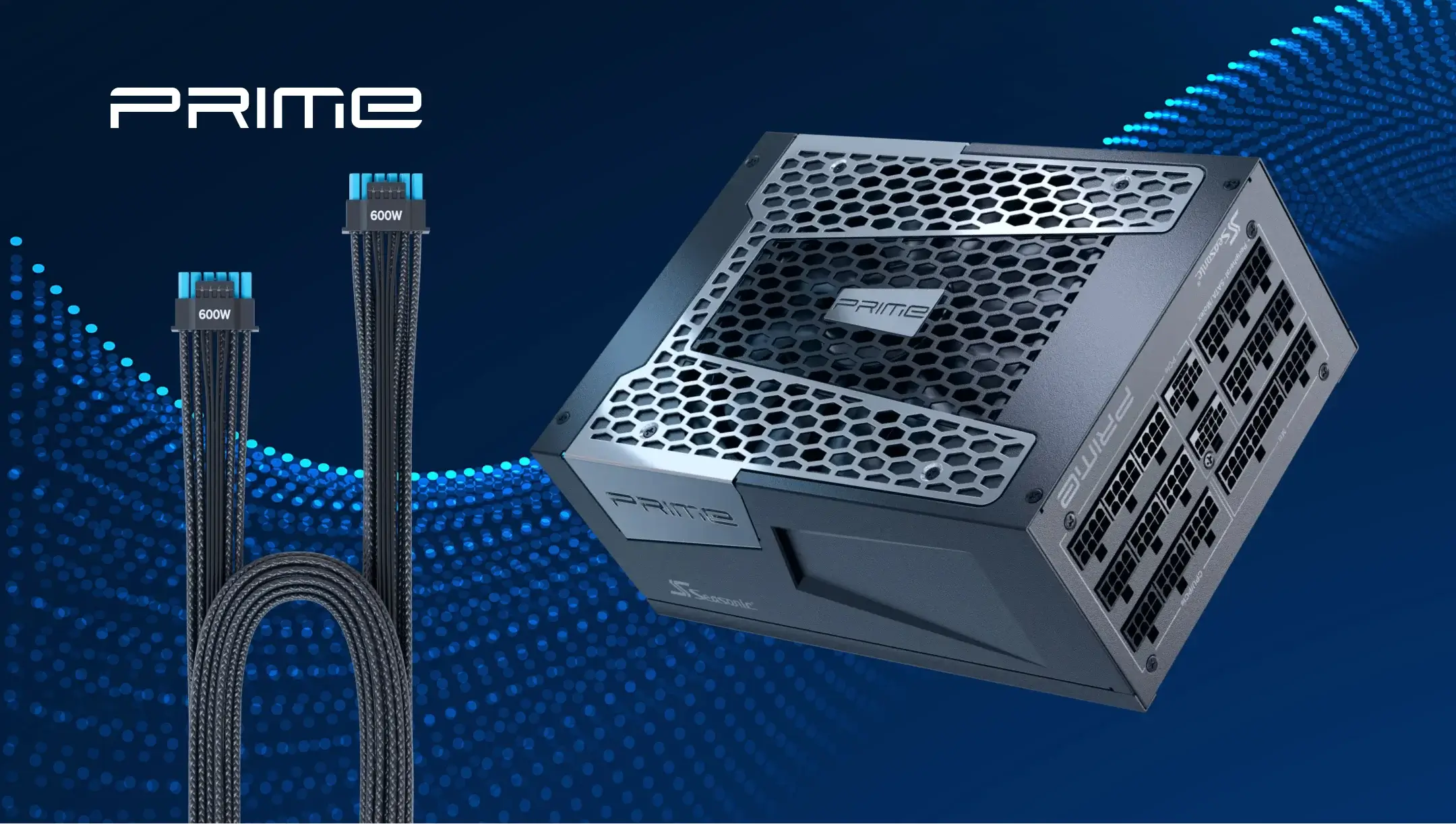
For new GPUs, it’s a 12V-2×6 cable. Make sure you’re using a native cable or a properly certified one.
Step 6. Install and do basic testing.
Start light, then move to games or rendering. Watch for shutdowns, reboots, or instability under load.
Step 7. Stress test under real load.
The real check is sustained + spike-heavy workloads (gaming, AI, rendering). That’s where PSU limits show up fast.
Wniosek
In 2026, it’s really possible to upgrade a GPU without replacing the PSU. But, only if the power supply has enough headroom, solid build quality, and can smoothly accommodate the fast-changing power needs of modern GPUs.
GPU stability depends much more on how the PSU reacts to short power instability events, not only on the wattage printed on the label. So a smooth GPU upgrade in 2026 is really about balance – a new GPU paired with a PSU that’s actually ready for the way it behaves under load.