


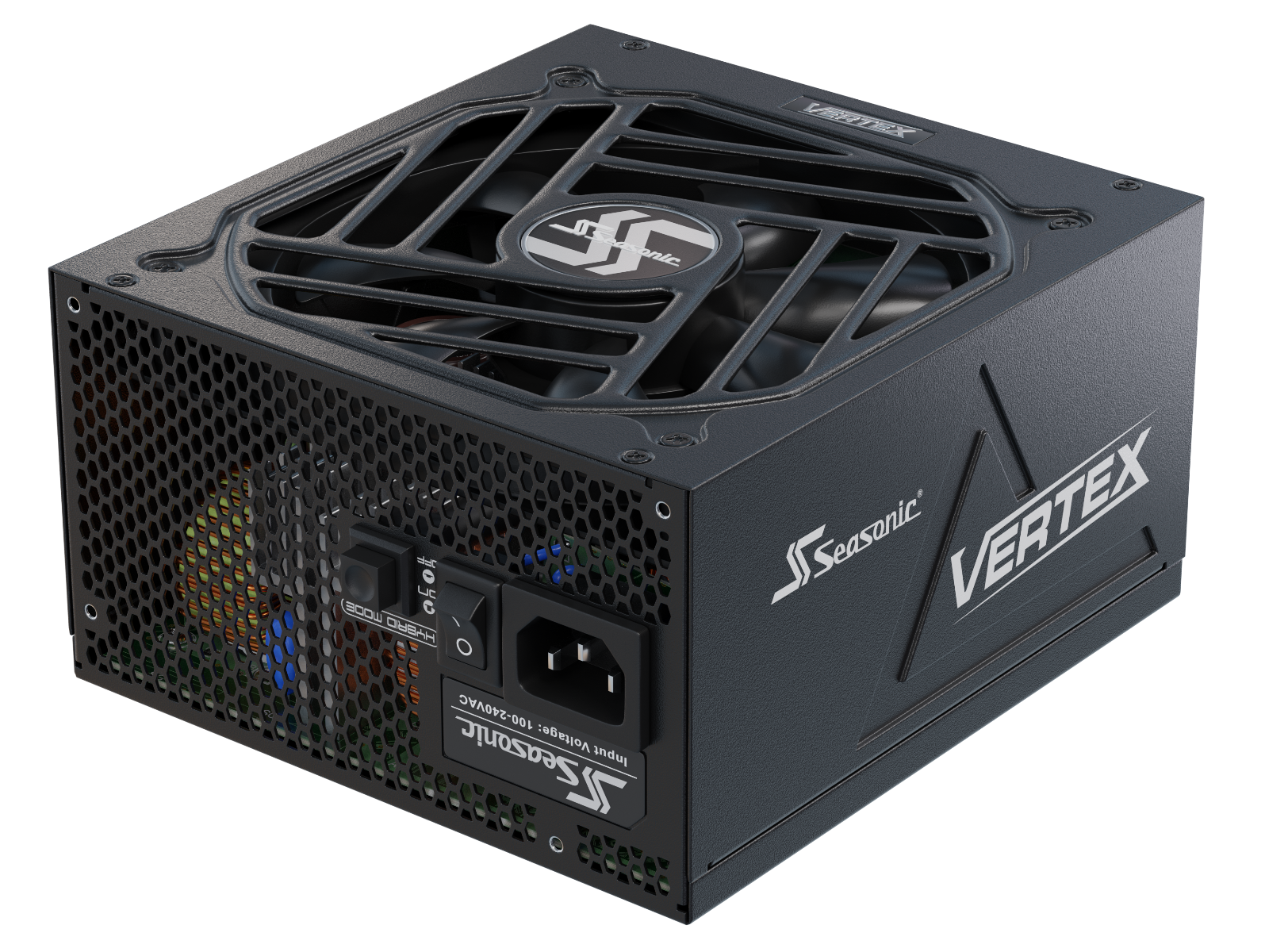







See how RTX builds differ from one another in terms of power consumption needs and why they require different PSUs.
RTX PC build features
RTX builds are still evaluated for the graphics card models the system runs. In reality, the best results in system performance and stability provide a set of factors and components that support GPU operation and affect the real experience of use. There is a combination of RTX GPUs, a high-quality ATX 3.1 power supply, robust cooling, ample VRAM, and support for the latest AI technologies such as DLSS 4. These are the hardware essentials that define how long and how effectively the PC system will work for gaming, AI, and professional tasks.
There are features to consider when building an RTX-powered PC and choosing a PSU that can handle the workload.
- ATX 3.1 and 12V-2×6 are recommended for modern RTX builds. If your GPU uses the new 12V-2×6 connector, native support is also recommended. While some RTX 50 Series models still rely on PCIe 8-pin connectors, ATX 3.1 power supplies are designed to better handle the transient power excursions common in modern GPUs.
- Support for the latest RTX technologies. Modern RTX builds leverage DLSS 4, Multi Frame Generation, Ray Reconstruction, and other AI features to deliver higher performance without significantly increasing GPU load.
- Power capacity matters more than the nominal wattage. Manufacturers and PC builders advise leaving 20–30% of power headroom for a power supply unit. It gives more room for handling sudden power draws up to 400W, quieter operation under load, and more stable GPU voltage.
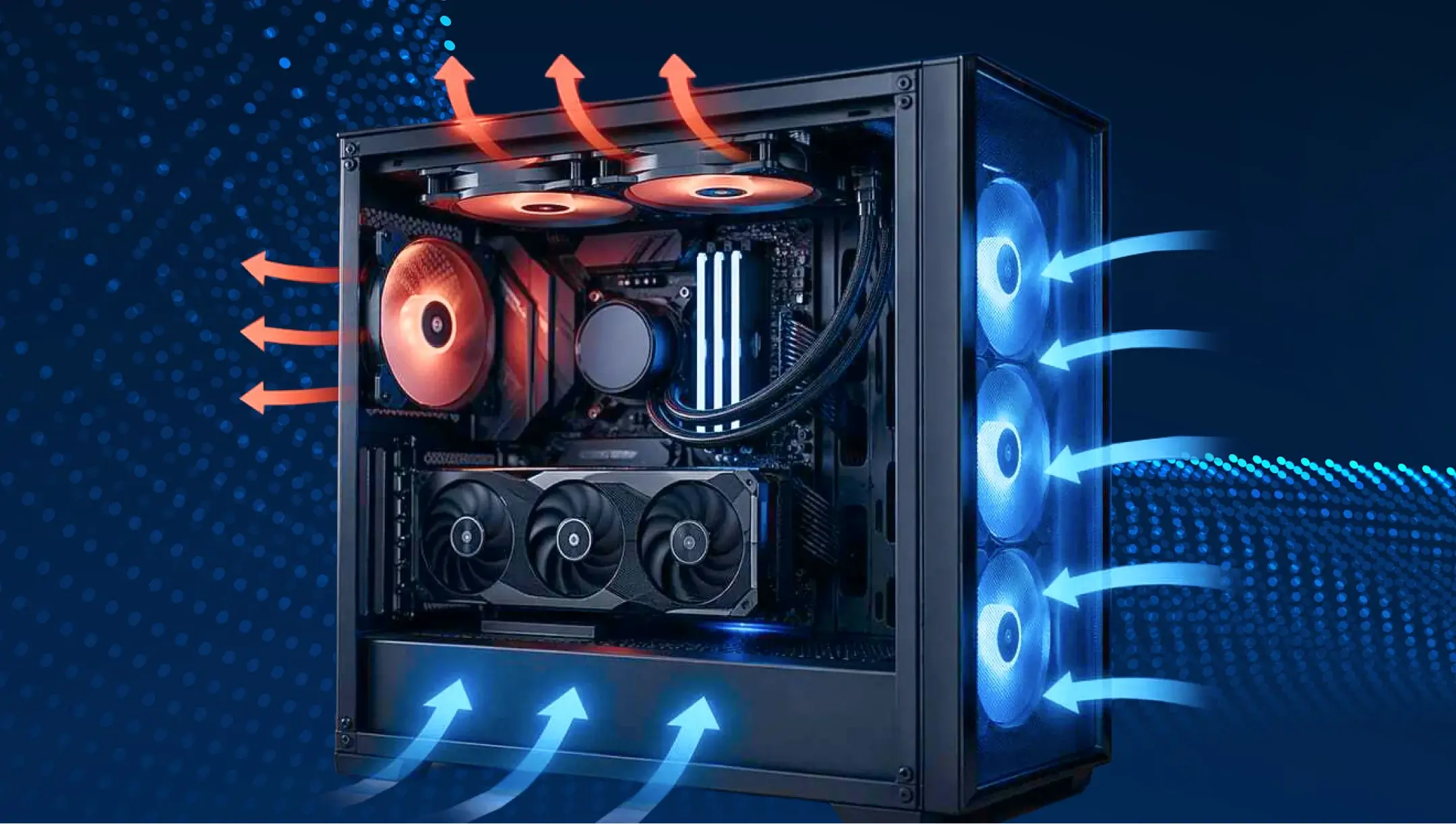
- The chassis cooling system is a top priority. For high-performance builds, users are increasingly investing in premium chassis with good airflow and proper pressure instead of extra decorative elements. This helps the GPU operate at its highest clock speeds for longer without throttling.
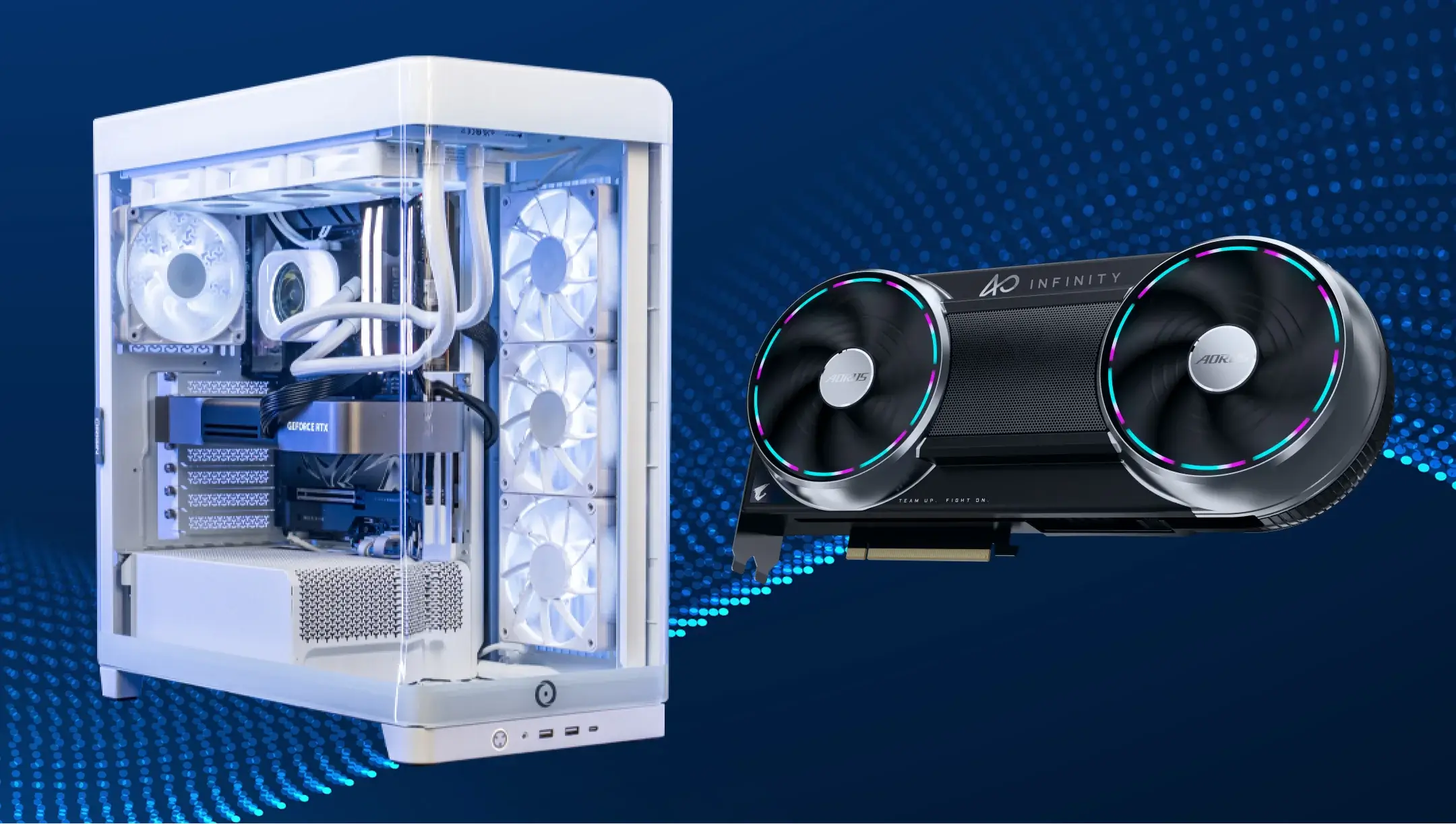
Power consumption differences between RTX PC builds
The gap in power consumption between a budget RTX build and a flagship system can easily reach several hundred watts. Such behaviour impacts everything from PSU selection to cooling requirements, acoustics, and long-term system reliability.
Here’s another little-known fact – even two systems with the same RTX graphics card can differ by more than 100W in total power draw. CPU power limits, PBO tuning, memory overclocking, and additional storage devices all add up. This is why PC builders are increasingly evaluating the power consumption of the entire system rather than just the GPU’s specs.
Here are some typical power consumption figures for different RTX PCs.
| RTX build type | Configuration | Average power consumption | Peak power consumption | Zalecana moc zasilacza |
|---|---|---|---|---|
| Entry-Level RTX | RTX 5060 + Ryzen 5/Core i5 | 250W–320W | 350W–420W | 650W |
| Mainstream RTX | RTX 5070 + Ryzen 7/Core i7 | 350W–450W | 500W–600W | 750W |
| High-End RTX | RTX 5080 + Ryzen 7 X3D/Core Ultra 7 | 450W–600W | 650W–750W | 850W–1000W |
| Enthusiast RTX | RTX 5090 + Ryzen 9/Core Ultra 9 | 600W–750W | 850W–1000W | 1000W–1200W |
Do factory-overclocked RTX graphics cards consume significantly more power?
In most cases, factory-overclocked RTX GPUs don’t consume as much power as some PC builders may think. Real use scenarios show that the difference is around 3-8% compared to the reference models. Increased power consumption starts when manufacturers increase power limits, or users perform additional manual overclocking.
The difference is not so noticeable, as factory overclocking often adds only 50–150 MHz to the Boost Clock. Manufacturers achieve this primarily through improved cooling and higher-quality silicon (binning), rather than significantly increasing voltage. That is why the increase in power consumption for lots of GPU options usually stays minimal.
In 2026, undervolting, not overclocking, is becoming more popular among experienced RTX 5080 and RTX 5090 owners. Many users report that they can reduce power consumption by 15–25% with minimal or even no loss of performance in certain scenarios. In some PC users’ tests, the RTX 5080 reduced power consumption from approximately 360W to 280W while maintaining nearly the same FPS.
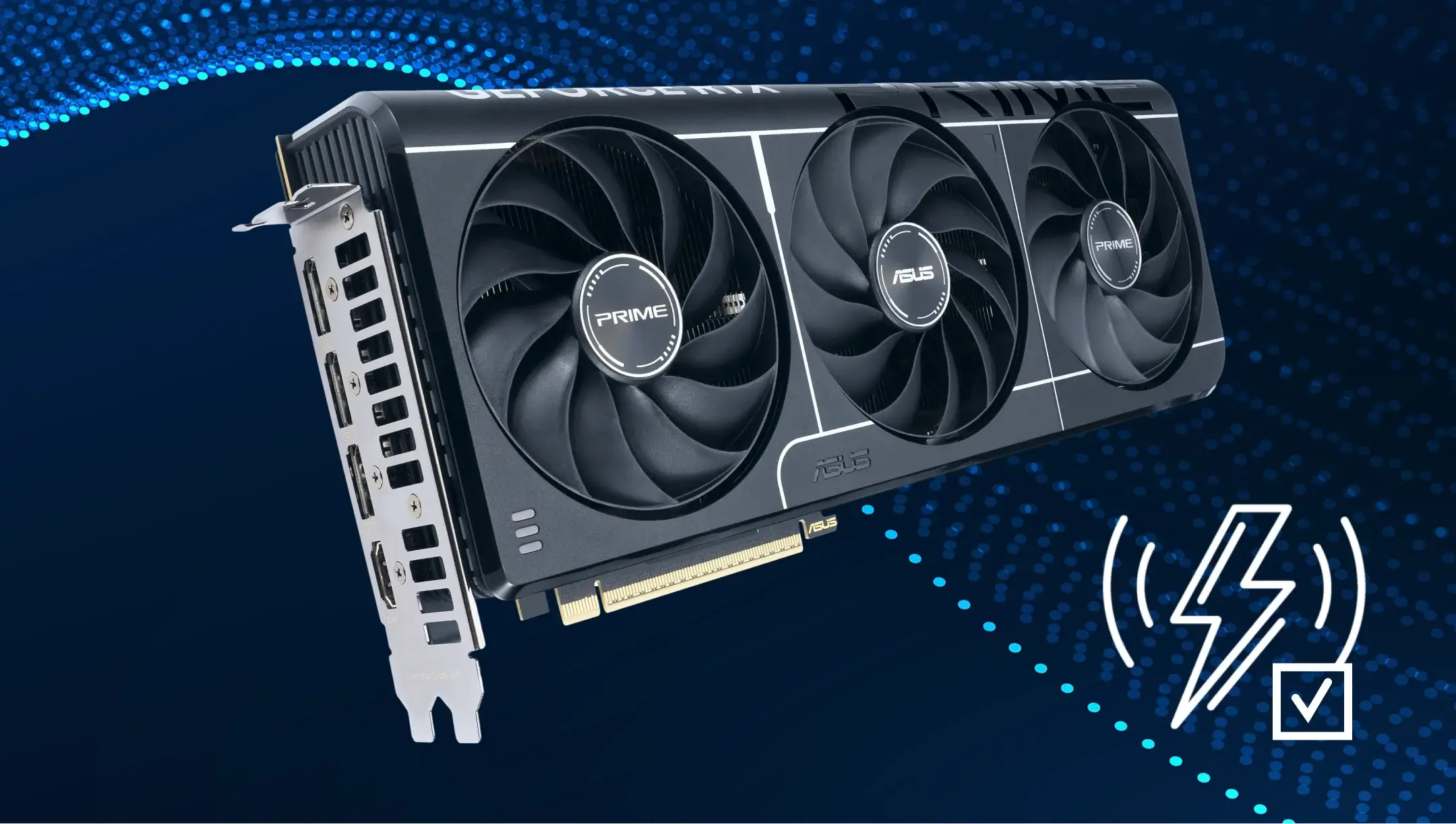
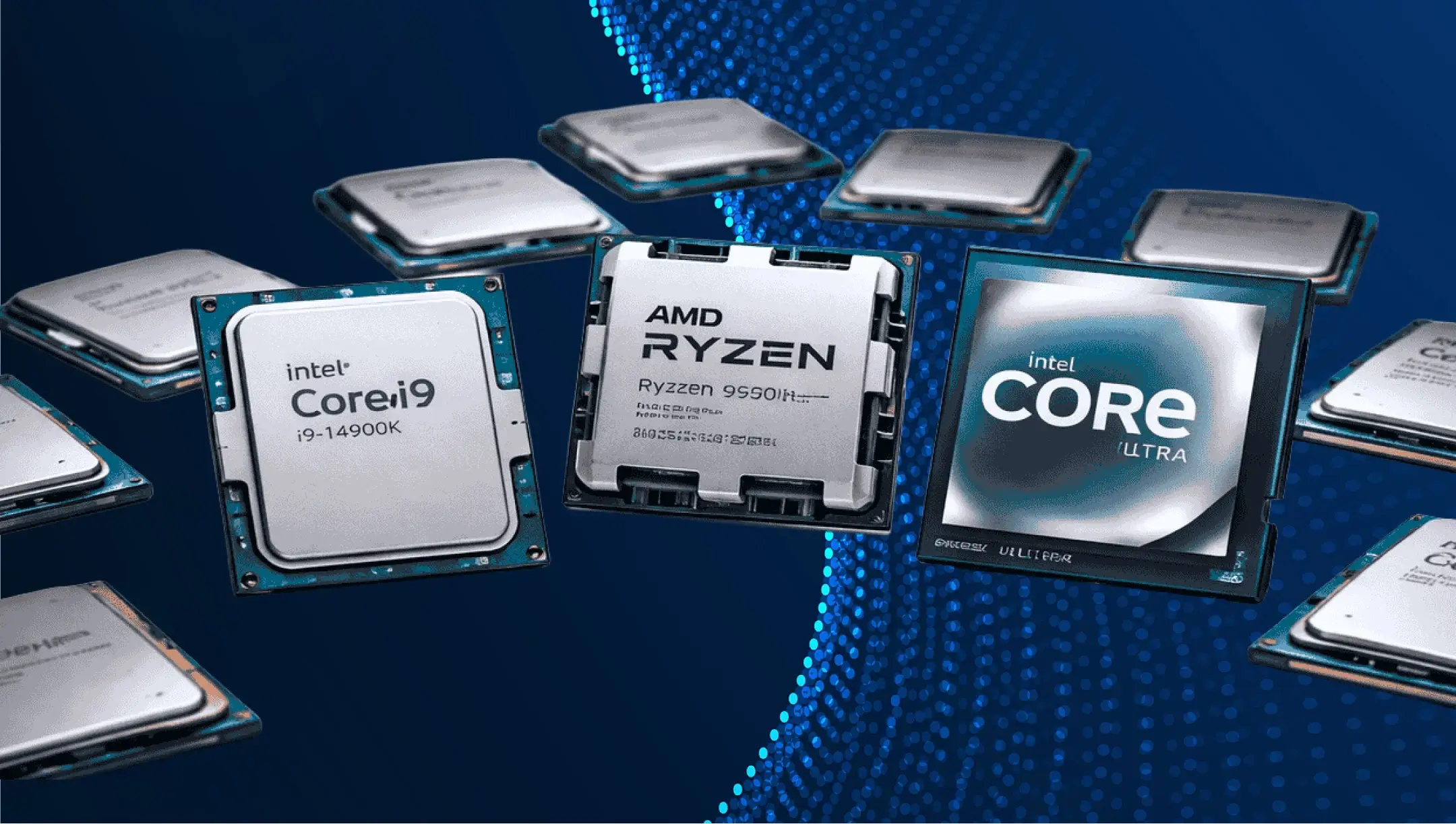
How does CPU choice affect PSU requirements in otherwise identical RTX builds?
The CPU affects PC power supply performance in the way it behaves under load. Although entry-level processors may have different power consumption levels (typically ranging from around 66W to 120W), this difference rarely changes the recommended PSU wattage for the overall system. The impact becomes more visible when the CPU shows sharp fluctuations in power draw. It can suddenly boost clock speed and voltage within fractions of a second, especially during gaming or short, intensive workloads, resulting in transient peak loads.
For example, a mid-range Ryzen 5 or Core i5 runs fairly smoothly, with more predictable power consumption. However, a Ryzen 9 or Core i9 (especially with PBO or MCE enabled) can spike sharply to 200W–300W at peak loads.
The PSU reacts to these power changes immediately, as it should deliver the required power headroom, making this scenario effectively unnoticeable for the user. Despite the system’s average power consumption, brief simultaneous CPU and GPU power spikes can exceed the expected load for a fraction of a second. A properly sized PSU is designed to handle these transient spikes without affecting system stability.
Another factor is that high-performance CPUs can sustain higher boost clocks for longer under demanding workloads. When both the CPU and GPU are operating at high performance simultaneously, the total system power demand increases.
In most RTX builds, the GPU determines the baseline PSU requirement because it is the largest power consumer. The CPU influences how much additional headroom is needed, particularly in systems with high-end processors capable of drawing substantially more power under heavy workloads.
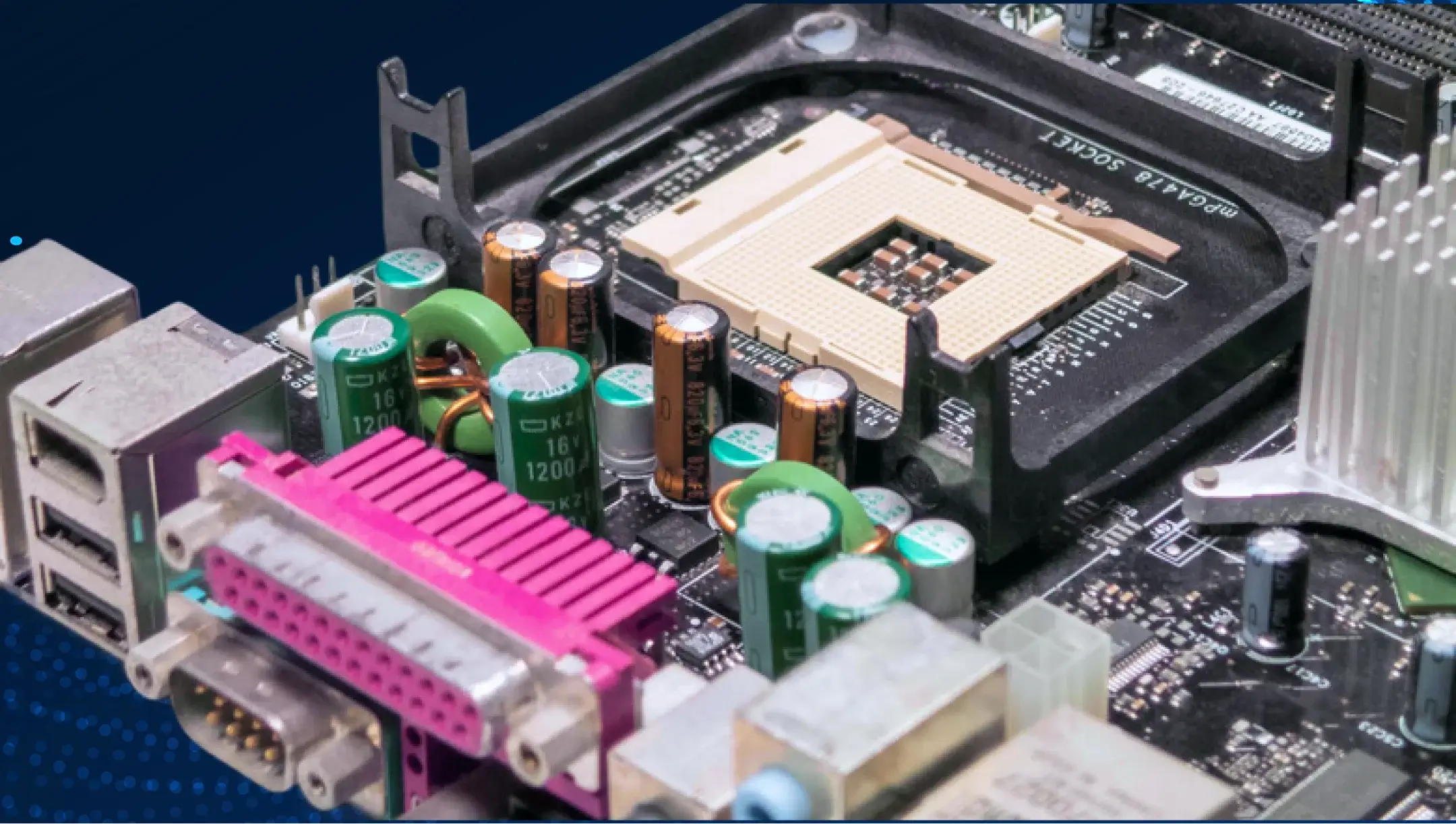
How much do motherboard features and VRM designs impact total system power draw?
Motherboard and VRM don’t add so much to the overall system power consumption. They typically change it a bit, around 10W-40W in a standard use scenario and up to 60W-100W in high-end or overclocked configurations. These changes are driven by what exactly they power and how that power can be used. The motherboard’s VRM primarily affects CPU power delivery and stability. The GPU has its own onboard VRM that independently regulates its power.
A higher-quality VRM primarily helps the CPU maintain stable boost clocks under sustained workloads by providing cleaner and more consistent power delivery. GPU boost behavior, however, depends mainly on its own power delivery system, cooling solution, and power limits rather than the motherboard’s VRM.
The table below summarizes how different motherboard VRM designs typically affect CPU power delivery and sustained performance in real-world workloads.
| Motherboard design characteristic | Typical real-world impact |
|---|---|
| Basic VRM with fewer phases and smaller heatsinks | Higher VRM temperatures under sustained CPU loads; may reduce boost frequency on high-power CPUs when thermal limits are reached. |
| Mid-range VRM with adequate heatsinks | Stable stock CPU operation without VRM throttling for mainstream processors. |
| High-end VRM with larger heatsinks and stronger power stages | Lower VRM temperatures and better sustained CPU boost during prolonged heavy workloads. |
| Premium/OC-oriented VRM design | Better power-delivery efficiency and greater headroom for CPUs running elevated power limits (PBO, MCE, manual OC). |
Cooling systems and case airflow impact on system power consumption
In real usage conditions, the cooling system and case airflow have almost no impact on overall system power consumption. They can only shift system power draw by about 10W–60W, depending on temperatures, boost behavior, and GPU/CPU.
The point is that new-gen RTX GPUs and CPUs don’t operate at a fixed power level. Instead, they constantly adjust their clock speeds and voltages based on the temperature inside the case. If the system is well-cooled, the components maintain high boost clock speeds for longer and can operate stably closer to their power limit. In this case, power consumption actually increases slightly, but so does performance.
When airflow is poor, or temperatures are high, the opposite happens: the GPU and CPU lower their clock speeds to avoid overheating. As a result, overall power consumption drops, but not because the system switches into a more efficient mode, but because it simply cannot operate at full power in such conditions.
Airflow doesn’t make the system more or less power-hungry in the traditional sense. It determines whether an RTX system can fully realize its performance potential, and thus how much power it consumes under load.
Can the number of SSDs, HDDs, and RGB devices change PSU wattage recommendations?
Yes, but not significantly. SSDs, HDDs, and RGB devices don’t increase system power consumption more than 10W–40W in mainstream builds and up to 50W–70W in high-end systems. Total power consumption doesn’t matter as much as burst power demand during startup and RGB controller behavior.
An SSD has almost no impact on system resources at idle, but consumes a few watts during active writing, while an HDD causes a brief but noticeable surge when the spindle starts up. This initial surge creates a brief peak load on the 12V line.
RGB devices behave even more unpredictably than it seems. A single fan or LED strip consumes very little power, but in systems with a large number of connected components via SATA or USB hubs, the load accumulates. It becomes most apparent during system startup, when all controllers initialize in parallel.
In real-world RTX builds, it can affect the PSU’s headroom requirements. For example, a system that theoretically fits within a 750W power supply, but has a large number of HDDs and RGB components, may run more stably with an 850W power supply simply because it has more headroom to absorb startup peaks and short load changes.
How to correctly calculate power supply wattage for any RTX build in 2026
The correct power supply wattage calculation for RTX builds in 2026 stands on three core things: actual GPU load, CPU boost behavior, and available performance headroom. Together, they define whether the system is stable during actual gameplay, not only in theoretical scenarios.
Here’s what to do and what to account for.
- Start by defining the real GPU consumption and add an extra 20–30% of headroom so the PSU can easily withstand transient spikes.
- Add CPU consumption your system runs and consider its boost behaviour, as it also produces short power jumps that mostly stress the power supply.
- Factor in the standard platform consumption. Namely, a motherboard, RAM, SSD, HDD, fans, and an RGB system power specs. The typical number PC builders add is around 30W–80W, but modern high-end systems may require more.
- Consider the system load type. What is the build primarily used for? For example, gaming, AI workstations, streaming, etc.
- Consider the PSU efficiency curve, since efficiency is highest in the 40–70% load range.
Wniosek
The difference in PSU requirements between seemingly identical RTX configurations is driven by real-world behavior under load. Any changes to settings, cooling, or the platform affect how the components draw on the available power supply, and this is precisely what results in varying levels of power excursions and the need for a PSU with more or less headroom.