









Building a PC with multiple RTX 5090 graphics cards opens up new possibilities for demanding workloads. But what does it take to keep such a powerful system running reliably? In this article, we explain the hardware, cooling, and power supply requirements behind a multi-GPU setup.
What tasks benefit from using multiple RTX 5090 graphics cards in a single PC?
Installing multiple RTX 5090 GPUs in one PC makes sense when your software can distribute work across the cards. More benefits go to PC users who work mostly with large data volumes and resource-intensive computations. Since AI leads the way in 2026, there may be tasks connected with AI training, integrating MMLs, or others.
AI workstations with RTX 5090 GPUs can run LLMs locally, fine-tune them, generate images and videos, and send requests to several AI models at the same time. Each RTX 5090 graphics card comes with 32 GB of GDDR7 memory. Using specialized software tools, you can distribute model components across multiple graphics cards and work with models that do not fit into the memory of a single GPU.
3D graphics specialists can also benefit from using a PC equipped with two or more graphics cards. For example, Blender Cycles can use multiple GPUs to speed up rendering. Each RTX 5090 generally uses its own 32 GB of VRAM.
You don’t necessarily get double performance from another graphics card you add to your setup. The actual performance gain depends on the specific task and the capabilities of the software you use.
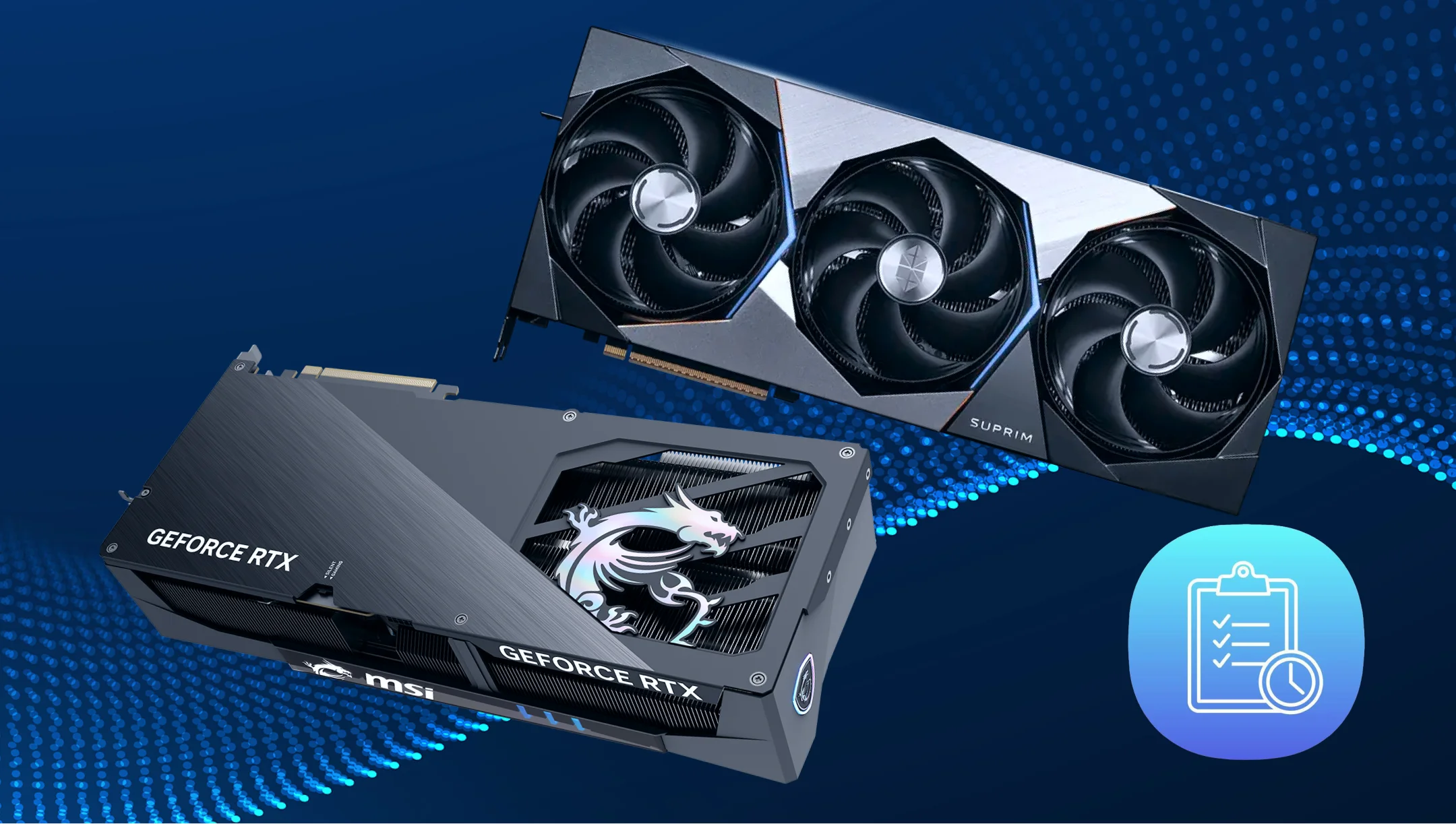
Which motherboards and processors support the installation of multiple RTX 5090s?
Installation of two RTX 5090 graphics cards or more may require separate consumer motherboards. If you add three or four GPUs to the configuration, this upgrade needs more advanced solutions. Professional motherboards support multi-channel memory, ECC RDIMMs, extra power connectors, and remote system management.
In 2026, the following platforms work for PCs running on multiple GPUs:
– AMD AM5. Ryzen 9000 processors can be paired with select X870E motherboards, such as the ASUS ProArt X870E-Creator WiFi.
– AMD TRX50. This platform supports Ryzen Threadripper 9000 processors for high-performance desktops and professional workstations.
– AMD WRX90. Designed for Ryzen Threadripper PRO 9000 WX processors, with workstation motherboards such as the ASUS Pro WS WRX90E-SAGE SE.
– Intel W890. This workstation platform supports Intel Xeon 600 processors. One compatible motherboard is the ASUS Pro WS W890E-SAGE SE.
When choosing a processor for your setup, consider what kind of tasks your system will handle. If the graphics cards do most of the computing themselves, buying a high-end multi-core CPU won’t always make your system noticeably faster. However, the processor must be able to handle data preparation, loading, and related operations.
Therefore, before purchasing, check the list of supported processors, the BIOS version, and the manufacturer’s recommendations for installing multiple graphics accelerators.
How many PCIe lanes are required for a system with multiple GPUs?
The PCI Express lanes ensure the data exchange between the graphics processors and other PC components. But the availability of several physical PCIe x16 connectors on the motherboard side doesn’t mean that all of them will work using 16 lanes altogether.
The RTX 5090 graphics card supports a PCIe 5.0 x16 interface. The table shows how many PCIe lanes are needed to run each GPU at full x16 bandwidth.
| GPUs number | PCIe configuration | Required number of lanes |
|---|---|---|
| 2 | x16/x16 | 32 |
| 3 | x16/x16/x16 | 48 |
| 4 | x16/x16/x16/x16 | 64 |
The data in the table works only for graphics processors. Extra lanes may be needed for NVMe drives, network adapters, and other expansion cards.
The x16 mode doesn’t have to be present for the RTX 5090 GPU to work. Instead, you can connect two GPUs in x8/x8 mode. The PCIe 5.0 x8 bandwidth is approximately 31.5 GB/s in one direction, which is equivalent to PCIe 4.0 x16.
For tasks where the biggest computational load is on the GPU side, such a configuration may be enough. However, distributed training of AI models that involves frequent data exchange between accelerators may be more bandwidth-sensitive.
Our advice is to check the PCIe lane configuration in your motherboard manual. Installing an additional M.2 SSD can sometimes reduce the bandwidth available to nearby PCIe slots or change how they operate. For example, on the ASUS ProArt X870E-Creator WiFi with a Ryzen 9000 or 7000 desktop processor, the two CPU-connected PCIe slots run at x8/x8 with two GPUs installed, or x8/x4 when the M.2_2 slot is in use.
What kind of PC case can accommodate two or more graphics cards?
When choosing a case for two or more GPUs, check the internal layout and available clearance, because even a full-tower case may have too little room once the other components are installed.
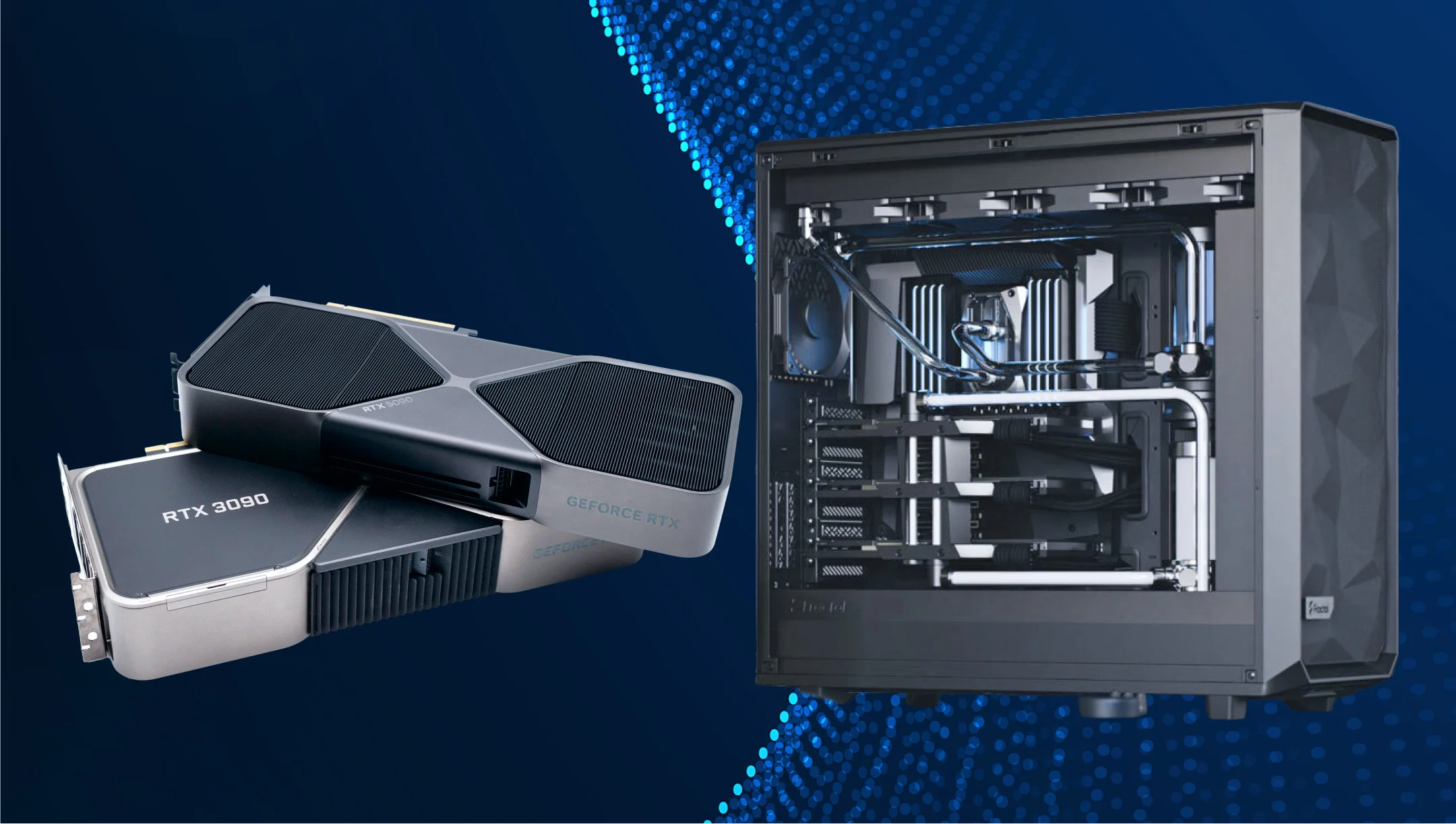
Start by checking the specific RTX 5090 model dimensions. For example, the Founders Edition is 304 mm long, 137 mm wide, and occupies two slots. Meanwhile, the ASUS ROG Astral RTX 5090 OC Edition measures 357.6 × 149.3 × 76 mm and occupies 3.8 slots. The difference is significant, especially when you need to install two or more GPUs.
Here are more things to consider when choosing a case for multiple GPU installations:
– Compatibility with motherboard formats: ATX, E-ATX, or SSI-EEB.
– Number of horizontal expansion slots and their placement.
– GPUs’ maximum allowed length and width.
– Space for routing GPU power cables.
– Ability to install a long PSU and brackets to support heavy GPUs.
A good example to consider for two or more 5090 GPUs is a Fractal Design Meshify 2 XL PC case, designed with nine horizontal expansion slots and support for SSI-EEB motherboards.
For systems running three or four RTX 5090 GPUs, we advise looking at customized enclosures for workstations or open-frame chassis designed to accommodate multiple GPUs.
How should cooling be set up for multiple RTX 5090s?
The essential factor you need to consider when setting up cooling for multiple GPUs is how their cooling systems affect each other. When graphics accelerators are located very close to one another, one GPU may end up using air that has already been heated by another GPU.
To keep temperatures under better control, organize air cooling so that cool air goes in through the front and bottom case sides and out through the top and rear. If it’s possible with your case design, additional side fans can direct air directly to the graphics processors.
Beyond that, leave free space between the GPUs. As NVIDIA states, it’s better to leave additional space (equivalent to one expansion slot) to improve airflow around the RTX 5090 Founders Edition.
As an alternative solution, you can use a custom system of liquid cooling with full-cover water blocks. Such a configuration moves the heat away from graphics chips, memory, and the graphics card’s VRM components to properly sized external radiators. However, this requires careful calculation of the thermal load and regular maintenance.
Besides the GPUs, there are other system components that also need appropriate cooling – RAM modules, the motherboard’s VRM, and NVMe drives. Consider them too when planning your PC cooling setup.
Once the setup is complete, check the temperature of each GPU under a sustained simultaneous load. If one GPU runs much hotter than the others, recheck airflow and fan placement.
What is the power consumption of a system with multiple RTX 5090s?
The starting point before picking a power supply for RTX 5090 GPUs is the official Total Graphics Power (TGP) rating. Leave enough PSU headroom for the system’s sustained load. For brief power excursions, check that the PSU meets the applicable ATX 3.1 power-excursion requirements.
Here is the approximate power consumption of a system in which the processor and other components account for 250 W. The 250 W allowance is illustrative. Some Threadripper and Xeon configurations may require a higher allowance for the CPU and other components.
| Number of RTX 5090 GPUs | GPU TGP | Estimated system power consumption |
|---|---|---|
| 2 | 1150 W | 1400 W |
| 3 | 1725 W | 1975 W |
| 4 | 2300 W | 2550 W |
This is a rough estimate. Actual power consumption will depend on the processor you choose, your GPU settings, and the nature of the workload.
For a two-GPU system with an estimated DC power budget of 1400 W, review these power supplies:
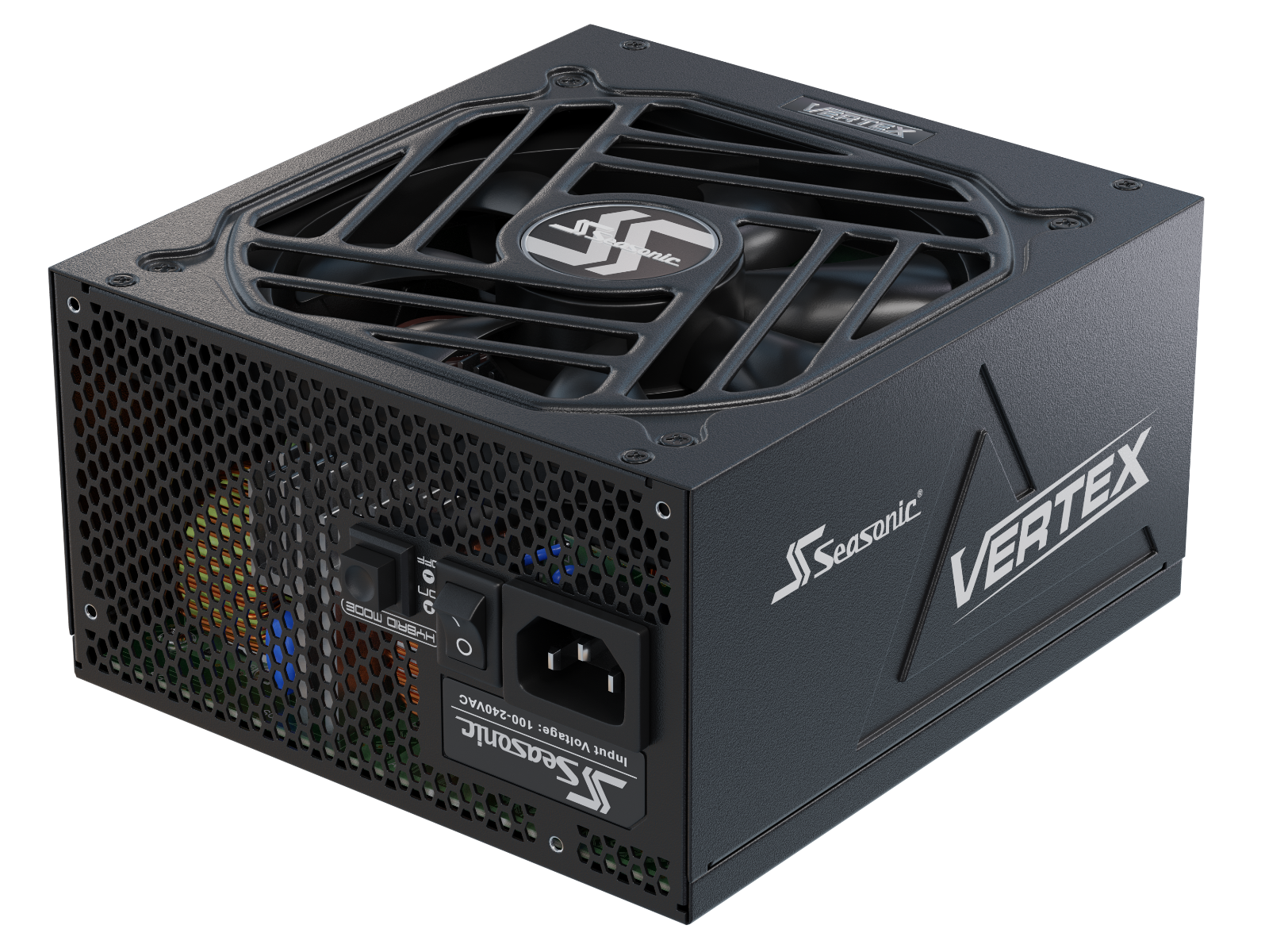
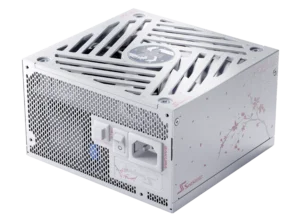
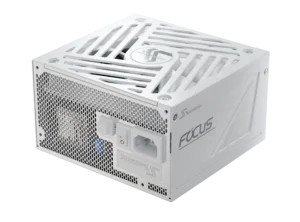
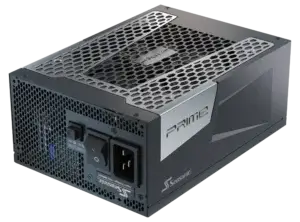
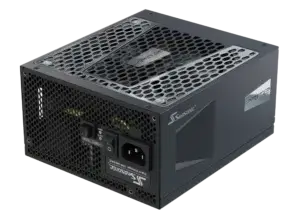
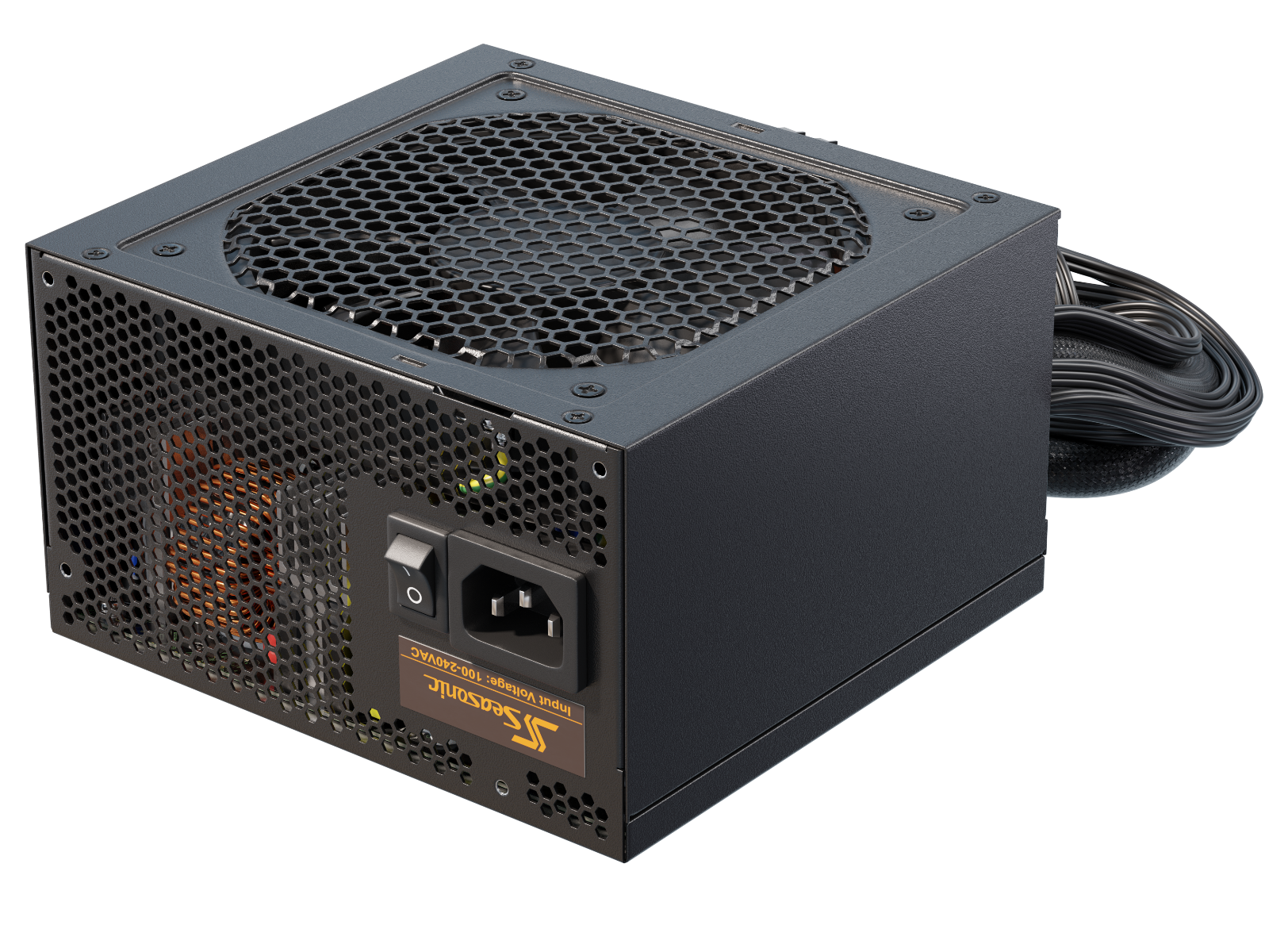
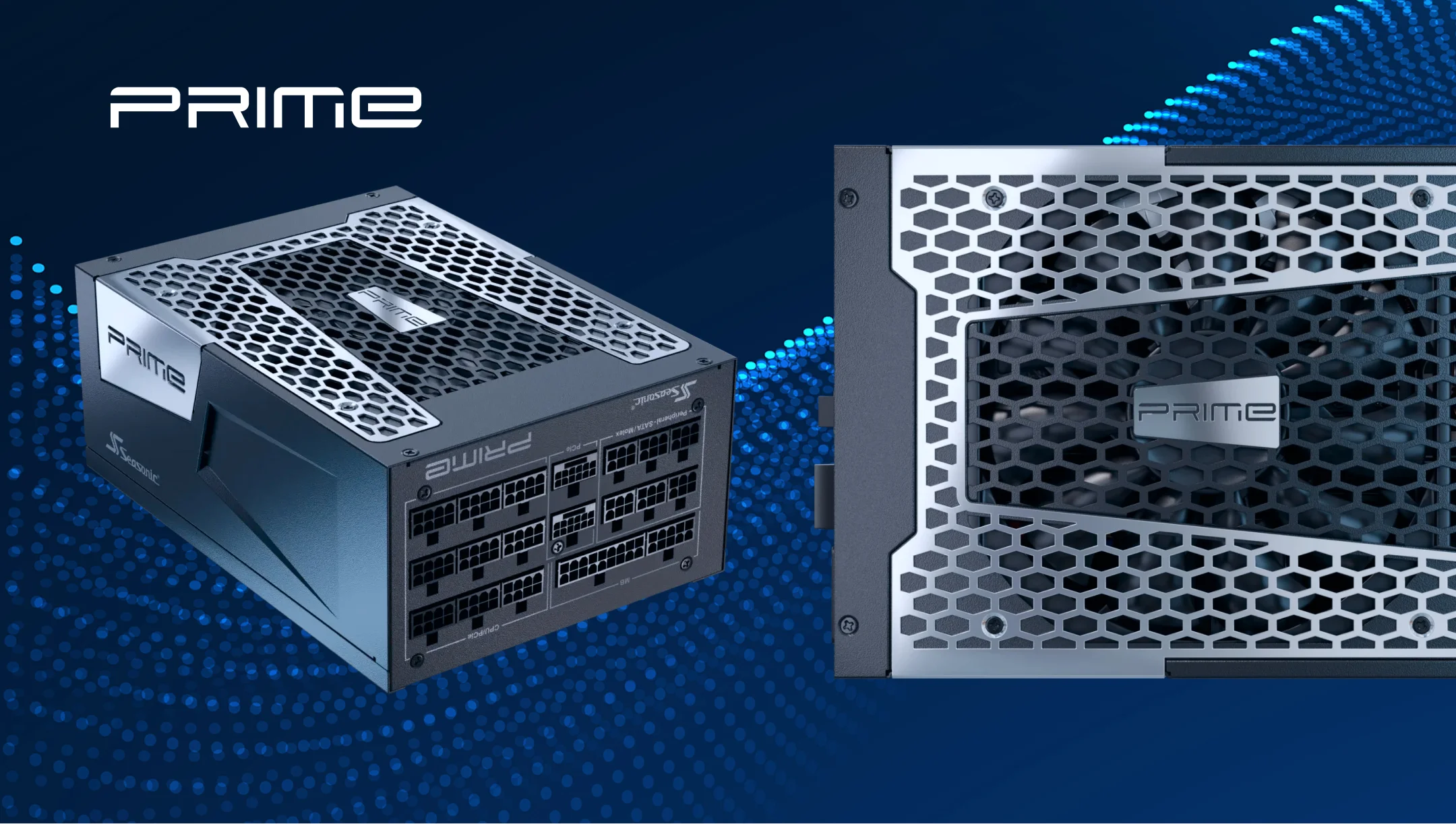
– Seasonic PRIME TX-1600 ATX 3.1 (1,600 W at 115–240 Vac, 1,300 W at 100 Vac)
– Seasonic PRIME PX-2200 ATX 3.1 (200-240 Vac only)
Before purchasing components, make sure your electrical outlet and circuit can handle the system’s sustained power draw at the wall, even if you’re building a PC with just two RTX 5090 GPUs. The available capacity depends on your local voltage, circuit breaker rating, and other devices connected to the same circuit. Remember that actual power consumption at the wall will be higher than the power delivered by the PSU to your PC components due to efficiency losses.
If you run the system with four RTX 5090 GPUs, we recommend using specialized power architecture. Also check the maximum load on the room’s electrical system, the outlet, the cables, and the uninterruptible power supply, if one is used.
How can 12V-2×6 cables be safely connected to multiple RTX 5090s?
We recommend using one dedicated, PSU-compatible 600 W 12V-2×6 cable per GPU. For example, the Seasonic PRIME TX-1600 ATX 3.1 PSU comes with two native 12V-2×6 cables, while the PRIME PX-2200 ATX 3.1 PSU comes with two native 12V-2×6 cables and two 2×8-pin to 12V-2×6 cables.
Before connecting your GPUs, review our native 12V-2×6 cable installation precautions. Here are the key recommendations to follow:
– Insert the connectors fully into the sockets until the latch clicks into place.
– Avoid bending the cable within at least 35 mm of the connector.
– Do not use uncertified splitters or adapters.
– Make sure the side case panel does not press on the cables.
– Use cables compatible with the specific PSU model, verified by the manufacturer.
How do power limits and undervolting help improve system stability?
Lowering GPU power limits can reduce power draw and heat in workstations where sustained performance matters more than peak clock speed.
Power limits set the maximum power consumption limit for each GPU. The graphics processor automatically adapts to new conditions and changes technical parameters to stay within this limit. Reducing the power limit from 575 W to 500 W per GPU lowers the combined configured limit by 300 W across four GPUs.
Undervolting is an optional adjustment that reduces the GPU’s operating voltage at a given clock speed. It can lower power draw and heat. If you undervolt your GPUs, test stability under the workloads you actually run.
To manage power limits on supported configurations, you can use the NVIDIA System Management Interface (nvidia-smi). To configure the voltage and frequency curve, use MSI Afterburner.
Abschluss
A system with multiple RTX 5090 GPUs can be a powerful tool for on-premises AI, professional graphics, and high-performance computing. However, its effectiveness depends on how well its components are matched to a specific workload.
Before investing in one more graphics accelerator, assess what limitations your current system has and how installing new hardware will address them. For some tasks, the priority will be parallel computing speed. For others, it will be the ability to work with larger models or run multiple independent processes simultaneously.