


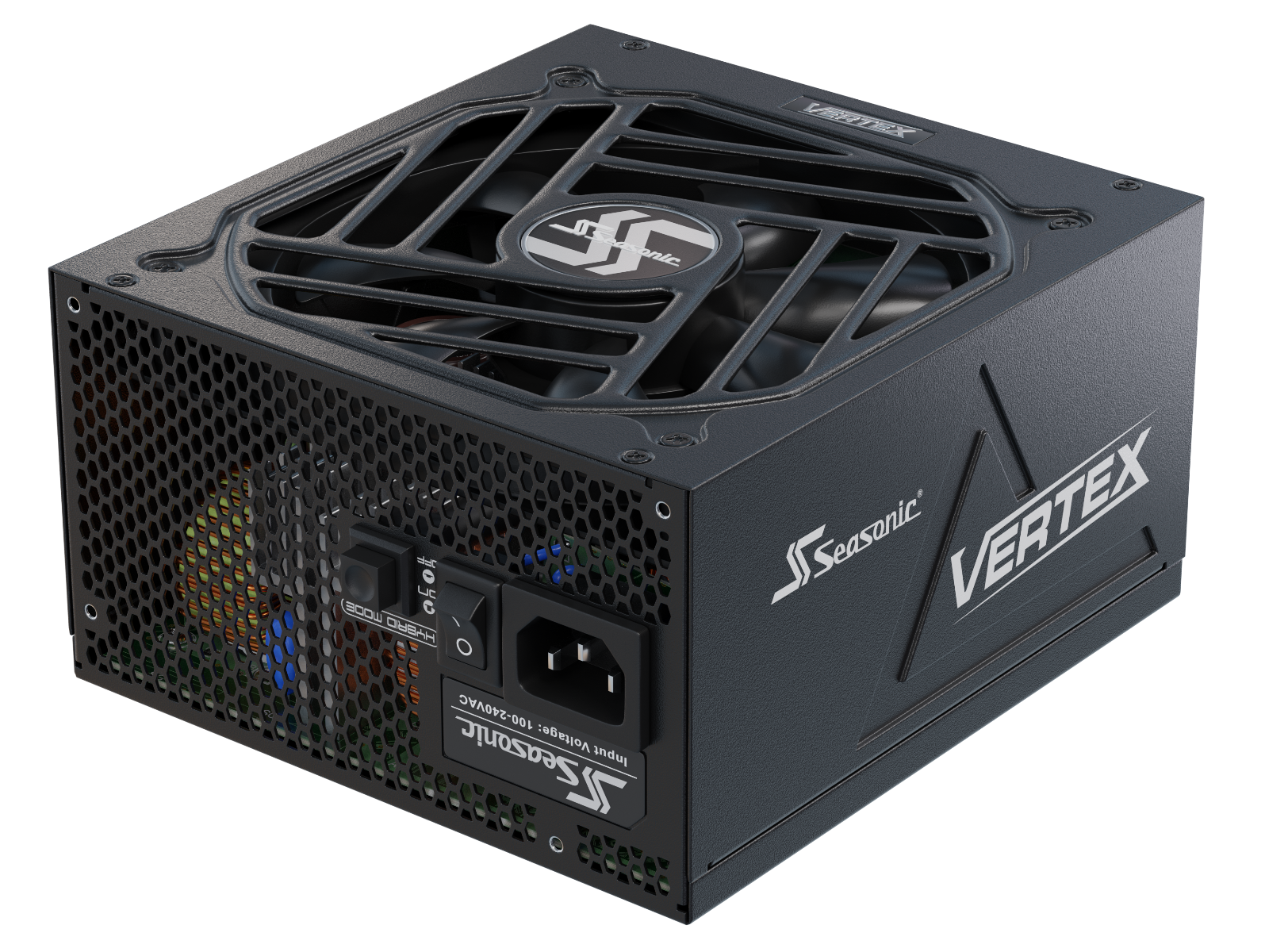


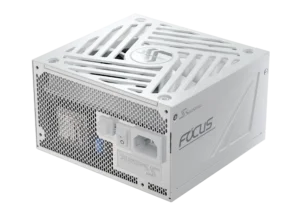


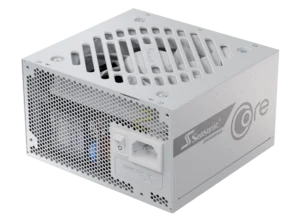
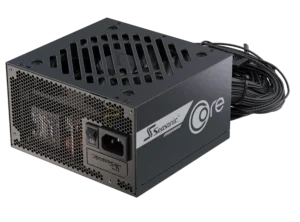
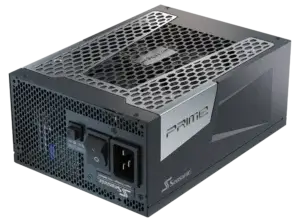



Upgrading from one Seasonic PRIME power supply to another does not always mean replacing every modular cable already installed in your system. Many PRIME generations share compatible cable families, but GPU power connections and some legacy models require additional checks. In this guide, we focus specifically on which PRIME cables can be reused when moving between older PRIME models and current power supplies.
What is cable compatibility in PC power supplies?
PSU cable compatibility refers to whether a cable is compatible with a specific power supply unit and the component it connects to. Compatibility depends on both the connector and its electrical configuration. This includes which pins carry voltage, serve as return paths, or transmit control signals.
Based on cable configuration, PSUs fall into three main groups – fully modular, semi-modular, and non-modular. In a fully modular power supply, all power cables are detachable; in a semi-modular one, some cables are permanently attached. This includes which pins carry voltage, serve as return paths, or transmit control signals. The pinout on the power supply side is not universal as well; it can vary between manufacturers and even between different series from the same brand.
Can you reuse cables when upgrading a Seasonic PRIME PSU? In many cases, yes, but compatibility must be checked by cable family and PSU generation. Current Seasonic series use a unified pinout design, and many standard PRIME cables are compatible across generations. However, this does not mean that every cable can be connected to every PRIME model. Connector availability, the PSU’s ATX generation, and the type of GPU power cable still matter.
Why cable compatibility matters for PC builders
Cable compatibility is important for PC builders because the wrong cable can damage PC components even if the connection physically fits. The plug may fit into the socket, but the arrangement of the electrical contacts inside may be different. Seasonic explicitly warns that using incompatible modular cables poses a risk of equipment damage.
The wiring diagram on the PSU itself is crucial. The cable must connect the power supply unit’s outputs to the corresponding pins on the component. For example, an ATX cable carries various voltages and control signals. If the connections do not match the required configuration, voltage may be applied to a pin for which it is not intended. Therefore, having the same number of pins does not make cables interchangeable.
For PC builders, the issue of modular PSU cable compatibility is particularly important during upgrades and PSU replacement. Do not assume that two modular cables are interchangeable simply because their connectors fit. When reusing cables during a PRIME upgrade, identify the exact PSU model and cable family first, then confirm it in the Seasonic Cable Compatibility Guide. This is especially important when moving between legacy PRIME and ATX 3.x models.
Seasonic PRIME series modular cables: What you need to know
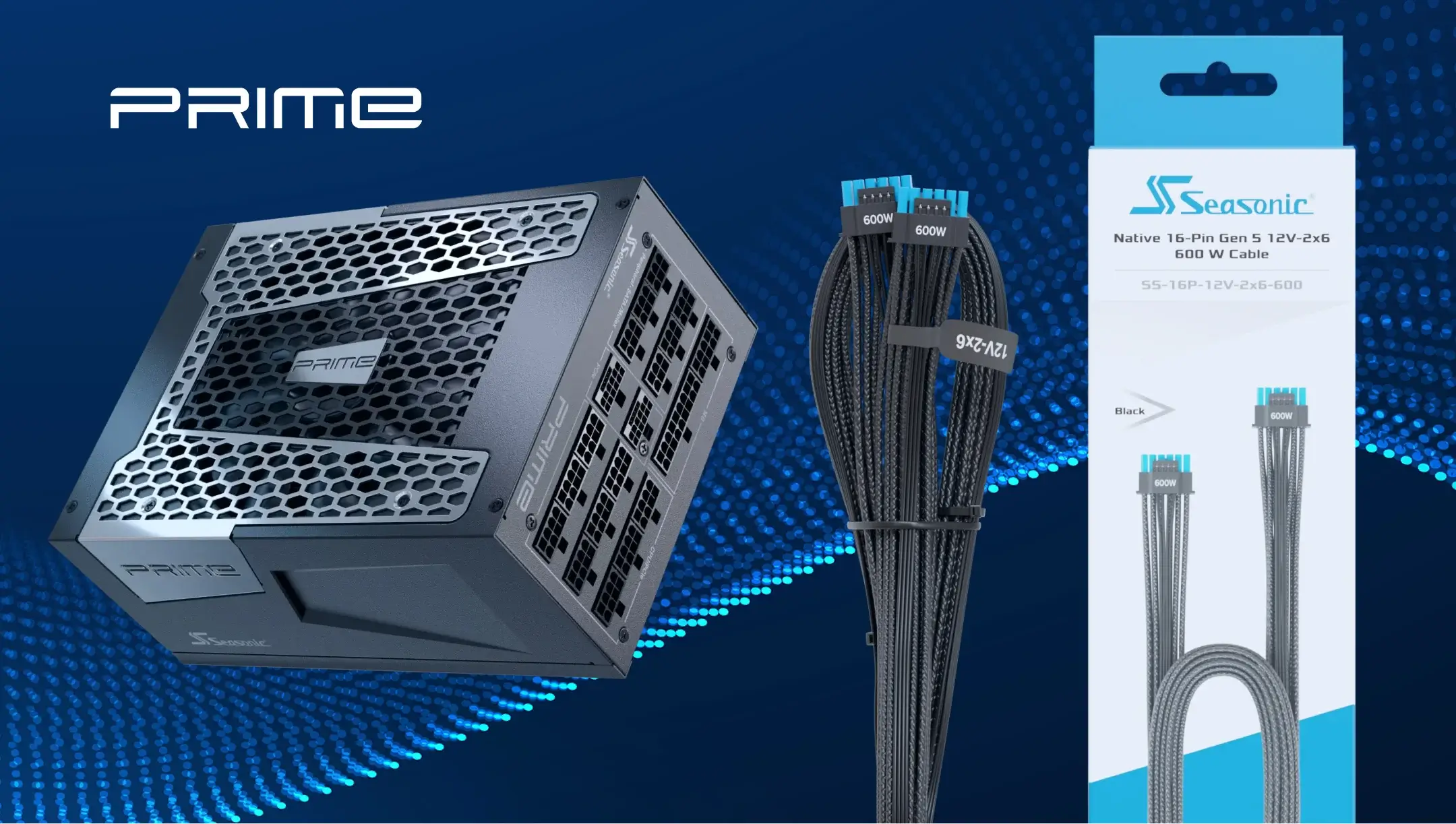
Before reusing a cable with another PRIME power supply, identify both the exact PSU model and the cable itself. PRIME covers several generations, including older non-ATX 3.x units and current ATX 3.0/3.1 models, so modular PSU cable compatibility should be checked by cable family rather than by the PRIME name alone.
Seasonic provides cable markings that can be matched against the official Cable Compatibility Guide:
– xJ09 among ATX cables,
– xE25 among CPU/EPS cables,
– xG03 among PCIe cables.
The letter “x” represents any letter in the code. Match the markings to the corresponding row and column for your series. These are examples of markings, so if your code is not listed here, you’ll need to check the complete table.
These markings help identify the cable family, but a shared pinout does not automatically mean that every cable can be used with every PRIME model. The PSU must also support the corresponding connector type and cable configuration.
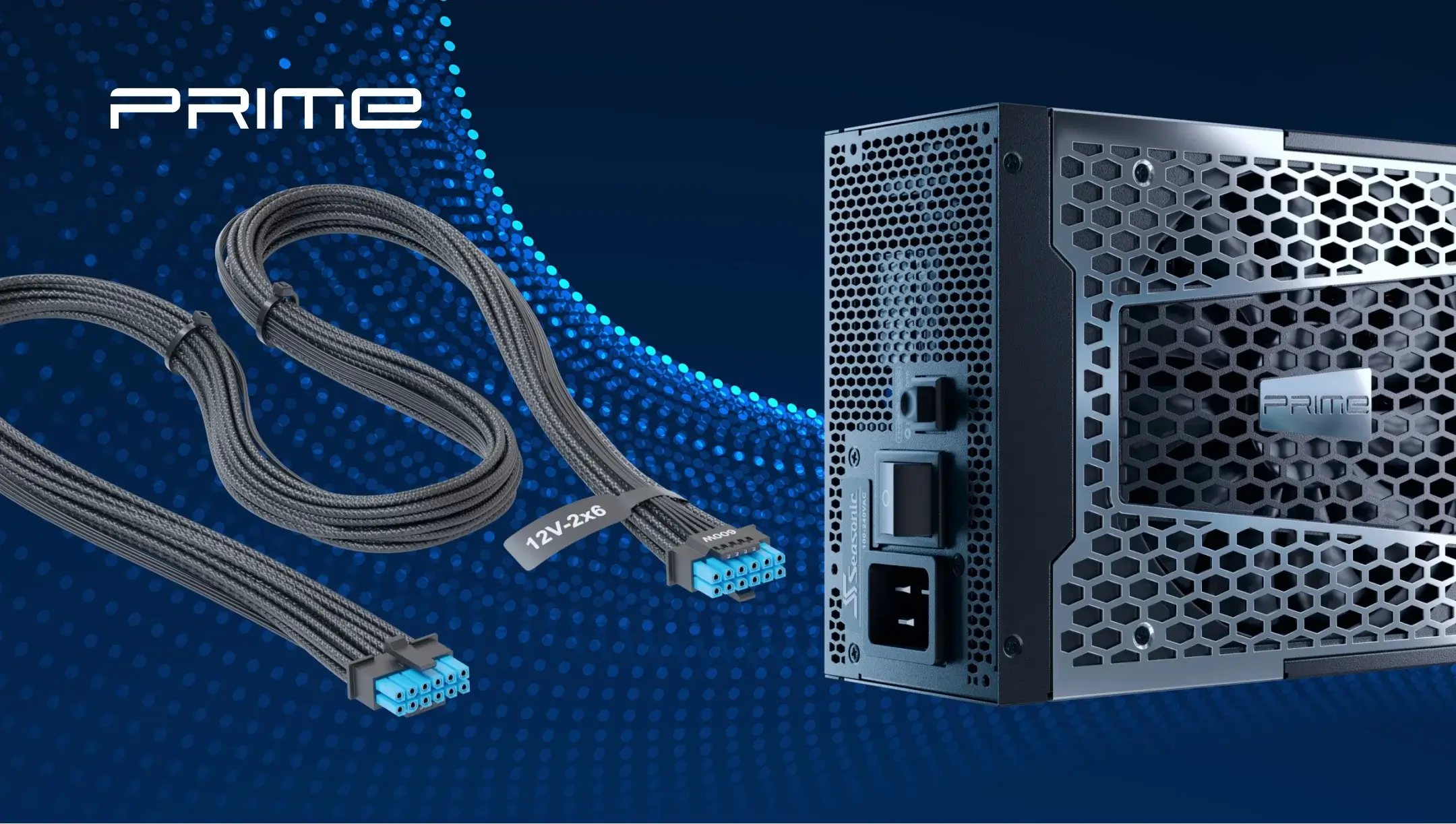
Connecting the motherboard cable requires special attention: in the Seasonic diagram shown, the PSU end of the cable has 18-pin and 10-pin connectors. You need to connect both. At the opposite end is a 24-pin connector for the motherboard. The different number of pins at each end is by design; check the cable according to the instructions, not based on visual symmetry.
Does a shared PSU cable pinout mean all PRIME cables are interchangeable?
No. A shared pinout means that supported cable families use the same electrical layout, but it does not mean that every Seasonic cable works with every PRIME power supply.
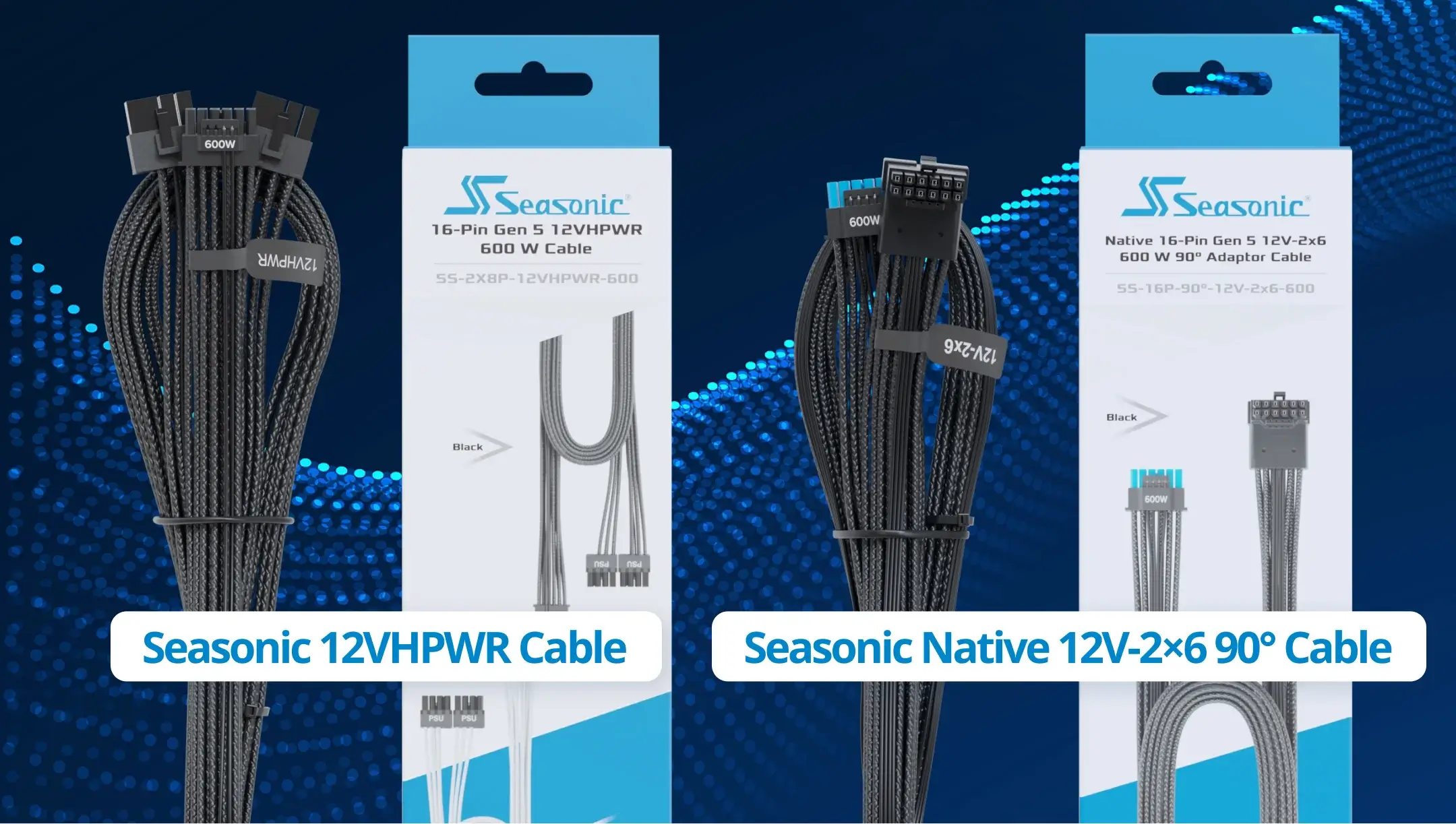
Standard ATX, CPU/EPS, PCIe, SATA, and Peripheral cables may be reusable across supported PRIME generations, but compatibility still needs to be checked for the exact cable family. Native GPU power cables are a good example of the limitation: a native 12VHPWR or 12V-2×6 cable requires a PRIME model with the corresponding PSU-side connector, while compatible older PRIME units use a different 2×8-pin PSU-side connection.
For detailed pinout diagrams and general cable compatibility information, refer to the Seasonic Cable Compatibility Guide.
Native vs 2×8-pin GPU cables for PRIME power supplies
For PRIME users, the main difference to understand is how the GPU cable connects to the power supply.
Current compatible PRIME ATX 3.x models can use native 12VHPWR or 12V-2×6 cables PRIME ATX 3.x models with a native 16-pin PSU-side connector can use Seasonic native 12VHPWR or 12V-2×6 cables, which have a 16-pin connection on the PSU side and a corresponding 16-pin connection on the graphics card side.
Compatible older PRIME models use a different solution: a Seasonic 2×8-pin-to-12VHPWR or 2×8-pin-to-12V-2×6 cable. This cable connects directly to two compatible 8-pin modular ports on the PSU and provides a single 16-pin connector for the graphics card.
Therefore, a GPU cable that works with a current PRIME ATX 3.x model should not automatically be assumed to work with an older PRIME PSU. Check whether the cable is a native 16-pin version or a 2×8-pin PSU-side version before reuse.
For a detailed explanation of 12VHPWR and a native 12V-2×6 cable, see our dedicated guide.
PRIME TX/PX series: Cable compatibility details
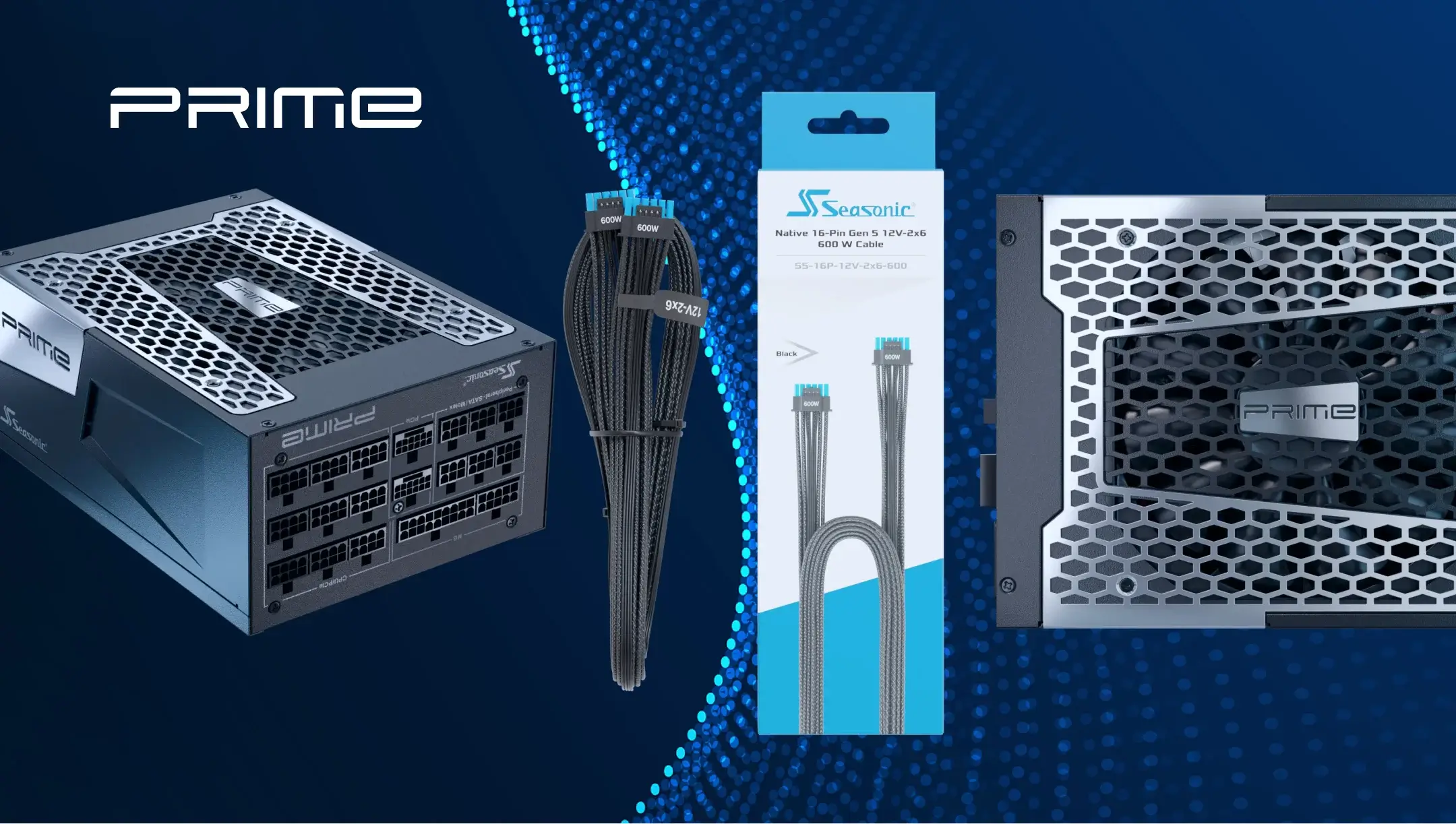
For the PRIME TX/PX PSU Series, compatibility depends mainly on the cable family and the PSU-side connector available on each model. Standard modular cable families may remain reusable between supported PRIME generations when listed as compatible in the official Seasonic Cable Compatibility Guide. GPU power cables require more attention because current PRIME ATX 3.x units can support native 16-pin connections, while compatible older PRIME models rely on two PSU-side 8-pin connectors.
The difference is clearly visible on the native 12V-2×6 cable: it has a 16-pin connector on both the PSU and graphics card sides. For compatible older modular platforms, there is another Seasonic cable with two 8-pin connectors on the PSU side. It connects directly to the modular panel, so it’s not the same as an adapter used with standard PCIe leads.
The included accessories also depend on the model. For example, for the PRIME PX-2200 ATX 3.1, Seasonic lists two 12V-2×6 cables with 16-pin connectors on both ends and two 2×8-pin to 12V-2×6 cables.
Package contents should also be treated separately from cable compatibility. A cable may be electrically compatible with a PSU generation even if it was not included in every retail package for that model.
Previous-generation PRIME models and cable specifics
In previous generations of PRIME PSUs, we gradually changed both the cable design and the contents of the kits:
– The early PRIME Titanium, Platinum, Gold, and PRIME Fanless 600 models. These generations originally shipped with selected ATX 24-pin, CPU/EPS, and PCIe cables featuring inline capacitors. Compatible non-capacitor versions can also be used with these models, so the absence of inline capacitors on a newer replacement cable does not by itself make it incompatible.
– PRIME Ultra Titanium, Platinum, and Gold. PRIME Ultra models moved away from the earlier capacitor-equipped cable design. When upgrading from a PRIME Ultra PSU, compatible standard ATX 24-pin, CPU/EPS, PCIe, SATA, and Peripheral cable families may still be reusable with supported PRIME generations. However, GPU power cables should be checked separately because these models predate native ATX 3.x 16-pin PSU connections.
– Previous-generation PRIME TX-1000, PX-1300, and PX-1000. We added a 12VHPWR cable to these cable sets during the product lifecycle. As a result, units sold during the transition period may have been packaged either with or without this cable. For these older PRIME models, the relevant GPU cable uses two 8-pin connectors on the PSU side rather than a native 16-pin PSU connection. When upgrading or replacing the cable, check the actual PSU model and cable configuration instead of relying only on the original package contents.
What should PRIME users check before reusing an existing cable?
Before keeping cables already installed in your system, check:
– the exact model and generation of both the old and new PRIME PSU;
– the cable family and cable marking;
– whether the new PSU provides the required PSU-side connector;
– whether the GPU cable is native 16-pin or uses two 8-pin PSU-side connectors;
– whether the cable is listed as compatible in the Seasonic Cable Compatibility Guide.
If any of these points cannot be confirmed, use the cable supplied with the new power supply or contact Seasonic support before connecting it.
Abschluss
Upgrading between Seasonic PRIME generations does not always require replacing every modular cable already installed in your system. Many standard cable families can remain compatible across supported PRIME models, including some older generations.
The main point to check separately is GPU power. Current PRIME ATX 3.x models can use native 12VHPWR or 12V-2×6 cables, while compatible legacy PRIME power supplies use versions with two 8-pin PSU-side connectors.
Before reusing a cable, confirm the exact PRIME models, identify the cable family, and check it against the Seasonic Cable Compatibility Guide. This lets you reuse compatible cables where possible without assuming that every cable with a shared pinout or matching connector is interchangeable.