


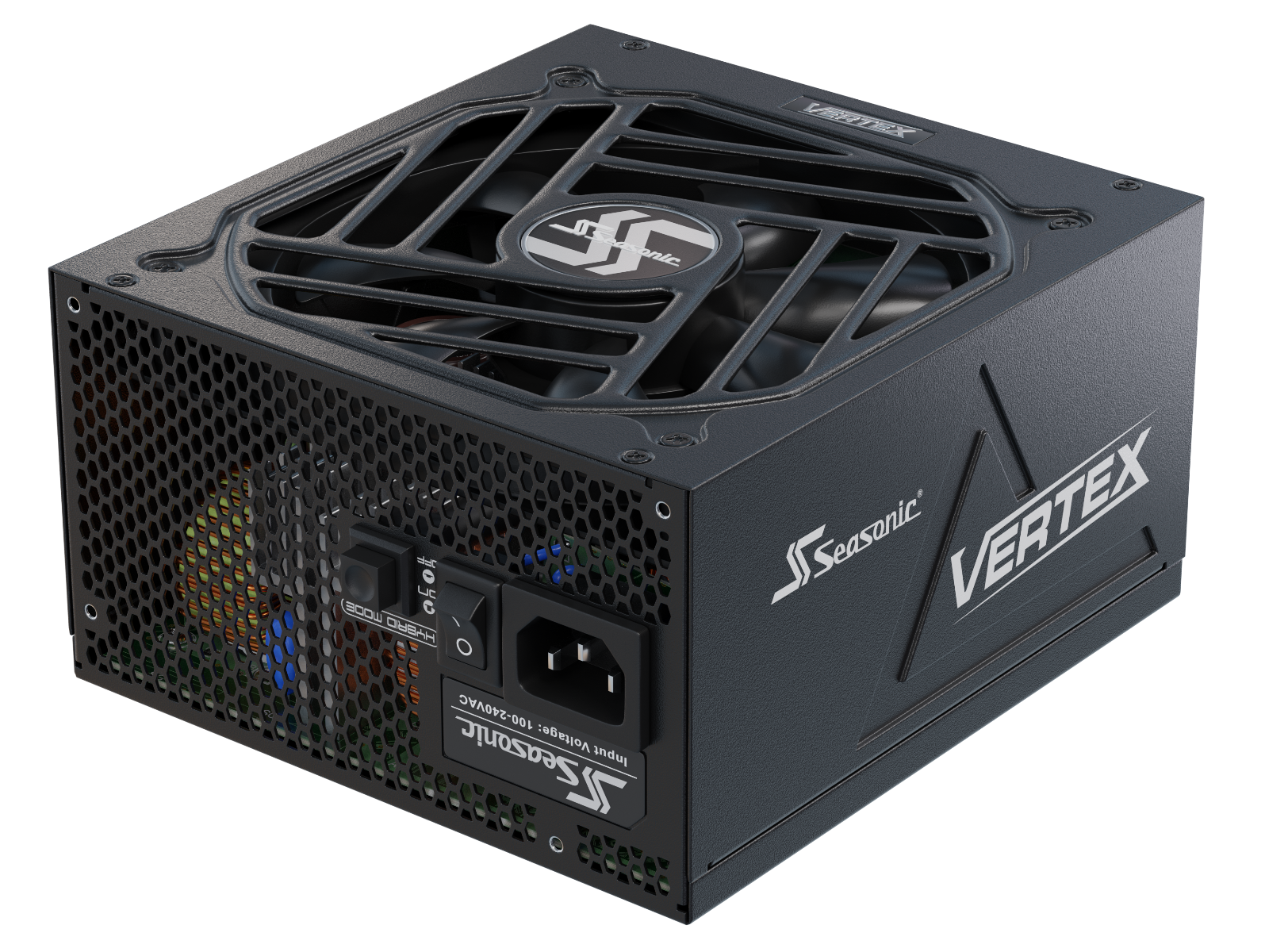






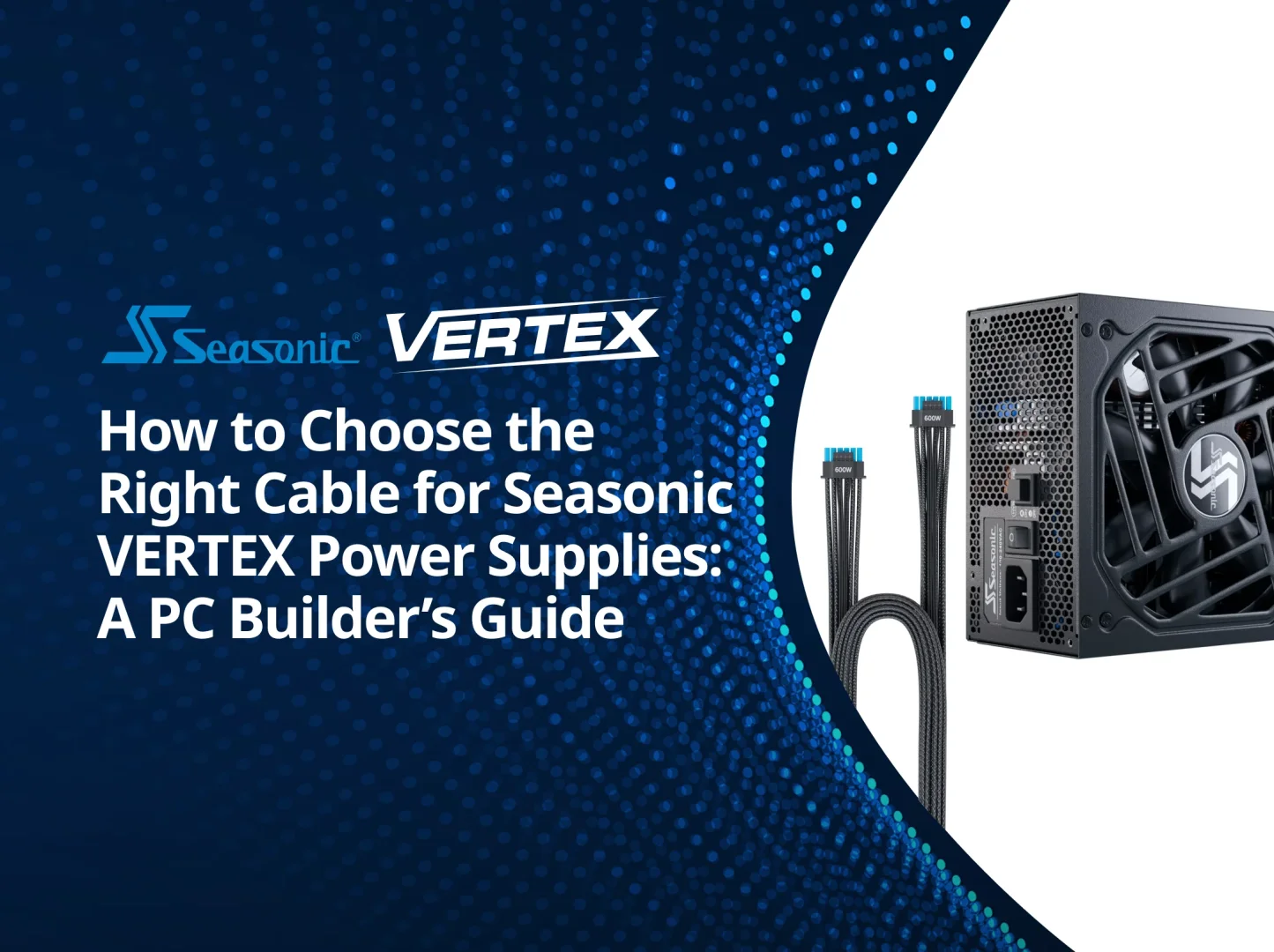

Every PSU cable has a specific job, and choosing the right connection matters. This guide covers Seasonic VERTEX cable types, compatibility, and common installation mistakes so you can connect each component correctly.
All about Seasonic PSU cables: a guide for PC builders.
When building a PC, it’s easy to focus on the power supply unit’s wattage and leave the cables for last. But once integration begins, practical questions usually follow. What kind of cable does the processor need? How do two similar 8-pin connectors differ? Can you reuse the wiring from a previous PSU? What does the 12V-2×6 marking mean? In this article, we’ll examine Seasonic cables using the VERTEX as an example: their purpose, connection specifics, included components, and replacement guidelines.
Seasonic cables connect the main PC components: ATX powers the motherboard, EPS powers the CPU, PCIe and 12VHPWR / 12V‑2×6 power the respective graphics cards, and SATA and Molex power storage devices and peripherals. This set allows you to select the right connections for your system configuration. The purpose of each cable type is described in the official Seasonic manual.
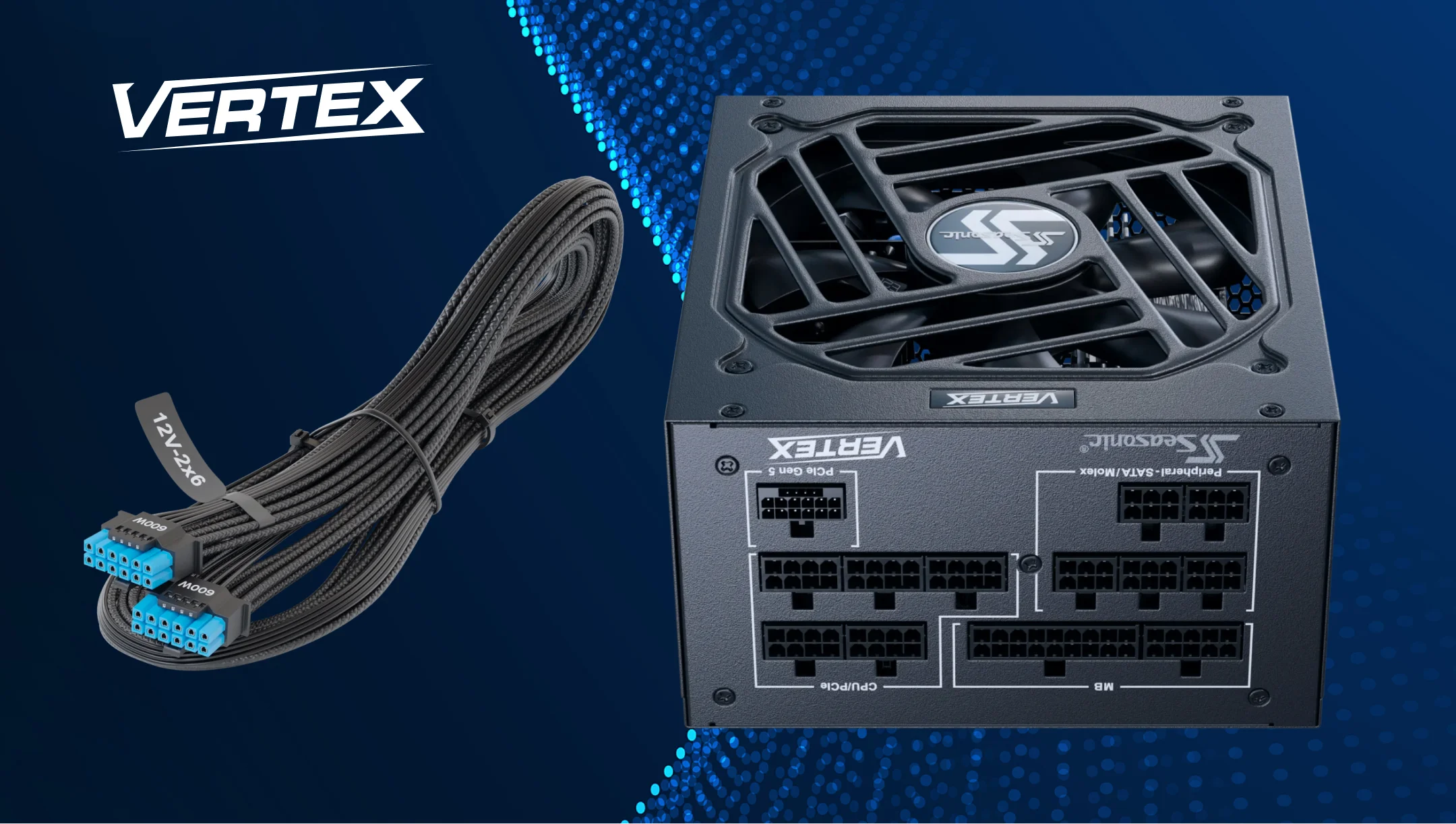
Looking at the VERTEX GX and PX PSU cables, you can see how this set is implemented in a fully modular design. The user connects only the necessary cables, which simplifies cable management inside the case. The standard cables feature a braided pattern, and the ATX 3.1 versions include a native 12V-2×6 cable for compatible graphics cards. For this cable, Seasonic specifies 16 AWG conductors and supports power delivery up to 600 W.
Overview of Seasonic VERTEX cable types and connectors
Seasonic VERTEX power supplies feature a fully modular design, giving you more flexibility when putting your PC together. It is convenient to classify the main power supply cable types based on the component to which they are connected:
| Typ kabla | Component-side connector | Zamiar |
|---|---|---|
| ATX | 24-pin, usually 20+4 | Main motherboard power |
| EPS / CPU | 8-pin, split into 4+4 | CPU power through the motherboard |
| PCIe | 6+2-pin | Power for compatible graphics cards |
| 12VHPWR / 12V‑2×6 | 16-pin: 12 power pins and 4 signal pins | Power for graphics cards with a compatible power connector |
| SATA | 15-pin | Power for SATA drives and compatible peripherals |
| Peripheral / Molex | 4-pin | Power for devices with a 4-pin peripheral connector |
The pinout shows what each pin does, such as carrying voltage, returning current, or sending a control signal. The VERTEX modular panel features separate connection groups for the motherboard, CPU/PCIe, peripherals, and a 16-pin GPU cable. You can check the layout in Seasonic’s official PDF diagram.
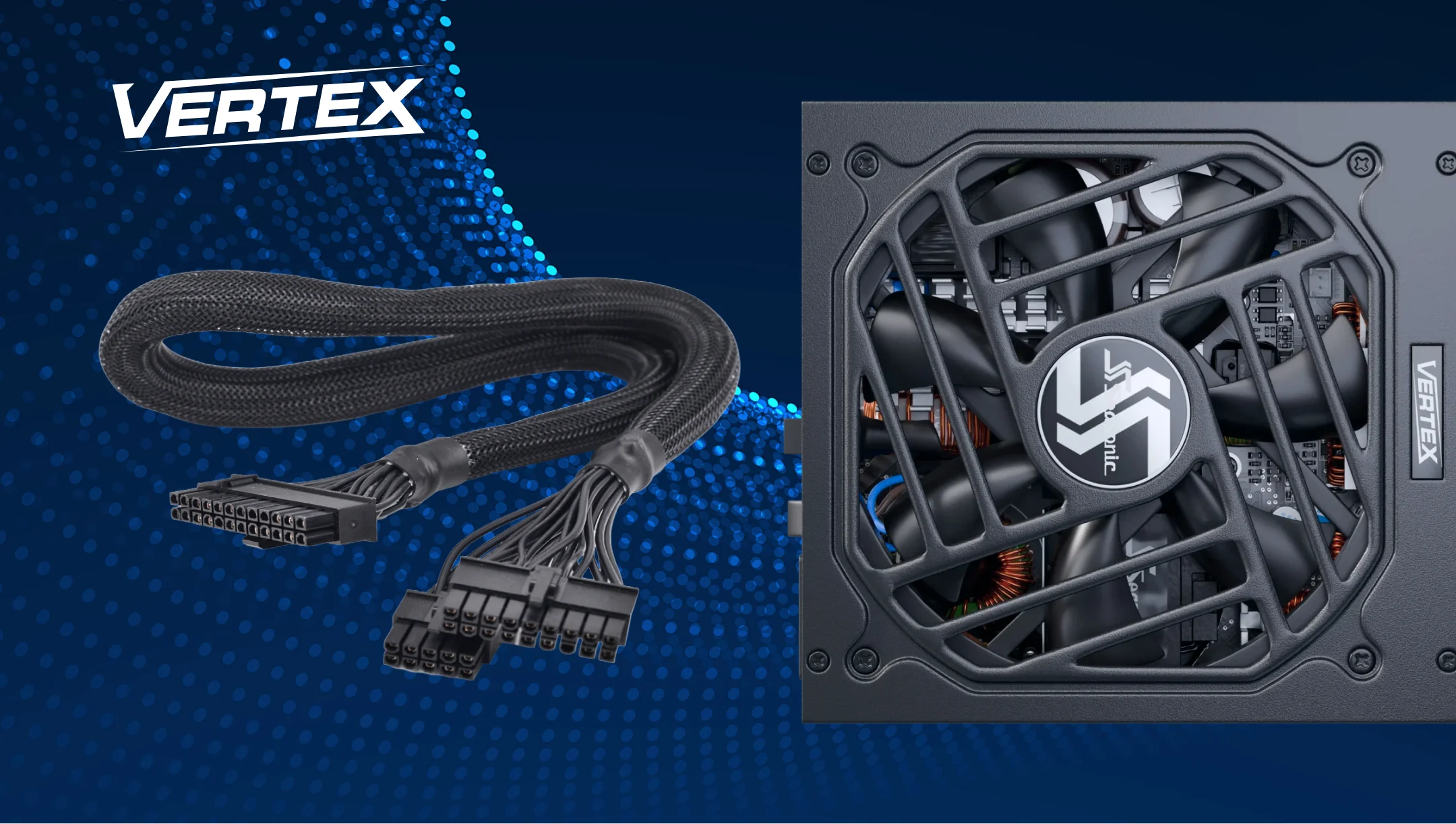
ATX (24-pin) and EPS (CPU) cables for VERTEX power supplies
The ATX 24-pin connector provides the motherboard with its main power supply. It carries several voltage lines and control signals, including PS_ON and PWR_OK. As Seasonic explains in its connection guide, PS_ON lets the motherboard switch the PSU’s main outputs on and off. PWR_OK indicates that the main output voltages are within their specified operating ranges.
On the motherboard side, a 24-pin connector is used. On the PSU side, the cable has an 18-pin plug and a 10-pin plug. Both must be fully inserted into their matching PSU sockets.
A separate CPU power cable (EPS/CPU) supplies +12 V to the CPU voltage regulation circuitry through the motherboard’s CPU power connector. Its 4+4-pin connector can be joined to fit an 8-pin socket or separated to fit a 4-pin socket. The motherboard connector may be labelled CPU_PWR, EPS12V, or ATX12V.
The VERTEX PSU package includes one motherboard cable and two CPU cables. The motherboard manual specifies which CPU power connectors to connect in your system, as their configuration may vary. Seasonic also recommends checking the cable requirements for your specific motherboard.
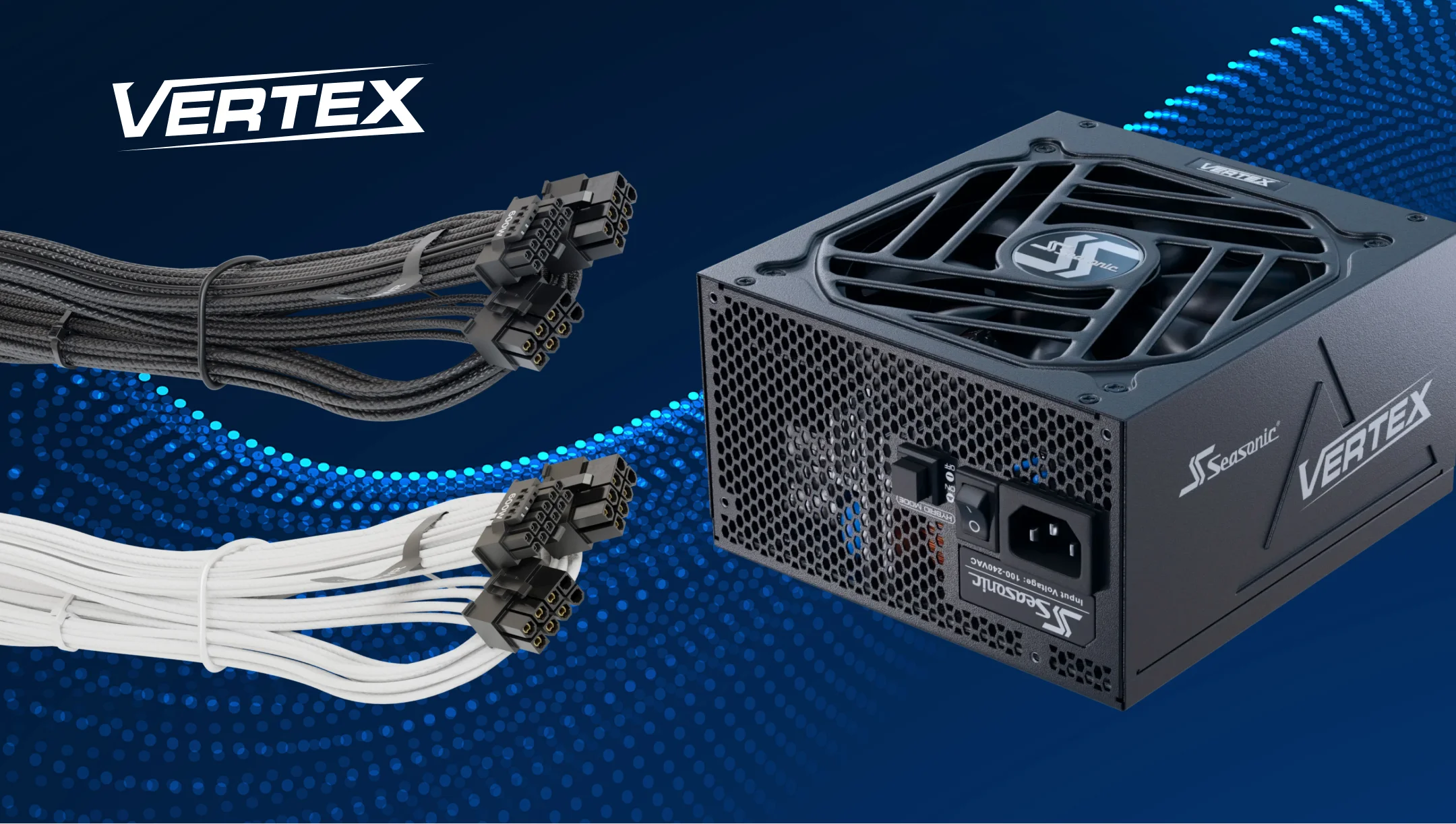
12V-2×6 and 12VHPWR: Seasonic VERTEX cables for modern graphics cards.
VERTEX power supplies were initially shipped with 12VHPWR cables. Following the ATX standard update, Seasonic transitioned to 12V-2×6 connectors. The revised board-mounted connector has longer power contacts and shorter signal contacts than the previous 12VHPWR design. The native 12V-2×6 cable is backward compatible with 12VHPWR connectors on compatible hardware.
The Seasonic native 12V-2×6 cable features a 16-pin connector on both ends: one end connects to a compatible PSU, and the other to the graphics card. Seasonic engineers specify a power rating of up to 600 W, 16 AWG conductors, and high-current contacts. The list of compatible models includes the VERTEX GX, PX, GX White, and SAKURA.
The 600 W rating indicates the maximum power consumption of the cable connection. The GPU’s actual power consumption depends on its operating mode and the set limits. The PSU’s capacity should be selected for the entire system, taking into account the GPU manufacturer’s recommendations.
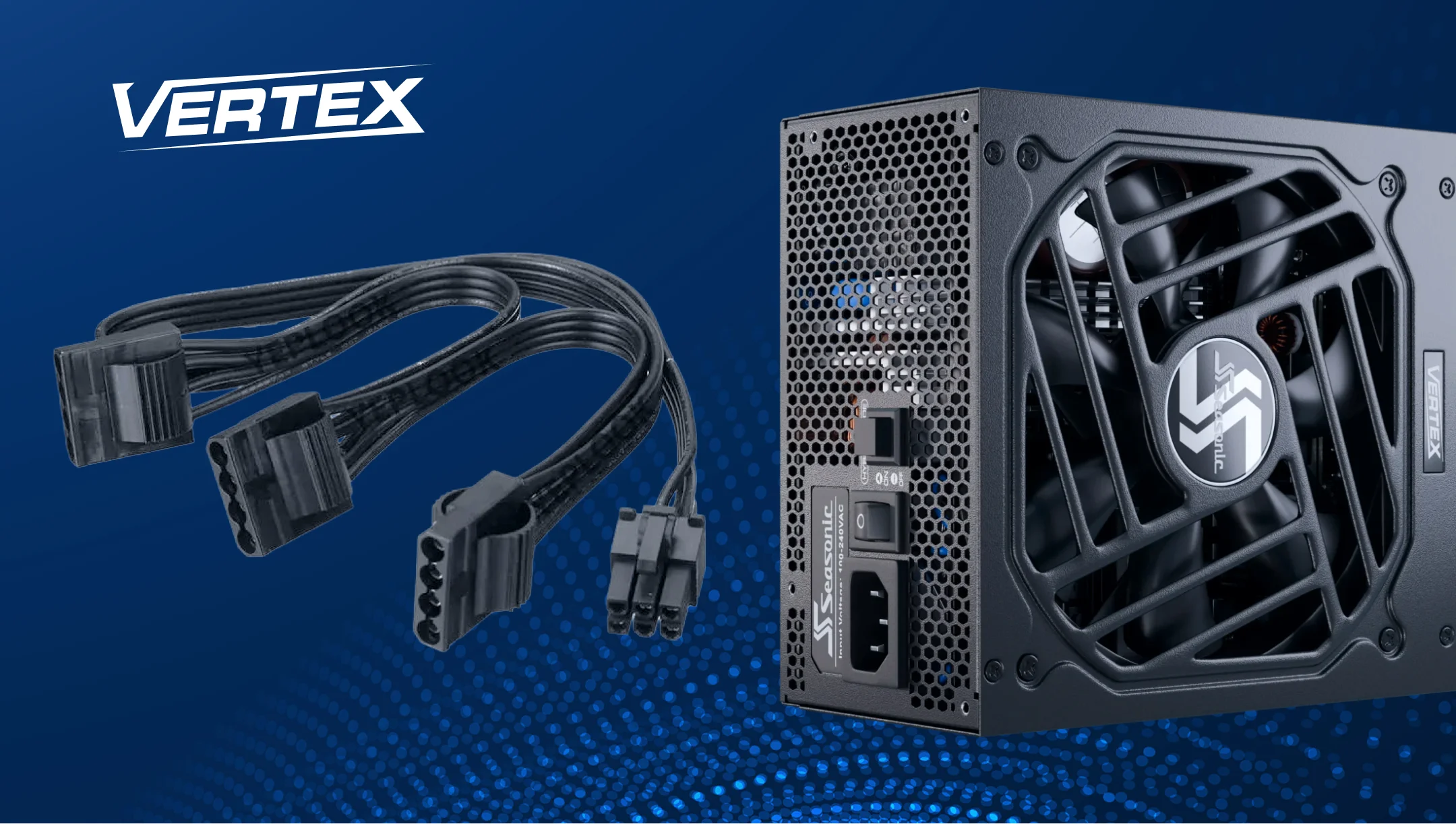
PCIe, SATA, and Molex cables in the VERTEX lineup
PCIe 6+2-pin cables are used with graphics cards with traditional 6- or 8-pin connectors. The additional pair of pins allows the same connector type to be used for both options. VERTEX PSUs provide separate PCIe 6+2-pin cables for such graphics cards.
For SATA drives, a SATA power cable is used to deliver power from the power supply unit directly to the drive. This should not be confused with the SATA data cable, which connects the drive to the motherboard. Molex connectors are still required for devices that have this specific type of connector: individual fans, hubs, and older drives.
The official VERTEX GX and VERTEX PX pages for the ATX 3.1 models list these specifications.
The table applies to the specified ATX 3.1 configurations; the configuration of a specific unit should be verified against its documentation.
| Included PCIe, SATA, and peripheral cables | 1200 / 1000 / 850 W models | 750 W models |
|---|---|---|
| PCIe 6+2-pin | 3 cables, 1 connector each | 2 cables, 1 connector each |
| Main SATA cables | 4 cables, 16 connectors in total | 3 cables, 12 connectors in total |
| Separate “SATA 3.3 V” cable | 1 cable, 2 connectors | 1 cable, 2 connectors |
| Molex / Peripheral | 1 cable, 3 connectors | 1 cable, 3 connectors |
Here, the number of cables and the number of connectors refer to two different things. For example, the 16 main SATA connectors are distributed across four cables. Keep this in mind when deciding where to place storage devices inside the case.
Cross-series compatibility: which Seasonic power supply cables are interchangeable.
Some Seasonic modular cables are interchangeable across series. To verify this, you can check the Cable Compatibility Guide, where compatibility is listed by model and cable family.
| Switching from VERTEX to another model | What Seasonic confirms |
|---|---|
| VERTEX GX / PX, ATX 3.0 or 3.1 | Standard cables and both types of 16-pin GPU cables are supported |
| Compatible PRIME TX/PX ATX 3.x, FOCUS GX ATX 3.x, CORE GX ATX 3.1 models | Compatible standard cables and native 12VHPWR / 12V‑2×6 cables are supported |
| SSupported older PRIME and FOCUS ATX 2.x models | Standard cable compatibility must be checked separately; native 16-pin → 16-pin cables are not supported |
Even within compatible series, you need to match a specific cable to the corresponding row in the table and read the notes. Matching the brand or plug shape is not enough.
Seasonic lists several cable markings for each cable family. Examples include xJ09 for ATX motherboard cables, xE25 for CPU/EPS cables, and xG03 for PCIe cables. The “x” represents any letter in the code. Before reusing or replacing a cable, check its marking and your exact PSU model against the full Seasonic Cable Compatibility Guide, including any applicable notes.
If you cannot clearly identify the model or marking, use the cables supplied with the PSU or contact Seasonic Support to identify a compatible replacement.
Common cable-related mistakes every PC builder should know about
Do most of the checks before switching the PC on for the first time. You should pay particular attention to reused cables and connections that had to be routed in a confined space.
Here are the core mistakes you should avoid during PSU installation.
Disconnect the power before handling PSU cables.
Before connecting, disconnecting, or replacing PSU cables, shut down the computer, switch the PSU off, and unplug the AC power cord.
Do not leave cables from the previous power supply unit unchecked.
Modular cables must be compatible with the specific power supply. We recommend using the included cables and warn that using incompatible ones may void the warranty.
Do not confuse the CPU and GPU cables.
The 4+4-pin CPU and 6+2-pin PCIe cables have different purposes and electrical connections. Before connecting, check the cable labeling and the corresponding component port.
Do not leave the 16-pin connector partially inserted.
The connector must be fully inserted and the latch secured. Check both ends of the native cable, at the graphics card and at the PSU.
Do not bend the cable near the connector after connecting it.
Shape the cable properly before installation, avoiding bends directly at the connector. Once secured, do not bend the cable or apply excessive force to the connection.
Do not power a high-wattage GPU with a single splitter PCIe cable, contrary to the manufacturer’s recommendations.
For graphics cards drawing more than 225 W and using two or three traditional PCIe power connectors, Seasonic recommends a separate PCIe cable for each connector. The VERTEX ATX 3.1 configurations covered here include single-connector PCIe cables. This recommendation does not mean that a native 12V-2×6 connection requires multiple cables.
Seasonic VERTEX cables: custom options and sleeved models.
The VERTEX GX and PX specifications use the term “Cables with Braided Pattern.” For a white build, Seasonic offers the VERTEX GX White with white cables of this type. The connector housing color may vary by region, as noted on the VERTEX product page.
To reroute the GPU cable, there is an official native 12V‑2×6 90° cable. It features a straight plug on the PSU side and an angled plug on the GPU side. The cable is 700 mm long, uses 16 AWG wires, and supports up to 600 W. It’s helpful when space near the side panel is limited. The 90° connector may have fit issues with some RTX 40 and RTX 50 graphics cards. Before purchasing, check the orientation of your graphics card’s power connector and the available clearance around it.
If you need a different length or custom braiding, you must separately confirm compatibility with the exact VERTEX model for a custom kit. Seasonic recommends using the cables supplied with the PSU and warns that third-party cables may affect its operation and safety. Confirm compatibility before using replacement cables.
Wniosek
The VERTEX cable system gives PC builders more flexibility and makes it easier to match the PSU with the motherboard, graphics card, storage, and other components.
When choosing computer PSU cables for a new build or upgrade, always start with the exact PSU model and your component requirements. Use the cables included with the PSU whenever possible, and check Seasonic’s compatibility information before using any replacement cable. Proper cable selection and connector installation can help avoid problems during assembly.