









When it comes to choosing a power supply for an AI workstation, you have to take a different approach than with a gaming PC. In this article, we’ll explore why AI systems require a higher power headroom, how to correctly calculate the required wattage for multi-GPU configurations, and what factors affect system stability under sustained loads.
Why do AI workstations consume power differently than gaming PCs?
The main reason why AI workstations’ power consumption differs from gaming PCs lies in the load’s nature of the load. A gaming PC creates a dynamic load that constantly changes depending on the scene, FPS, and CPU load. At the same time, AI systems are often used for extended periods under high and sustained loads. This generally results in a different power consumption profile compared with typical gaming workloads.
Compared with gaming builds, where workload and power consumption can fluctuate depending on the game and system activity, AI workstations may run large-scale computations for extended periods, resulting in more sustained power consumption.
Due to around-the-clock operation, some demanding AI workloads can utilize GPU resources continuously for many hours. Within high-end computing systems, GPUs perform basic mathematical computations (matrices, tensor operations, token generation). The CPU also contributes to overall power consumption as it is responsible for data preparation, memory management, file system operations, process orchestration, and communication between accelerators. Thus, the load lies on two core system components, while in many modern games, the GPU typically accounts for a significant share of the most demanding workloads.
These factors shape overall power consumption, highlighting the difference between AI systems and gaming builds.
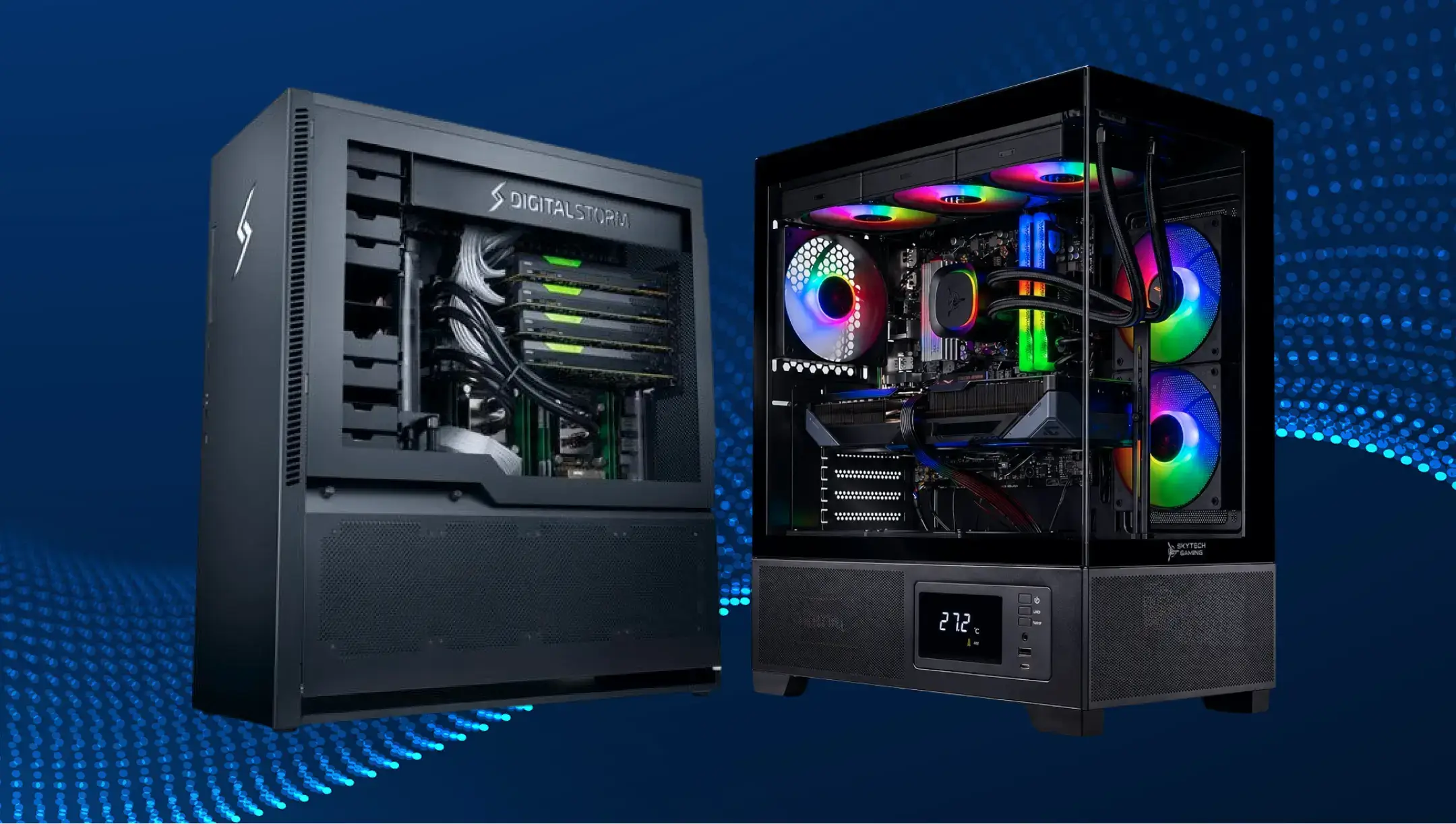
How do sustained AI workloads affect power supply requirements?
AI workstation power supply units should be prepared to keep up with higher power demands and new use cases, which differ from a traditional gaming build. Sustained AI workloads can keep GPUs, and depending on the workload, the CPU, at high utilization for extended periods, placing greater demands on the PSU’s stability, efficiency, and thermal performance.
Since modern accelerators operate at high load levels for much longer during AI computations, the PSU must continuously deliver high power without voltage drops, overheating, or unnecessary triggering of protection mechanisms.
Referring to this fact, AI workstations set extra requirements for modern PSUs:
- higher efficiency levels such as 80 PLUS® Platinum or Titanium, helping to reduce energy losses and heat generation;
- support for the latest ATX 3.1 and PCIe 5.1 standards ensures that the PSU can withstand the high transient power excursions typical of modern GPUs;
- sufficient power reserve (20–30% commonly used as a general guideline);
- high-quality components designed for long-term operation under heavy loads.
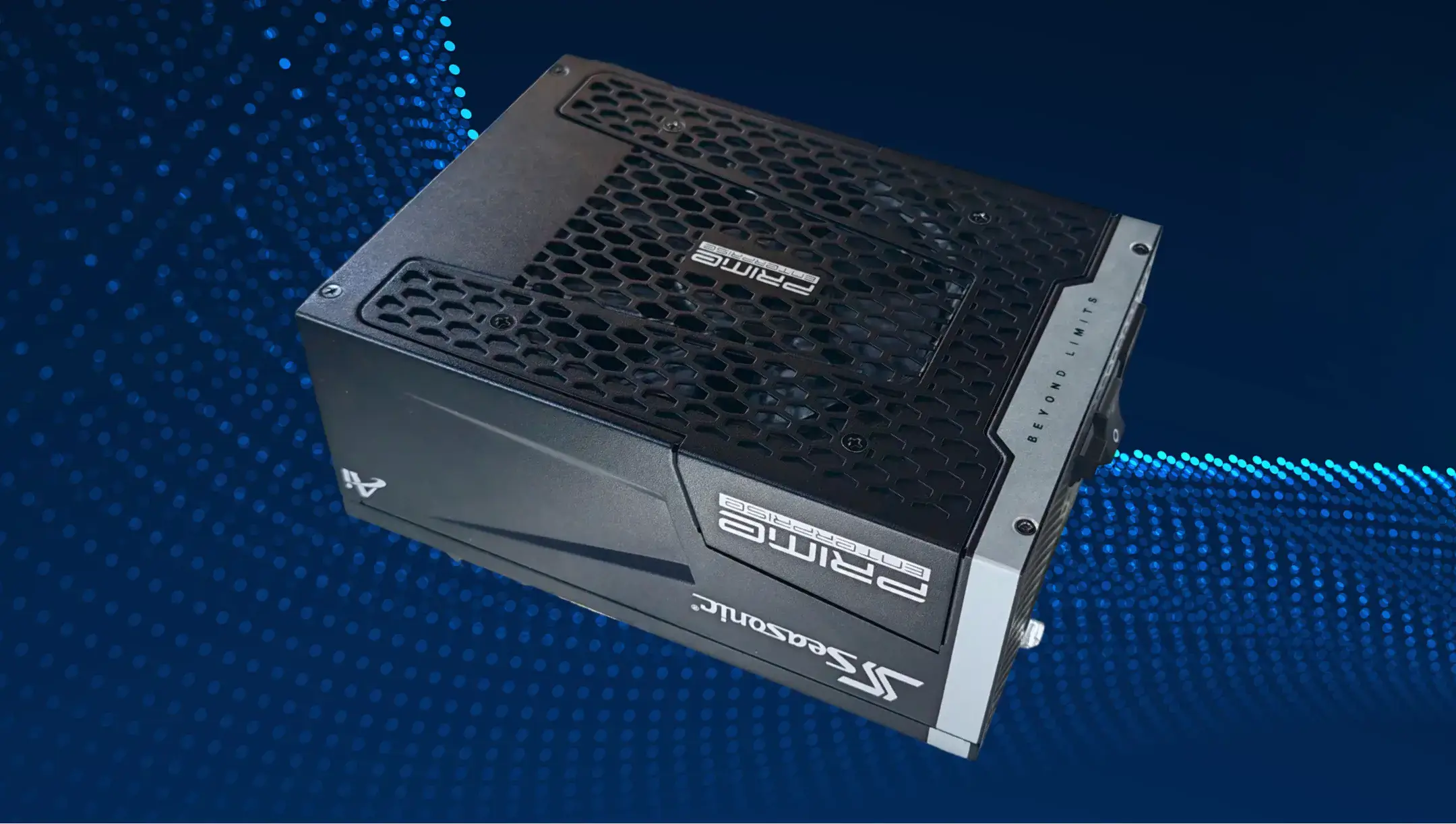
How much PSU headroom is recommended for AI workstations?
A 20–30% PSU headroom is a common rule of thumb for continuous AI compute, although the appropriate margin depends on the specific system configuration and workload. It gives more room for a power supply unit to deliver stable power for the core system components, since their smooth operation directly affects workstation productivity and the quality of AI processing. In technical terms, it allows the PSU to operate reliably under sustained high loads, compensates for short-term spikes from modern GPUs, and provides headroom for future component upgrades.
For example, if an AI workstation consumes about 900–950 W under a full load, it makes more sense to choose a 1200 W power supply rather than a 1000 W one. Having this margin means more stable operation during simultaneous peak CPU/GPU loads, lower component temperatures, and a power supply that isn’t pushed to its limits all the time.
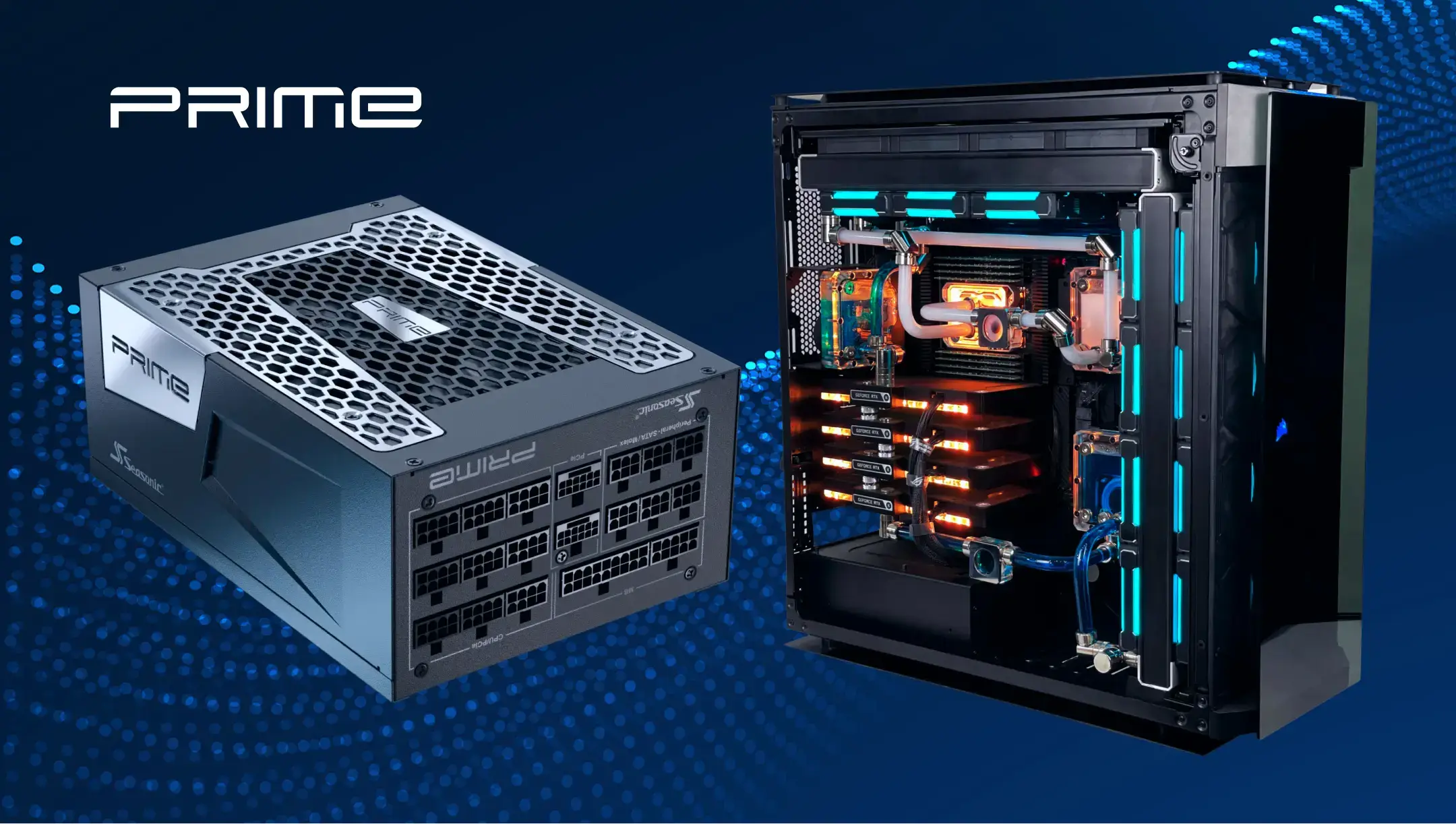
How do multi-GPU AI workstations change PSU sizing?
AI workstation PSU wattage also adjusts for high-density computation, as you should consider not only the GPUs’ total power consumption, but also the CPU, motherboard, storage devices, cooling system, and other components.
The most power-hungry system component is often the GPU, especially in AI workstations. The latest models can even require hundreds of watts, which doubles in multi-GPU configurations.
For instance, the NVIDIA RTX PRO 6000 Blackwell Workstation Edition has a Max Power Consumption of 600 W, so a configuration with two of these GPUs requires up to 1200 W. When you add a powerful processor and other components, the system’s total power consumption can easily exceed 1500 W.
Rated wattage isn’t the only factor to consider. The power supply must, in the same way, provide:
- sufficient number of independent PCIe or 12V-2×6 power cables,
- comply with the ATX 3.1 standard,
- be capable of handling the short-term peak loads of modern GPUs.
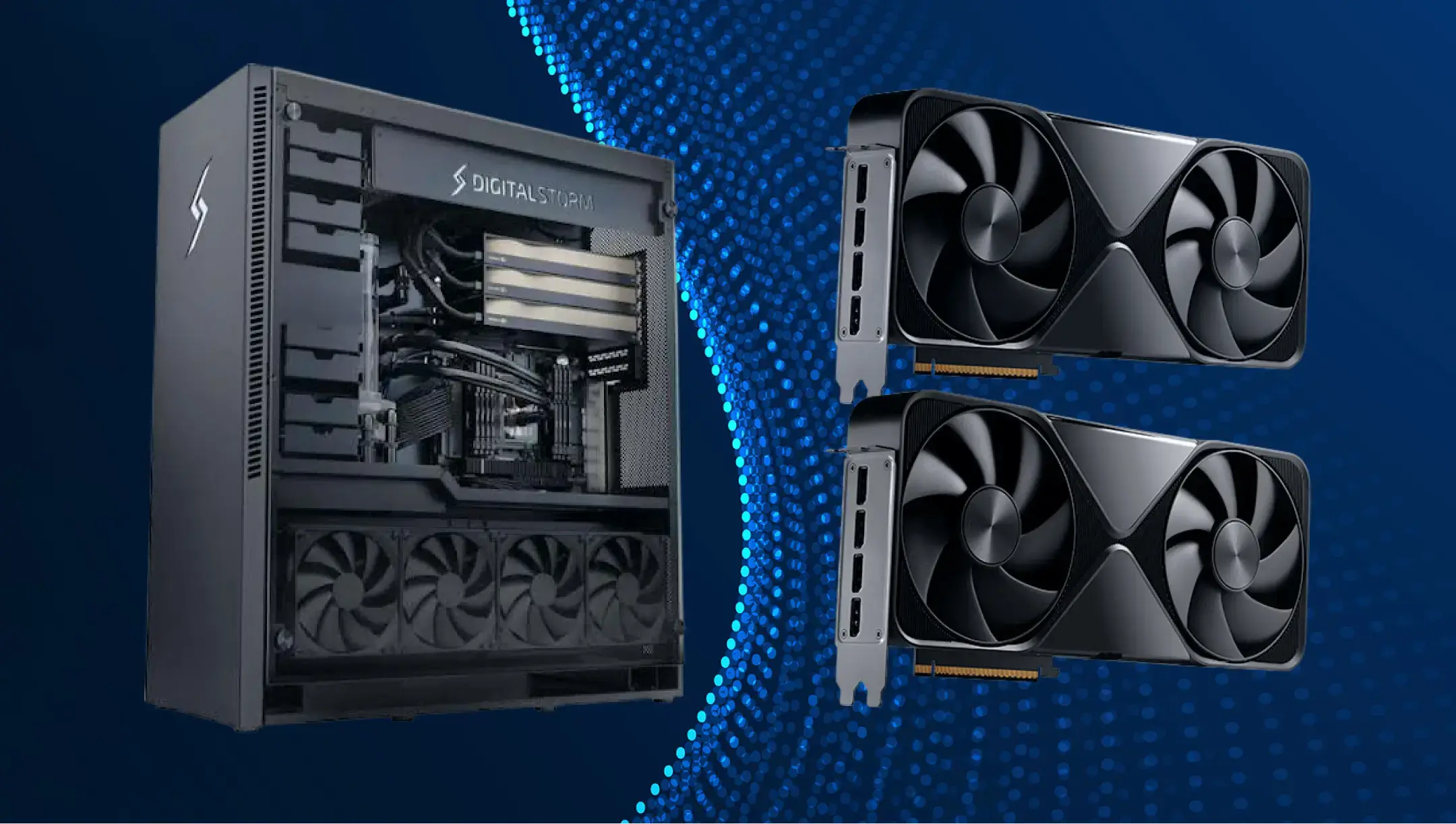
How to сalculate the right PSU wattage for multi-GPU AI systems
The PSU wattage calculation for multi-GPU AI systems starts with defining the maximum power consumption of all key components. The total load on the PSU comes from the combined power draw of all system components, so don’t focus only on the GPU wattage, even if you’re running two of them.
Intel recommends performing power budgeting for the entire system, taking into account the CPU, GPU, storage devices, motherboard, memory, cooling system, and other components.
Here’s a hands-on guide:
- Add up the maximum power consumption of all GPUs. Use the official “Max Power Consumption” or “TGP” specified by the manufacturer.
- Enter the CPU’s maximum power consumption. For modern high-performance CPUs, use the Maximum Turbo Power (Intel) or Package Power Tracking (AMD) values as a guide.
- Add the power consumption of other components – the motherboard, RAM, SSD, network adapters, fans, AIO coolers, and peripherals. It’s typically 100–200 W more, depending on the configuration.
- Put a figure for a power margin. The power supply for an AI workstation should not run flat out all the time.
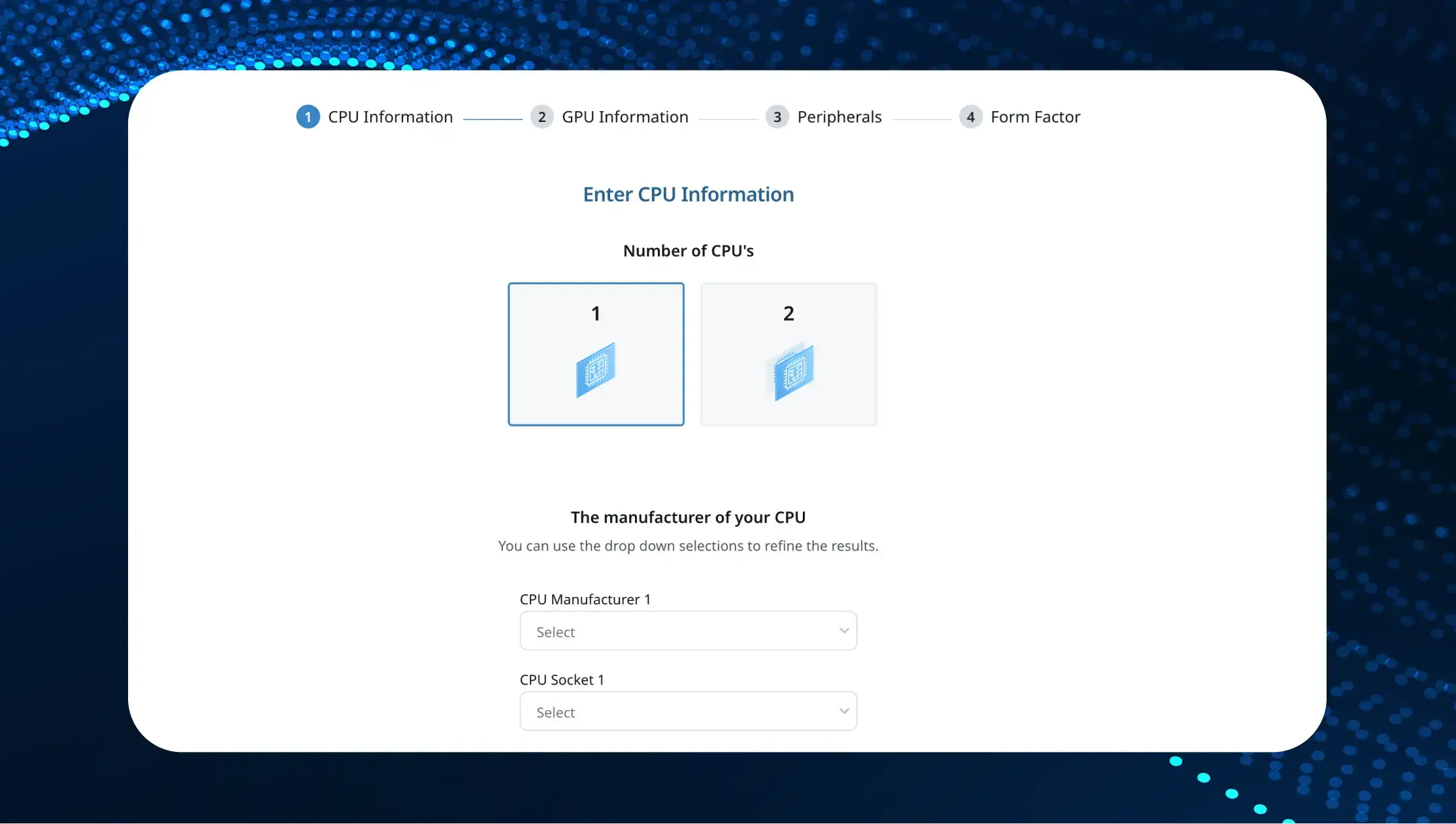
To eliminate manual calculations, use an online wattage calculator from Seasonic. It contains the latest hardware across various manufacturers and considers extra headroom automatically, so you just get the final figure and can rely on it when picking a PSU for an AI workstation.
Why Seasonic PRIME Series power supplies are a perfect match for AI workstations
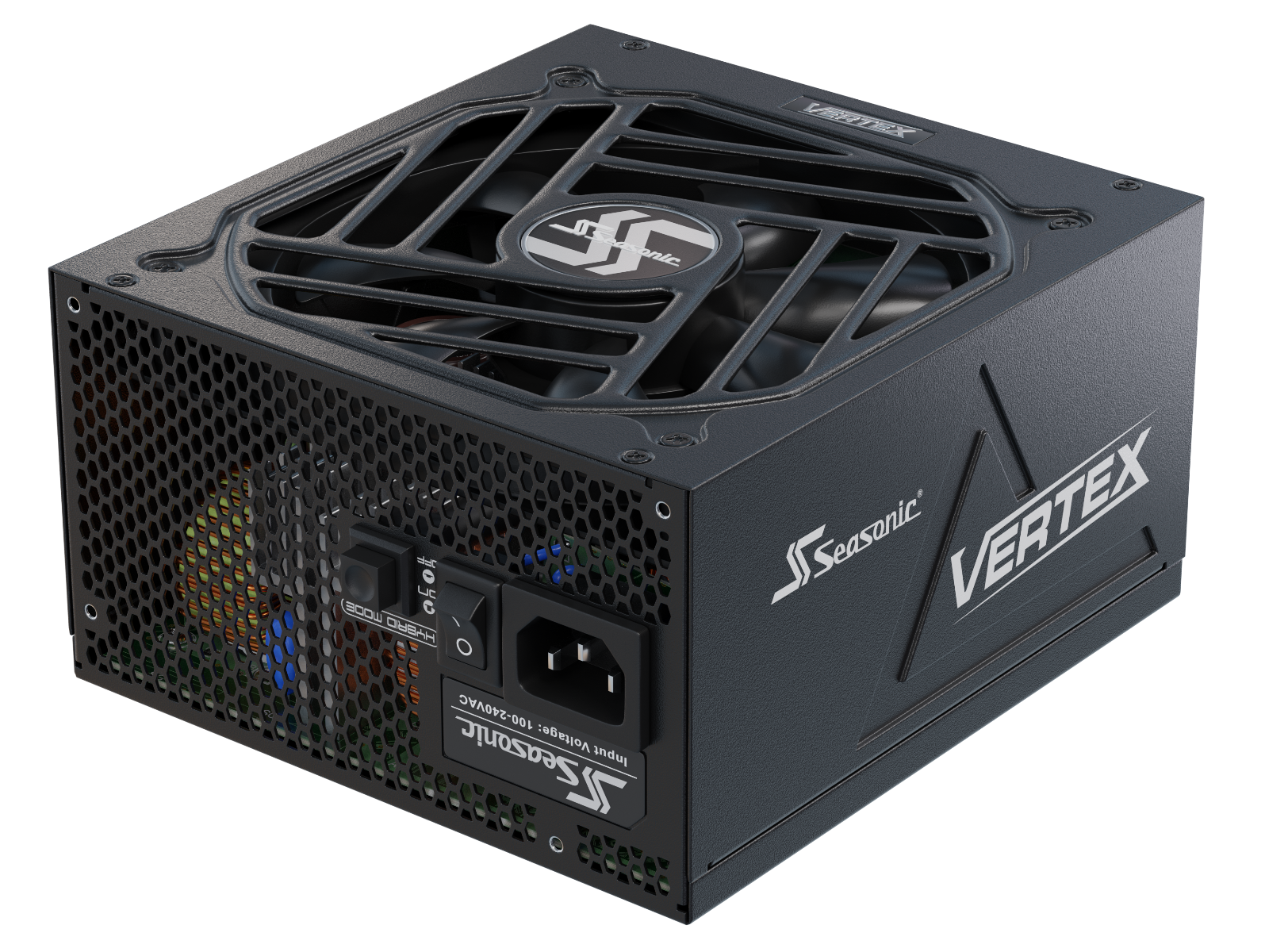
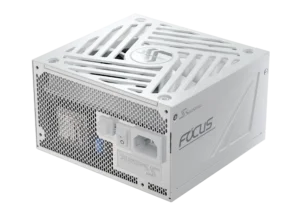
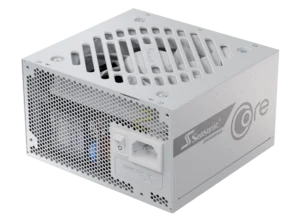
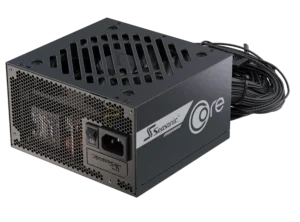
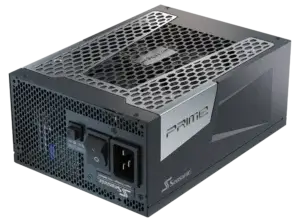
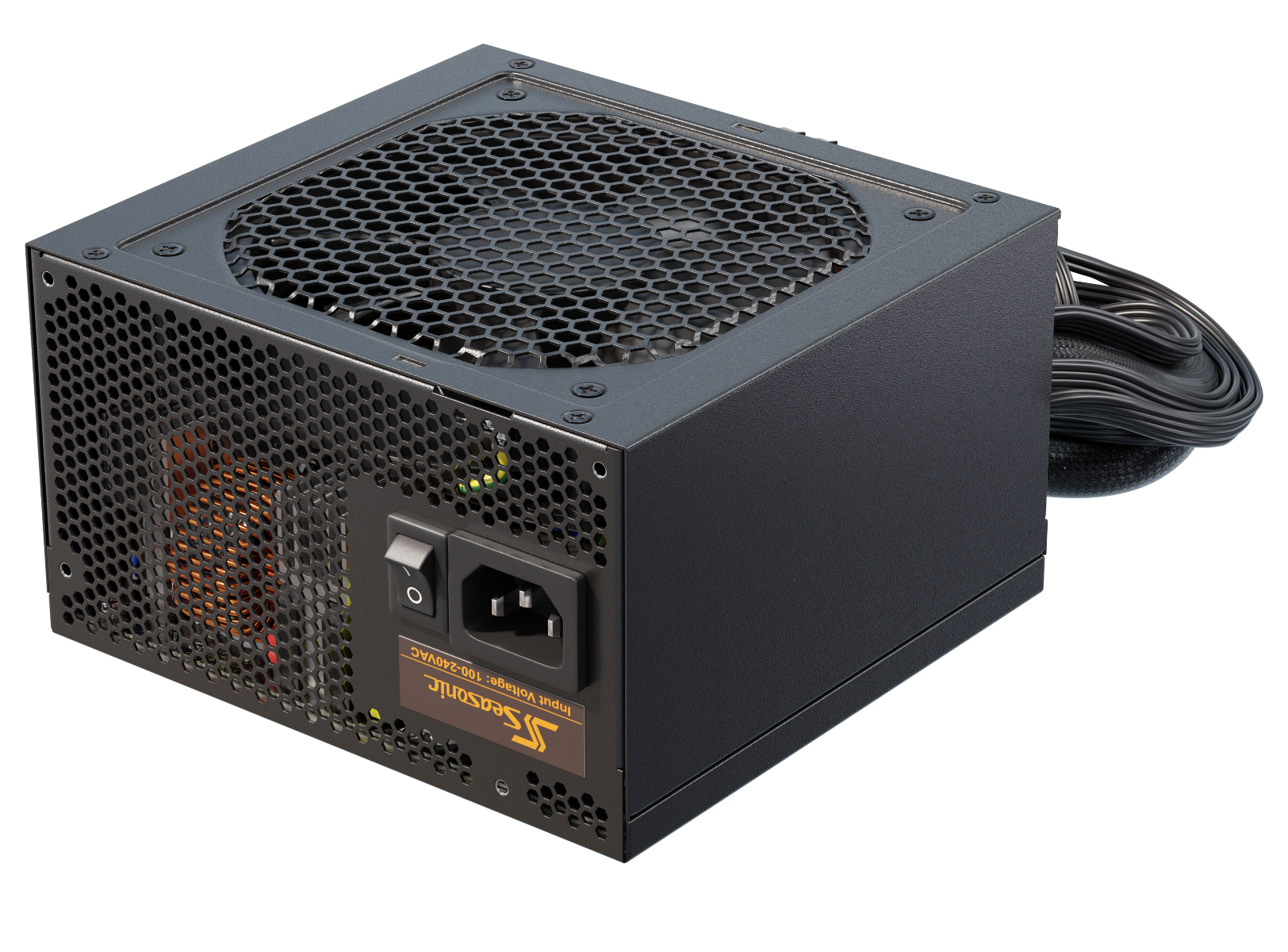
The traditional Seasonic PRIME PSU Series is designed for high-performance, heavy-load computers. Presented at Computex 2026, the PRIME ENTERPRISE PSU line is specifically designed for applications such as AI workstations and other systems with very high power consumption and high-end GPUs.
Here’s how the Seasonic PRIME PSU Series meets high-end AI workstations’ power needs.
High power for multi-GPU AI systems
Modern AI workstations often use multiple high-performance GPUs, which significantly increases the demands on the power supply. PRIME ENTERPRISE models range from 1000 W to 3200 W for professional AI workstations, supporting systems with multiple high-performance GPUs.
Support for ATX 3.1 and PCIe 5.1
The PRIME PX and TX ATX 3.1 models, as well as PRIME ENTERPRISE models, comply with ATX 3.1 and PCIe 5.1 and include the 12V-2×6 connector. PRIME ENTERPRISE models additionally feature Enhanced Dynamic Power Protection (EDPP) to help handle the rapid power fluctuations generated by modern GPUs.
Stable power delivery under variable AI loads
AI computing can cause rapid shifts in power consumption, especially when high-end GPUs are in use. Seasonic PRIME / PRIME ENTERPRISE utilizes Micro Tolerance Load Regulation (MTLR) technology with a voltage deviation of less than 0.5%, helping maintain stable power delivery in multi-GPU AI systems and allowing demanding setups to run reliably over long periods.
High energy efficiency for long-term operation
During hours of AI computing, even small energy losses translate into additional heat. Seasonic PRIME / PRIME ENTERPRISE TX models achieve up to 94% efficiency (80 PLUS® Titanium).
Continuous high-load operation and long-term reliability
PRIME is built with a full-bridge LLC resonant converter, DC-to-DC regulation, 100% Japanese capacitors rated for 105°C, and premium MOSFETs, delivering stable power under sustained heavy loads while minimizing heat generation and component stress. PRIME Series also features a full suite of protection mechanisms and an industry-leading 12-year warranty. PRIME ENTERPRISE models come with a 5-year warranty and are designed for professional AI workstations and other high-power applications.
Power solutions for next-generation AI systems
Seasonic has unveiled a powerful 5200-watt CRPS platform with 80 PLUS® Ruby certification, designed for AI server systems and data centers. This demonstrates the evolution of power supply technology to meet the demands of increasingly power-hungry AI workloads.
結論
AI workstations require power supplies that can meet the system’s current power requirements, as well as handle future high-performance component demands. A properly selected power supply unit with sufficient power headroom helps the system cope with demanding workloads, protects expensive components, and lays the groundwork for future upgrades.