









Buying your first PSU can feel more complicated than it should. Watts, efficiency ratings, connectors, form factors – there are plenty of specifications to decode. Once you understand what they mean and how they relate to your PC, the choice becomes much easier. This guide breaks down the essentials in simple terms, so you can choose a PSU that fits your build, supports your components, and gives you confidence for the years ahead.
What does a power supply do in a desktop PC?
Thinking about your first PSU, keep in mind that a power supply unit is the core of a stable PC system. Its main task is to deliver clean, stable, and safe electricity to every component, whether the PC is handling everyday browsing or intensive 3D rendering.
Technically speaking, a PSU is responsible for supplying electrical power to the processor, graphics card, storage devices, and motherboard. That is why the quality of the PSU determines how stable the PC runs while helping protect its expensive components.
Today’s power supply units use switching-mode power supply (SMPS) technology, making it possible to pack more efficiency into a smaller design. This is how it works:
- The PSU receives electricity from the outlet and converts it into the DC power required by the PC components.
- Special electronic components rectify the current and prepare it for further processing.
- The PSU regulates the output voltage to maintain the target 12V, 5V, or 3.3V rails within the specified tolerance, even when the load changes.
- If an issue occurs (a short circuit or overvoltage), a well-designed PSU uses its built-in protections and shuts down to help protect the PSU and connected components from damage.
Most modern PCs draw power specifically from the 12-volt rail. This rail supplies power to the most powerful system components – the CPU and GPUs. Other voltages go to storage devices, USB ports, controllers, and the motherboard’s logic.
¿Cuánta energía necesita tu PC?
There is no single figure that meets the power requirements of all PC configuration types. It all depends on what components your build runs on, how many GPUs there are, what tasks you load your system with, and if there are plans to upgrade the PC later with new-gen hardware or something else. Therefore, you need to consider the system components’ power needs first – CPU, GPU, storage devices, the cooling system, peripheral devices, as well as brief spikes in power consumption.
After calculating the estimated peak power draw, it’s a good idea to leave some headroom – a power reserve. For example, if your system is estimated to require about 550 W, a 550 W PSU leaves very little room for peak loads or future upgrades. In this case, it makes more sense to look at models with a higher rated power.
At the same time, you shouldn’t treat this headroom as a universal rule. An extra 20% in power headroom is a commonly used guideline, not a universal requirement. The actual power requirement depends on the specific CPU, GPU, system configuration, the PSU’s specifications, and your plans for future PC transformations.
If this is your first PSU-picking experience as well as building a PC, you don’t have to understand all the technical details right away. Start with these five steps:
- Identify the exact CPU and GPU models.
- Check the GPU manufacturer’s recommendations for a PSU.
- Add up the power consumption of other components – the motherboard, RAM, storage drives, fans, USB devices, and others.
- Leave some power headroom.
- Check the PSU’s specifications. It covers lots of useful data you need for PC building – rated power, compliance with current standards, the ability to handle transient loads, output voltage stability, ripple level, and the necessary connectors.
Power supply efficiency ratings: Titanium, Platinum, Gold
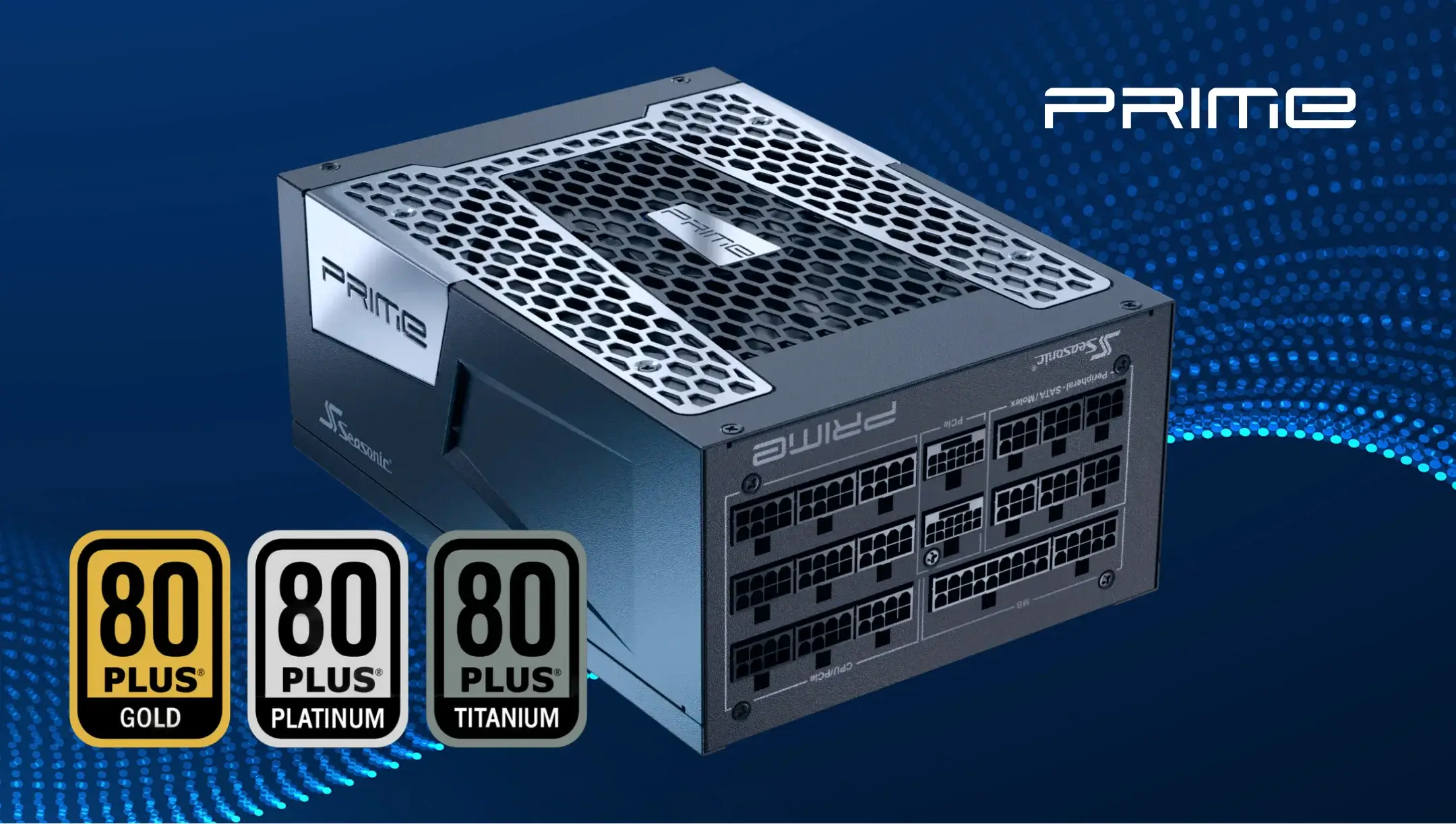
When choosing a PSU, you’ll definitely see the 80 PLUS® certification mark in the PSU specifications. They indicate the power supply unit’s efficiency – how well the PSU converts electrical power from the outlet into energy that PC components can use.
The way it works is simple. The PSU draws electricity from the outlet and converts it to the voltage required by the PC. However, this conversion still involves some power loss. For instance, if the PC’s components require 500 W, a PSU with 90% efficiency must draw approximately 556 W from the outlet. And the difference of 56 watts is lost during the conversion as heat.
The difference is more noticeable after lots of hours on the computer, not just during a short session. For example, during extended gaming, rendering, or professional computing tasks.
The Titanium, Platinum, and Gold ratings are part of the 80 PLUS® certification system. The higher the level, the stricter the efficiency requirements for the PSU. For power supplies, typical benchmarks are:
| Proceso de dar un título | 115Vac, efficiency at 50% load | 230Vac, efficiency at 50% load |
|---|---|---|
| 80 PLUS® Titanium | ≥ 94% | ≥ 95% |
| 80 PLUS® Platinum | ≥ 92% | ≥ 94% |
| 80 PLUS® Gold | ≥ 90% | ≥ 92% |
These figures DO NOT MEAN that the PSU will always run at exactly this efficiency level. Efficiency varies depending on the load, which is why certification testing covers a range of operating conditions.
80 PLUS® now also includes the Ruby tier. Seasonic’s PRIME ENTERPRISE RX-1600 became the first ATX power supply to earn 80 PLUS® Ruby certification at 115 V.
Another efficiency certification to consider is Cybenetics. Its testing covers a broader operating range, from 0% to 110% load, providing efficiency measurements across a wider range of PSU operating conditions.
Also remember that certification indicates efficiency but does not define all other PSU characteristics. When choosing the best fit, consider its rated power, output voltage stability, protection against fault conditions, ability to handle short-term load spikes, and compliance with current requirements for connecting modern GPUs.
Form factor and size: ATX, SFX PSU, and case compatibility
Another thing to think about before the desired purchase is the PSU size and its compatibility with your PC case. The power supply must physically fit inside the case, and its cables must have enough space for connection and routing. That’s why PSUs come in different form factors.
ATX PSU form factor is the most common PSU format for standard desktop computers. They are used in most standard mid-tower and full-tower cases. ATX power supplies are usually about the same width and height, but their depth may vary.
For example, one ATX PSU might be 140 mm long, while a more powerful model could be 160, 170, or even longer. That’s why you should check your case’s specifications and the maximum PSU length it supports before making a purchase.
SFX PSU form factor is a more compact PSU standard designed for small cases. It takes up less space than the standard ATX PSU form factor, so it’s often used in Small Form Factor (SFF) systems. But a smaller size doesn’t automatically mean less power. Modern SFX power supplies can provide enough power even for high-performance compact PCs. For example, Seasonic’s lineup includes SFX and soon SFX-L models with power ratings up to 1300 W.
For your first build, it’s enough to check the case and PSU specifications to determine compliance with the following parameters:
- Form factor. Make sure the case supports ATX, SFX, or another format you need.
- Physical dimensions. If the case has limited space, a longer PSU might not be compatible. Compare your PC case dimensions with the PSU so they fit each other.
- Cables and internal space. In a compact case, it’s important that there’s enough space left after installing the PSU to connect and route these cables.
Power supply connectors: motherboard, CPU, graphics card, SATA, PCIe, and 12V-2×6
The PSU’s connectors determine which components you can connect to your PC. It must have the necessary cables for the motherboard, processor, graphics card, and storage devices.
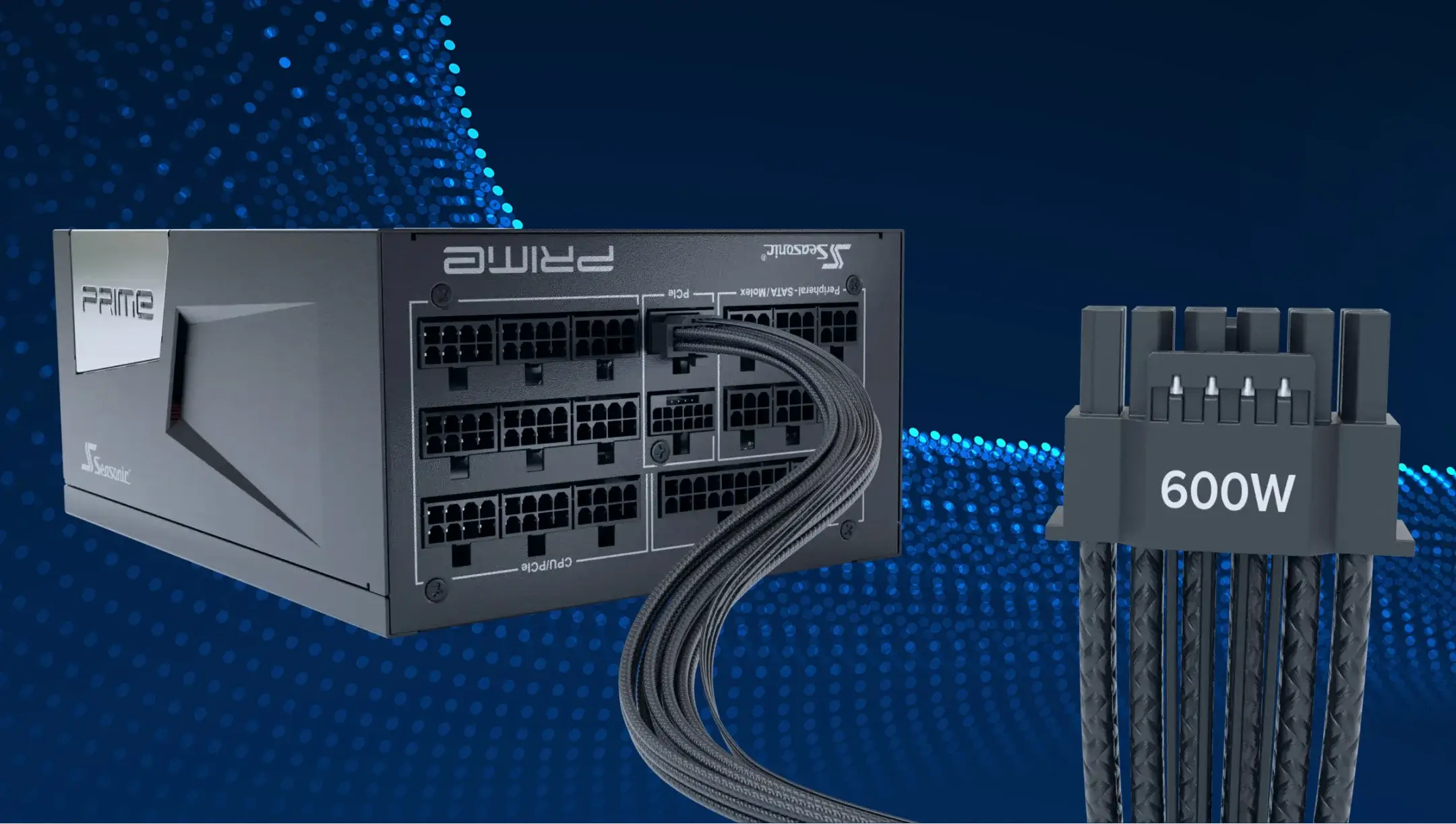
Modern PSUs can come with several main connector types, but the available connectors and their quantity depend on the PSU model and its power capacity. Not all PSUs include a native 12V-2×6 connector.
| Connector | Objetivo |
|---|---|
| 24 pines ATX | Main power for the motherboard. |
| 8-pin EPS (CPU) | Powers the processor. |
| PCIe 6+2 | Powers most modern graphics cards. |
| 12 V-2×6 | New power connector for high-performance GPUs (up to 600 W). |
| SATA | Powers SSDs, HDDs, and other peripheral devices. |
Please check what connectors your graphics card and motherboard require before you buy.
Modular vs. non-modular power supplies: which type is best for beginners?
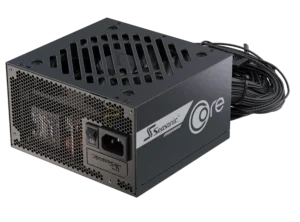
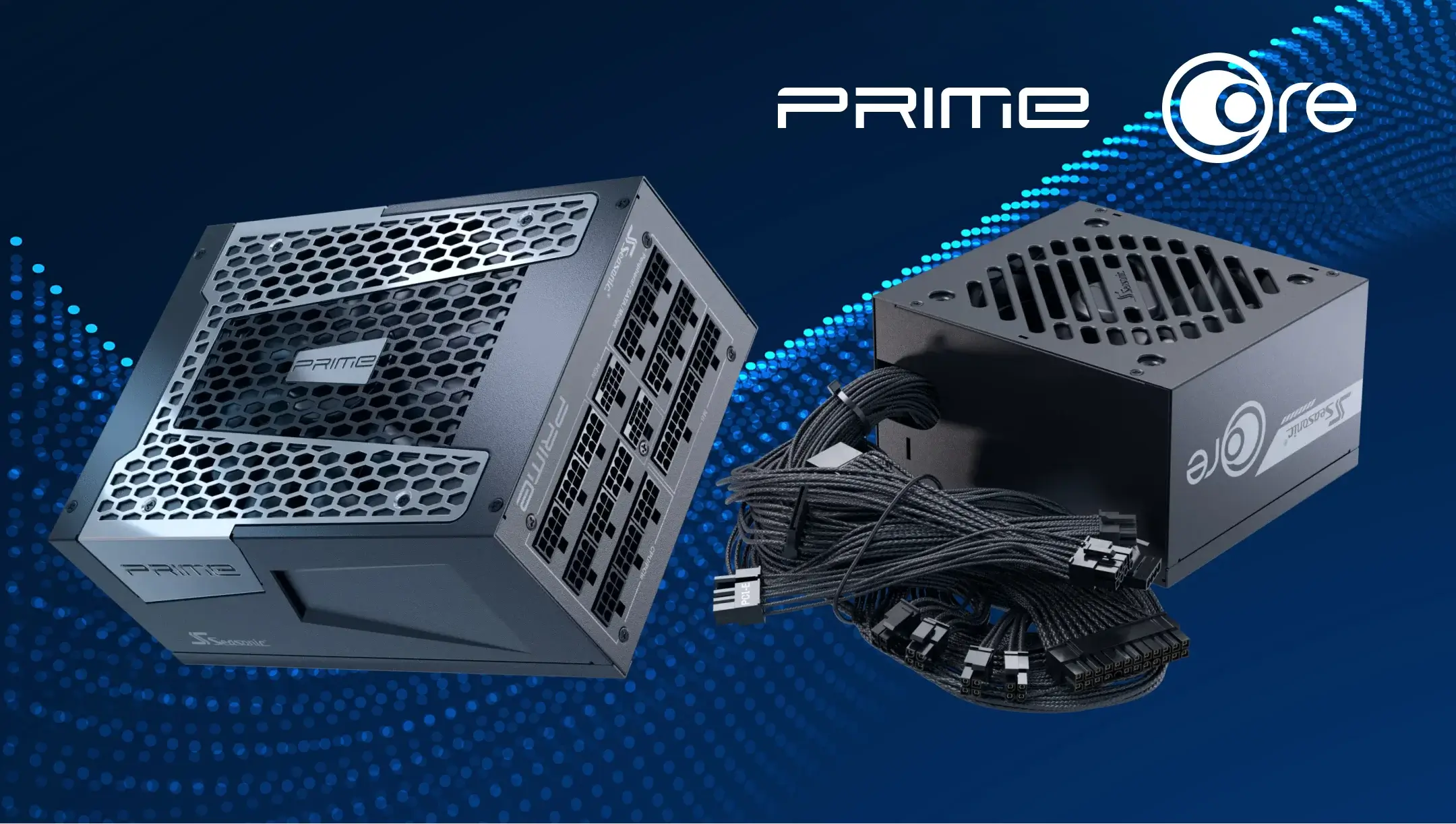
The main difference between modular, semi-modular, and non-modular PC PSUs is how their cables are connected to the PSU. In fully modular PSUs, all cables are detachable, so you can connect only the cables you need. In semi-modular PSUs, some essential cables are permanently attached, while others are detachable. In non-modular PSUs, all cables are permanently connected to the PSU.
For a first build, a modular PSU is usually the most convenient choice. It makes cable management easier while giving the case more room for airflow. Non-modular models work well too, but you’ll need to carefully hide any unused cables inside the case.
DO NOT mix cables from different PSU models. Even if the connectors look the same, do not use modular cables from different power supply units. The pinout on the PSU side is not universal and may vary between manufacturers and even between different series from the same brand. Using a cable from a different power supply unit can damage your components.
Safety and security features every beginner buyer should know
High-quality PSUs have built-in protection mechanisms that protect PC components from any electrical issues that may arise during intensive use. The main ones are:
| Protección | What it protects your system from |
|---|---|
| Over Current Protection | Excessive current on a power rail. |
| Over Voltage Protection | Excessively high voltage. |
| Under Voltage Protection | Excessively low voltage. |
| Over Power Protection | Excessive overall PSU load |
| Short Circuit Protection | Short circuits |
| Over Temperature Protection | Excessive PSU temperature |
How do they work? If something goes wrong, the specific mechanisms step in, depending on what the issue type is, to prevent damage to the PSU or other vital PC components.
For example, if the system suddenly begins drawing excessive current due to a malfunction, the OCP or OPP may shut down the PSU. If the temperature inside the PSU becomes dangerously high, the OTP may also shut it down. So, whatever happens, these built-in safeguards are designed to respond to defined fault conditions and reduce the risk of damage to the PSU or connected components.
If you’re a beginner, the best thing to do is check what safety features the manufacturer says the product has.
Seasonic power supply series review: PRIME, VERTEX, FOCUS
If this is your first time choosing a power supply, you don’t always need to go for the most expensive model. The PSU series choice depends primarily on your build type, its components, and how you plan to use your PC.
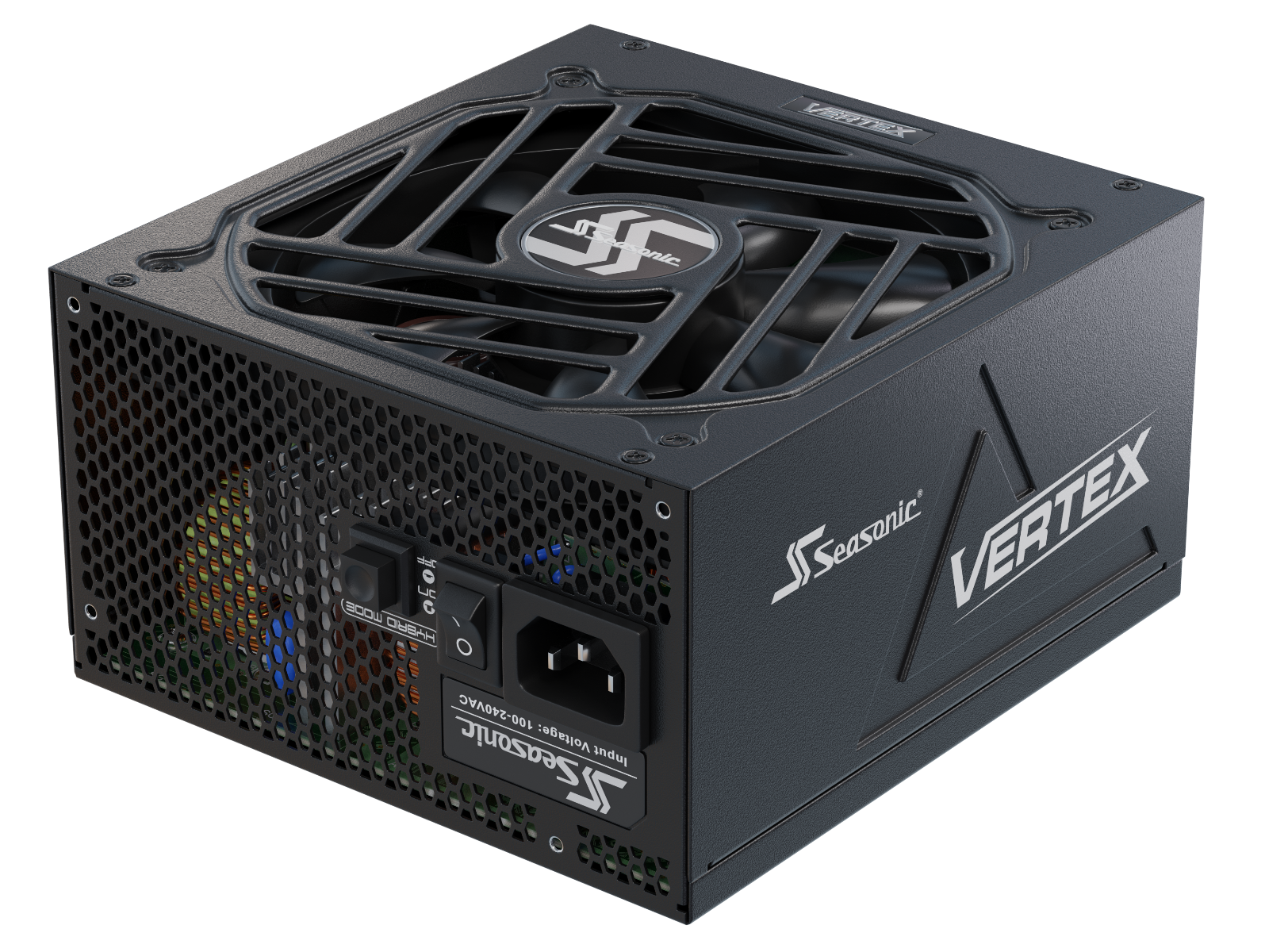
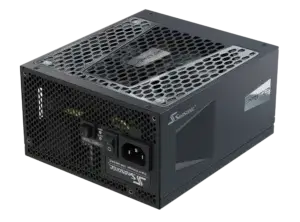
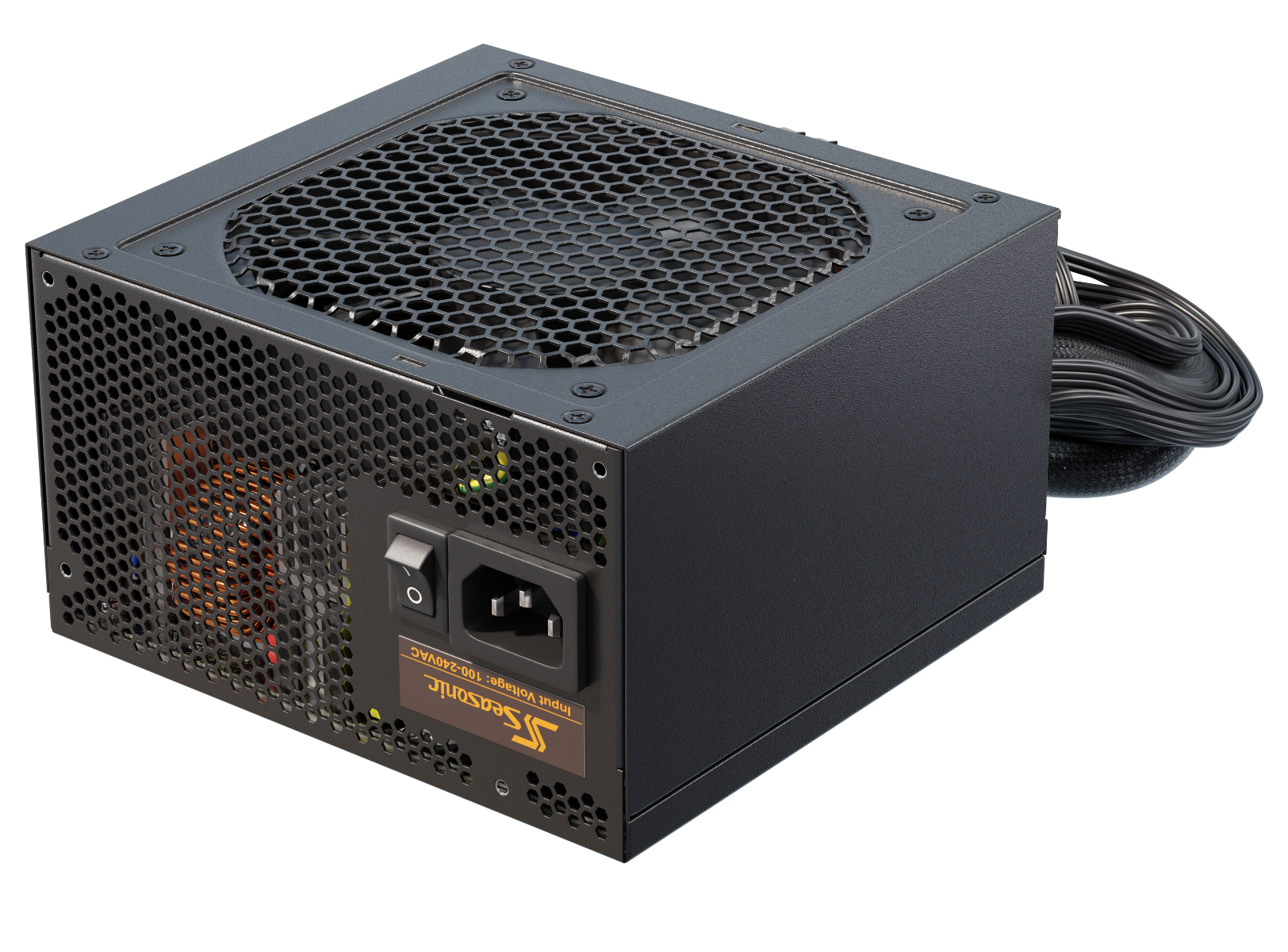
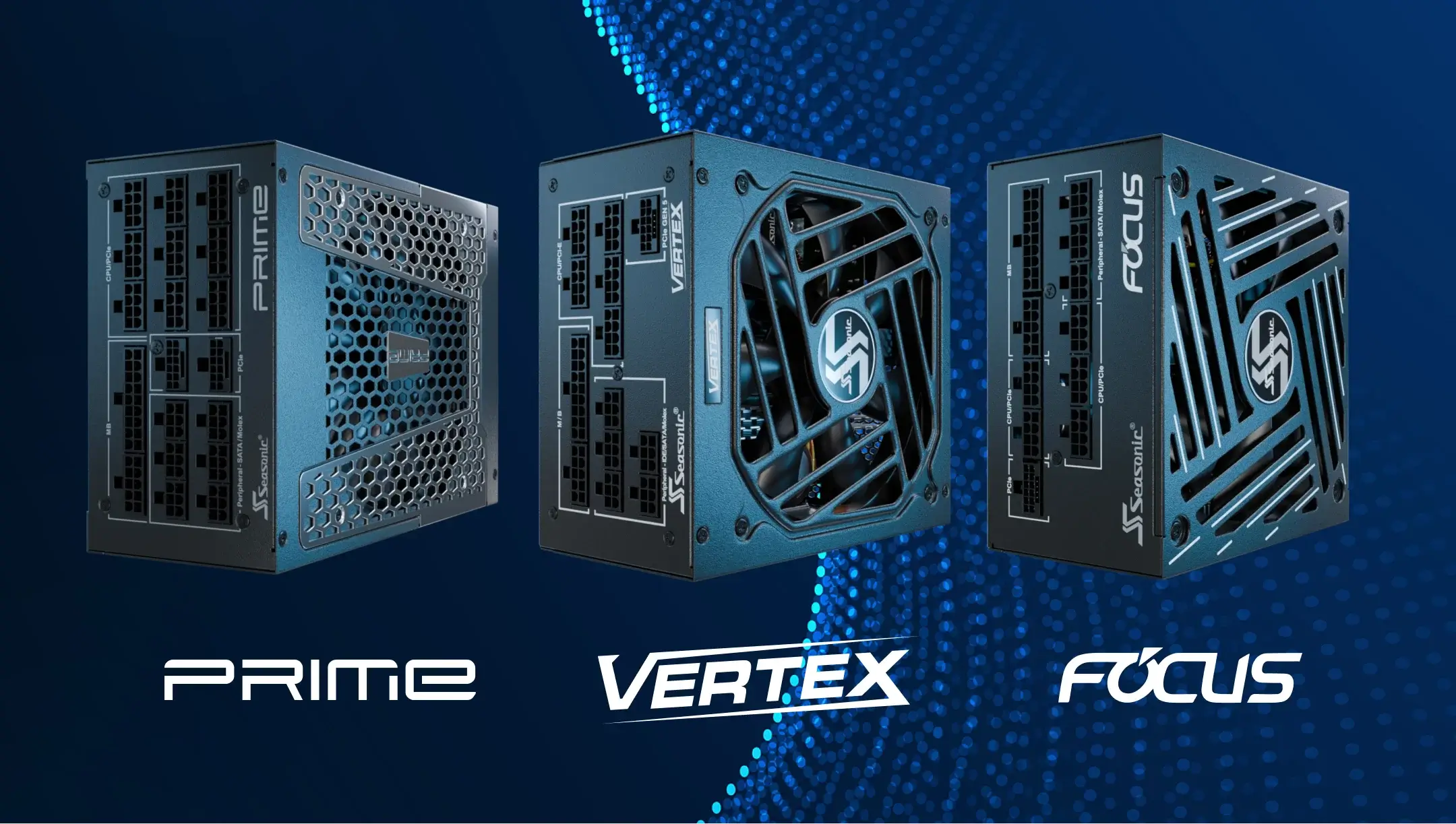
Taking Seasonic’s PSUs as a starting point, we advise looking at the PRIME, VERTEX, and FOCUS series. PRIME is the go-to for high-end setups demanding the best efficiency and performance. VERTEX is made for higher-power gaming PCs and workstations, and FOCUS works well for everyday and gaming builds.
Below is a brief comparison to help you make your decision.
| Serie | Key features | Best for... | Why it works for beginners |
|---|---|---|---|
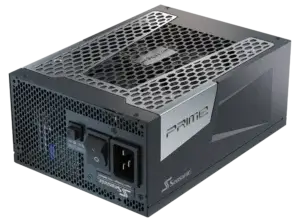
| PRIME TX/PX ATX 3.1 | Flagship platform, 2200–1300 W, 80 PLUS Titanium/Platinum, ATX 3.1, PCIe 5.1, 12V-2×6, fully modular, 12-year warranty. | High-end and professional systems. | Designed for very high-power configurations and users prioritizing premium efficiency and features. |
| VERTEX GX ATX 3.1 unidad de potencia | 1200–750 W, 80 PLUS Gold, ATX 3.1, PCIe 5.1, 12V-2×6, fully modular, 12-year warranty. | High-performance gaming PCs and demanding systems. | More power and a longer warranty for users building a more powerful PC. |
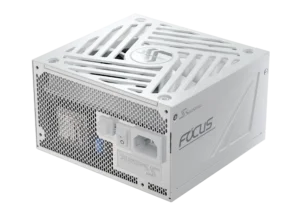
| FOCUS GX ATX 3.1 unidad de potencia | 1000–750 W, 80 PLUS Gold, ATX 3.1, PCIe 5.1, 12V-2×6, fully modular, 10-year warranty. | Mainstream and high-performance gaming PCs. | A practical balance of power, modern features, compact size, and price. |
Conclusión
Choosing your first PSU is ultimately about finding the right balance between power, compatibility, efficiency, features, and future needs. Always go for one that’s properly matched to your system and can handle your usage, not just the most powerful. Once you know what to look for, PSU specifications stop being a list of confusing numbers and become useful clues for making the right choice with confidence.