


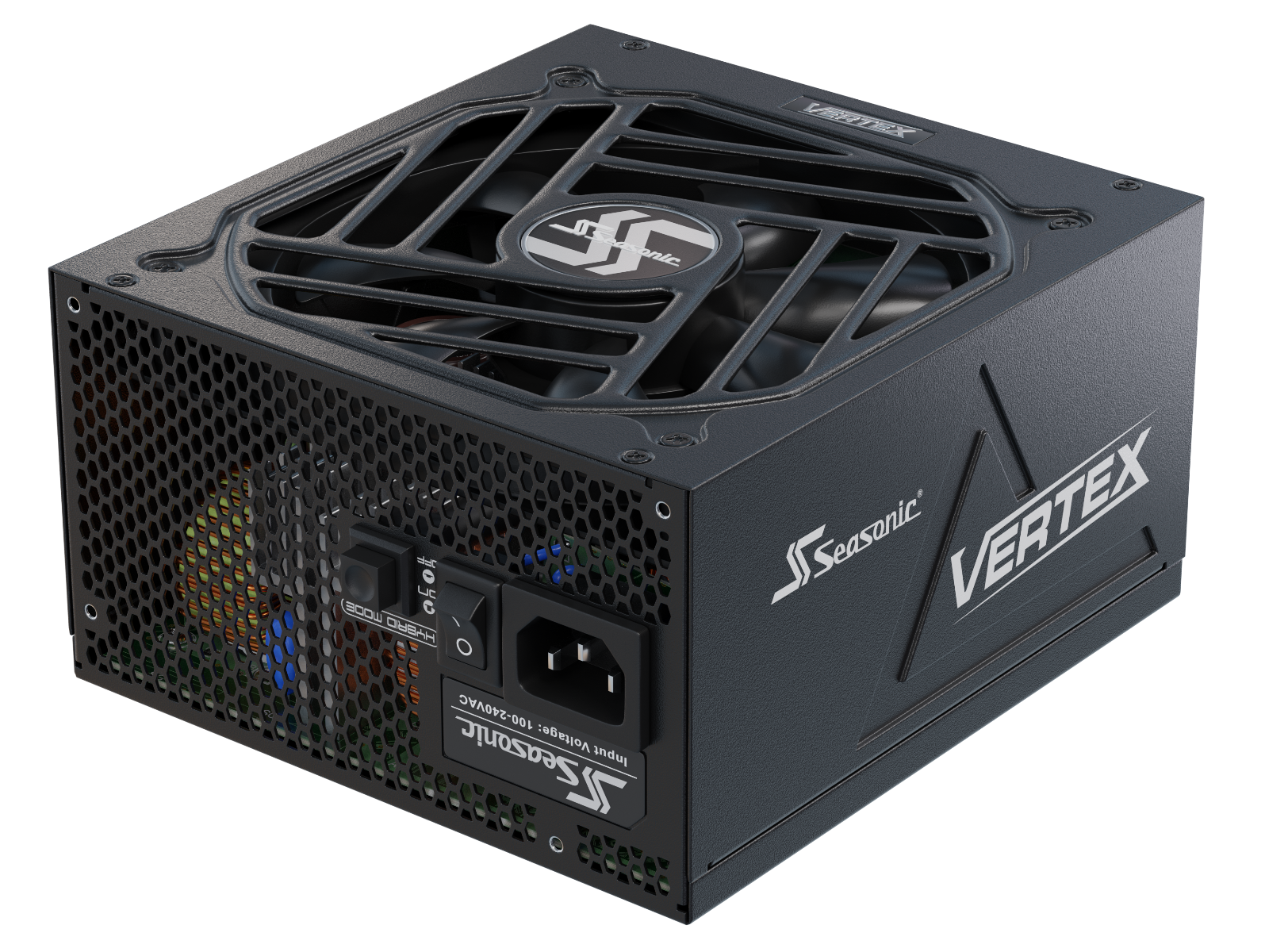







New-age AI workstations demand far more from a PSU than previous-generation systems. In this article, we’ll explore how PSU-to-GPU protection affects the reliability of multi-GPU systems and why it has become one of the key criteria for choosing a power supply unit.
Why PSU-to-GPU protection matters more in modern multi-GPU systems
In multi-GPU systems, including modern AI workstations, system load becomes more unpredictable than in standard office PCs or gaming systems. The combination of new hardware and demanding AI workloads has made PSU and GPU protection a much bigger priority for manufacturers.
We explain this in typical use cases, when multi-GPU systems handle AI computing and other power-demanding tasks. During model training or batch inference, thousands of CUDA cores perform large-scale parallel computations nearly simultaneously. For systems with multiple GPUs, this means the entire accelerator array can ramp up together.
Such system behaviour and synchrony in power drawing become the main reason why NVIDIA has been actively researching power stabilization for AI infrastructure in recent years. The company notes that AI training workloads can cause sudden fluctuations in power consumption because thousands of GPUs operate in sync. To address these fluctuations, NVIDIA’s GB300 NVL72 platform uses a combination of power capping, energy storage, and power-management mechanisms to smooth the rack’s power demand.
One more reason for the growing importance of PSU-to-GPU protection is power excursions. They are short-duration increases in power demand that can occur over timescales ranging from microseconds to milliseconds. Their magnitude and duration depend on the specific GPU and workload. When one GPU causes a short-term power spike, a high-quality PSU must respond quickly while maintaining stable output. But if we’re talking about two or more GPUs that all enter the peak load phase at the same time, the resulting surge becomes a real test for the entire platform.
PSU manufacturers have therefore placed greater emphasis on transient response: the ability of the power supply to maintain stable output when the load changes rapidly. This is separate from protection mechanisms such as OCP or OPP, which are designed to shut the PSU down when electrical limits are exceeded rather than to absorb normal power excursions.
The same challenge is also being addressed at the data-center level. NVIDIA has described rack-level power smoothing approaches that use energy storage and control mechanisms to compensate for rapid changes in power demand from large GPU clusters. This is a different layer of the power architecture from the protection and transient-response capabilities built into an individual workstation PSU, but it illustrates how dynamic GPU power demand is influencing power-system design at different scales.
To summarize, as hardware and AI systems raise the bar, manufacturers have another reason to improve the protection between the PSU and GPU, the two components responsible for handling the heaviest loads. It’s a clear sign that the industry is shifting from simply increasing power capacity to intelligent power management.
What protection mechanisms are involved between the PSU and GPUs?
As AI accelerators push power consumption higher, PSU design has to account for more demanding and rapidly changing loads. PSU protection mechanisms still serve their core purpose: they step in when predefined limits for temperature, voltage, current, or total power are reached. Transient loads themselves are handled by the PSU’s design and, in ATX 3.1 units, by the transient-response and power-excursion requirements defined by the specification within their specified limits.
Due to short-term spikes in power consumption and concurrent GPU workloads, manufacturers are increasingly focusing on the accuracy of operation, response speed, and control of individual power lines. Beyond simply having a protection mechanism.
That is why we are now seeing more solutions for monitoring GPU cable health, which work in conjunction with traditional PSU protection circuits. It’s important to distinguish these protection functions from transient response. Protection mechanisms such as OCP, OPP, OVP, UVP, SCP, and OTP intervene when electrical or thermal conditions exceed defined limits. Transient response, by contrast, describes how well the PSU maintains stable voltage and current delivery during rapid but normal changes in GPU load.
| Protection mechanism | Role in a multi-GPU and AI system | What happens without it? |
|---|---|---|
| Over Current Protection (OCP) | This helps prevent cables, connectors, and 12 V rails from being overloaded when one or more GPUs suddenly draw significantly more power. | Overheated cables and connectors, melted contacts, or unstable GPU operation. |
| Over Power Protection (OPP) | Monitors the PSU's total power output and shuts it down if the overall load exceeds a safe threshold. | The PSU may operate beyond its design limits, leading to overheating and instability. |
| Short Circuit Protection (SCP) | Instantly cuts power if a short circuit occurs in a cable, GPU, or another component. Stops failures from cascading through the system. | Prevents damage to the PSU, motherboard, GPUs, or other components. |
| Over Voltage Protection (OVP) | Shuts down the PSU if the output voltage exceeds safe limits. | Damage to GPUs, VRMs, HBM memory, or other sensitive electronic components. |
| Under Voltage Protection (UVP) | Ensures the output voltage does not drop below a safe operating level during sudden load changes. | Prevents unexpected reboots, interrupted AI workloads, or data corruption caused by improper process termination. |
| Over Temperature Protection (OTP) | Monitors the internal PSU temperature and shuts it down if critical thermal limits are exceeded. It's especially important for AI workloads that can run for hours or even days at a time. | Overheated power components, accelerated capacitor aging, reduced PSU lifespan. |
How transient GPU power spikes affect system reliability
Transient power excursions are short-duration increases in GPU power demand that can occur over timescales from microseconds to milliseconds. They can temporarily increase the load on the PSU and power-delivery system beyond the GPU’s typical operating level, making fast transient response and adequate power headroom important for system stability.
Within a multi-GPU AI system, rapid load changes can affect multiple GPUs at once, increasing the system’s combined peak power demand. That’s exactly why PSU reliability is measured not only by its power output, but by how well it reacts to sudden load shifts without losing stability.
In AI workstations, these rapid changes in GPU power demand can occur repeatedly throughout a long computing session. As a result, the PSU must maintain stable output not just during sustained high loads, but also as the GPU workload changes rapidly.
Here’s what happens behind the short power spikes. When the GPU suddenly increases its power consumption, several things have to happen almost at the same time:
- The PSU must instantly increase its current output.
- The capacitors must compensate for the energy deficit while the power circuit adjusts its operating mode.
- The 12 V rail must remain within acceptable limits without a noticeable voltage drop.
- The VRM must continue to supply stable power to the GPU despite the change in load.
- Protection mechanisms must not interpret a normal power excursion as an emergency situation.
The situation we see also pushes GPU and PSU manufacturers to focus on three development directions:
- the amplitude of short-term spikes reduction, using GPU power management algorithms;
- faster response of the power supply to sudden load changes without voltage drops;
- intelligent monitoring of cables, connectors, and power lines, for localized issue detection before it affects the entire system stability.
Why cable and connector protection matters as much as PSU protection
When talking about GPU power protection and its stability, a lot of attention is given to the power supply unit first. But here’s the thing – between the PSU and GPU there is an entire chain of components: cables, connectors, contacts, sockets, and power lines on the printed circuit board. They are all part of the same power-delivery path, so system reliability depends not only on the PSU itself, but also on every connection between the PSU and GPU.
Physically, electrical energy passes through dozens of contact surfaces, each of which creates a small amount of contact resistance. Under normal conditions, there’s virtually no noticeable impact on the system. However, as the current increases, even a slight rise in resistance leads to significant localized heating.
This is where AI workstations stand apart from typical PCs. Modern GPUs can sustain high power consumption for extended periods, which places greater demands on the connector, contacts, and cables that carry this current.
Current is distributed across multiple contacts in the connector, but it is not necessarily perfectly equal between them. Differences in contact resistance and connection quality can cause some contacts to carry more current than others. If a contact is poorly mated, damaged, or has higher-than-expected resistance, localized heating can increase and affect the reliability of the connection.
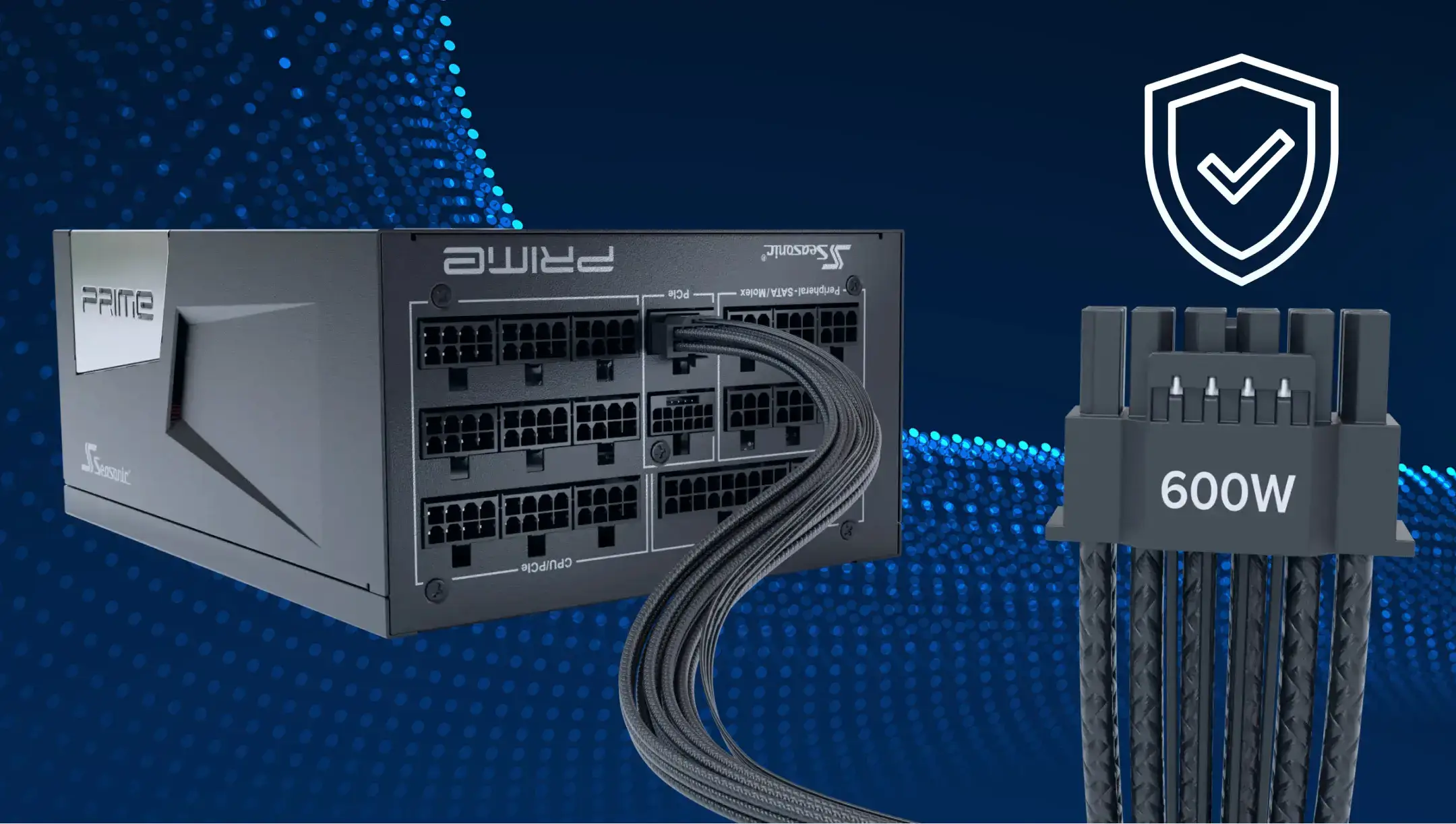
The 12V-2×6 connector revised the previous high-power connector design to improve mating and reduce the risk of incomplete connection. The new standard does not increase the maximum power rating, but it modifies the contact design to minimize incomplete connections between contacts.
For multi-GPU systems, using separate PSU cables for individual GPUs can help distribute the load more evenly across the available power connections. Where recommended by the PSU manufacturer, dedicated cables can provide:
- a more even load distribution across the available PSU power connections;
- lower current through each cable;
- lower conductor temperatures;
- more stable voltage drops during brief power excursions;
- easier fault diagnosis.
All in all, proper protection must be implemented for all electrical chain elements, including contacts that deliver the current to the critical AI system components.
How PSU protection affects uptime in AI workstations
So far, the AI workstation PSU has become a key component that sets a new level of stability and uptime during AI computing. Thus, PSU protection contributes to operational reliability by reducing the risk that electrical or thermal faults will interrupt long-running workloads. This is particularly important in multi-GPU systems, where a power-related failure can stop a compute job, interrupt training or inference, and require additional troubleshooting or hardware replacement.
By preventing power-related failures, a properly protected enterprise PSU helps organizations maximize GPU utilization, protect hardware investments, and maintain predictable AI workloads.
The practical impact of PSU protection can be summarized across several areas of AI workstation operation:
| Business impact | How PSU protection contributes |
|---|---|
| Avoiding unexpected shutdowns | Protection mechanisms help the PSU respond safely to abnormal conditions such as overcurrent, overvoltage, overheating, or excessive power demand. |
| Reducing the risk of hardware damage | OCP, OVP, SCP, and OTP protections provide safeguards against electrical and thermal conditions that can damage power components, GPUs, connectors, or other system parts. |
| Maintaining stable AI workloads | By keeping the PSU operating within safe electrical limits during sustained high loads and rapid power excursions, protection mechanisms reduce the likelihood of power-related interruptions that could halt multi-GPU training. |
| Protecting expensive GPUs | Proper PSU and connector protection helps reduce risks like excessive current, voltage deviations, and connector overheating. |
| Reducing unplanned maintenance and interruptions | Preventing power-related failures can reduce situations that require hardware replacement, troubleshooting, or restarting interrupted workloads. |
Common mistakes that reduce protection in multi-GPU computers
In multi-GPU builds, reliability rests not only on the PSU, but also on how power connections are arranged for each GPU. We’ve combined together the most common mistakes that reduce system protection and may expose new weak points.
Using daisy-chain PCIe power cables
Using one cable to power multiple high-power GPU connectors can increase the current carried by that cable and its connectors, depending on the GPU and PSU design. For high-power GPUs, use separate PCIe power cables where recommended by the PSU manufacturer to distribute the load across the available power connections.
Insufficient power headroom
Running a PSU close to its rated limit leaves less margin for transient GPU power spikes, increasing the likelihood of instability or unnecessary Over Power Protection activation during peak loads.
Mixing modular cables from different PSU brands or models
There is no universal standard for all modular PSU cables. Different pin assignments can cause short circuits or permanently damage the PSU, GPU, or other connected components. Always use cables approved for the specific PSU model.
Ignoring connector temperature
Elevated connector temperatures often indicate poor contact, increased contact resistance, uneven current distribution, or cable damage. Left unaddressed, overheating can accelerate connector degradation and increase the risk of power-related failures.
Besides these cases, manufacturers also advise following these recommendations as an extra way to protect your build:
- not bend the 12V-2×6 cable too close to the connector, as this may impair contact quality and increase localized heat;
- not use damaged or heavily worn cables, especially after repeated insertion and removal, as this may increase contact resistance.
What to look for in a PSU for reliable GPU protection
When evaluating a PSU, pay attention to the following criteria:
- Choose a PSU that complies with ATX 3.0 or later. ATX 3.0 introduced requirements for PSU performance during sudden GPU power spikes. ATX 3.1 continues to refine the specification and updates other aspects of the power-delivery ecosystem, so a current ATX 3.1 PSU can be a good choice for a new high-power GPU system.
- Look for native PCIe 5.1 / 12V-2×6 support. Native support improves compatibility with modern GPUs and helps ensure reliable high-current power delivery.
- Verify that the PSU includes a complete set of protection mechanisms. A high-quality PSU should provide over current, over power, overvoltage, undervoltage, short circuit, and overtemperature protections. Together, they safeguard the PSU, GPUs, cables, and connectors from electrical and thermal faults.
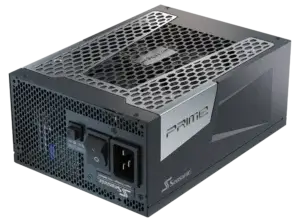
- Consider advanced monitoring and protection features. For demanding multi-GPU and AI systems, it is worth looking beyond basic PSU protection and checking whether the platform provides additional monitoring and power-management capabilities. Seasonic’s PRIME ENTERPRISE platform, for example, is designed for high-demand systems and incorporates advanced power-delivery and monitoring features. EDPp (Electrical Design Point Peak) is used to validate PSU behaviour under demanding dynamic load conditions, while OptiGuard 2.0 is being introduced on selected PRIME ENTERPRISE models to provide additional monitoring of PSU-to-GPU power delivery conditions. OptiGuard 2.0 should therefore be considered a model-specific feature rather than a standard feature across the entire Seasonic lineup.
- Pay attention to component quality. High-grade capacitors, robust power stages, efficient cooling, and carefully designed internal circuitry contribute to better voltage stability and longer service life under continuous high-load operation.
- Check voltage regulation performance. Stable voltage regulation helps the PSU respond to rapid load changes without excessive voltage deviation.
- Leave sufficient power headroom. A PSU should not be sized around average power usage alone. Additional capacity provides margin for transient GPU power spikes, future hardware upgrades, and sustained high-load scenarios.
- Look for proven performance under sustained workloads. Independent testing and manufacturer validation under continuous high-load conditions provide greater confidence that the PSU can maintain stable operation over extended periods.
结论
As power consumption and AI computation complexity increase, modern PSUs are expected to do much more than meet their rated power output. Reliable operation depends on the combination of transient response, protection mechanisms, connector and cable design, voltage regulation, and sufficient power headroom. Choosing a PSU that is designed for these conditions helps reduce power-related risks and provides a more reliable foundation for sustained AI workloads.