









Building a PC with the AMD Radeon RX 9070 GRE? Let’s explore its real-world power consumption, what to consider when choosing a PSU, and which Seasonic models are best suited for your configuration.
How much power does the RX 9070 GRE consume under load?
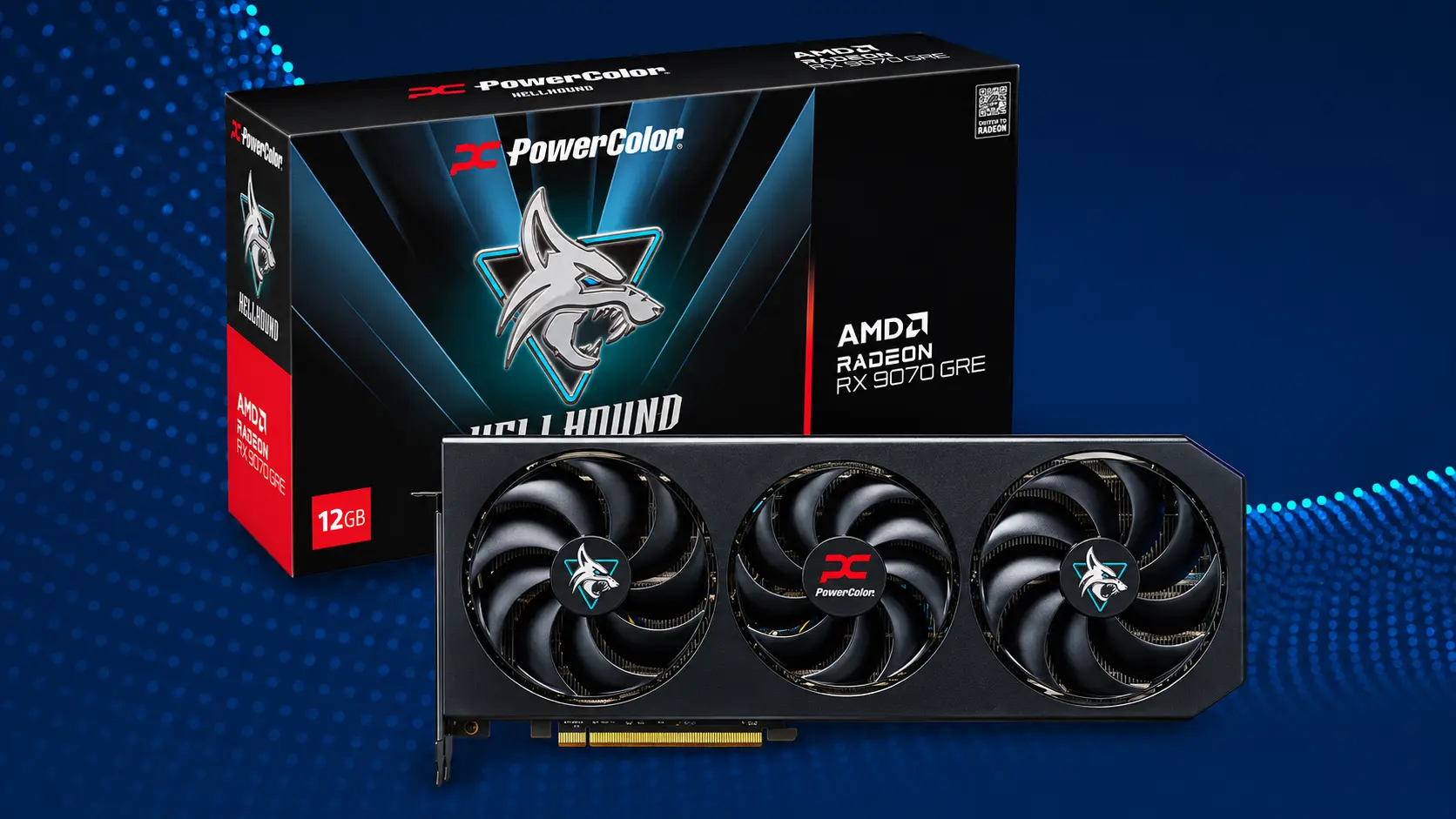
AMD Radeon RX 9070 GRE belongs to the family of graphics cards based on the RDNA 4 architecture and is equipped with 12 GB of GDDR6 memory. According to official AMD specifications, its TBP (Typical Board Power) is 220 W. TBP covers the power draw of the entire graphics card, including the graphics processor, memory, and other board components.
In ComputerBase’s tests, the PowerColor Reaper RX 9070 GRE averaged 217 W at both 1440p and 4K, close to AMD’s 220 W typical board power. The Sapphire Pulse OC averaged 240 W at 4K, matching its own 240 W rating. In the 4K peak measurements, the Reaper briefly reached 315 W and the Pulse OC reached 350 W.
Testing results should be viewed in the context of the conditions under which they were obtained.
Such a variation arises because a graphics processing unit dynamically adjusts its clock speed and voltage depending on how complex the computations are. For example, in one game, a GPU may be operating at maximum capacity, while in another, performance will be limited either by the CPU or by the FPS cap.
Overall, the AMD Radeon RX 9070 GRE power consumption matches the rated wattage. But in some cases, a few key factors can affect how much power it actually uses. Like graphics settings, the use of ray tracing, the individual scene’s complexity, and frame rate.
What power supply wattage does AMD recommend for the RX 9070 GRE?
AMD recommends a minimum 650 W PSU for a system using the RX 9070 GRE. Check the PSU recommendation for your exact graphics card model as well. There is simply no one-size-fits-all PC configuration that could serve as a guide in every situation.
We recommend the following power variants to consider for the RX 9070 GRE GPU:
– 850 W for PCs running on flagship CPUs, with higher power limits, or if you plan to upgrade to a more powerful GPU.
– 750 W for highly productive gaming rigs that are also used for streaming sessions and video editing.
– 650 W for a common gaming PC with a modern, energy-efficient CPU and a standard set of components.
This doesn’t automatically mean that an 850 W PSU is always the best option for the RX 9070 GRE GPU. If you don’t plan to upgrade your PC configuration with more powerful components, a higher-wattage PSU isn’t necessary in this case.
Check the PSU’s +12 V output rating. This is especially important if you plan to use a previous-generation power supply that already supports your system. Its actual available power on this rail may differ from the total rated power.
How to calculate the required power supply wattage for a build featuring an RX 9070 GRE?
Start by determining the maximum rated power of your PC’s configuration. Pay close attention to the central processing unit, as its nominal TDP doesn’t always show actual power consumption in Boost mode. For Intel processors, check Maximum Turbo Power (MTP), and for AMD, the set Package Power Tracking (PPT) limit.
Then, consider how much power the motherboard, RAM, storage drives, fans, pumps, and other components draw. Use our Wattage Calculator to estimate the PSU capacity for your RX 9070 GRE build. Select your components to get an estimate that includes a safety margin. The best thing it offers is the automatic calculation of extra margin, added to the required PSU power capacity, based on your configuration.
What power connectors does the RX 9070 GRE use?
AMD specifies two 8-pin PCIe power connectors for the AMD RX 9070 GRE. Check the specifications of your exact card.
How to connect the graphics card to the PSU? If your PSU is designed to use standard PCIe cables, we recommend connecting each graphics card connector with a separate cable whenever possible. It distributes the current load among the cables and reduces heat buildup in their conductors and contacts.
For the CORE GX-650 and CORE GX-750 ATX 3.1, use the included 12V-2×6 to dual 8-pin PCIe cable. Connect the 12V-2×6 end to the PSU and both 8-pin plugs to the graphics card. The cable is specifically designed to use both connectors at the same time.
Check the cable markings before connecting. The 6+2-pin PCIe and 4+4-pin EPS connectors for the CPU look similar, but they have different pinout configurations and are not interchangeable.
For a modular power supply, verify that the cables are compatible with your specific PSU model. See our cable compatibility chart to use the right ones.
Is an ATX 3.1-standard power supply required for the RX 9070 GRE?
ATX 3.1 is not required for the RX 9070 GRE. The graphics card can operate properly with high-quality ATX 2.x and ATX 3.0 PSUs if their electrical specs meet the system’s requirements.
However, if you assemble your PC in 2026, the ATX 3.1 standard becomes a notable advantage for the whole system. ATX 3.x standards clearly define requirements for power supply operation during brief power excursions.
According to official Intel specifications, power supply units with a power rating above 450 W and equipped with a 12V-2×6 connector undergo testing using the following parameters:
| Power excursion | Duration |
|---|---|
| 200% | 100 µs |
| 180% | 1 ms |
| 160% | 10 ms |
| 120% | 100 ms |
| 100% | Continuous |
Power supply units that comply with these requirements can work under conditions of sudden changes in electrical load within the specified limits.
A PSU with a native 12V-2×6 connection can simplify a future upgrade to a graphics card that uses that connector. Which means that today you can use the RX 9070 GRE, and in a few years, you can switch to a graphics card with a different power interface without having to replace your PSU just because it lacks the necessary connector.
Which efficiency certification should you choose for a build with an RX 9070 GRE?
For most gaming PCs running an RX 9070 GRE GPU, the 80 PLUS® Gold PSU is a practical option. Some conditions, however, make it worthwhile to consider models with higher certification levels.
Let’s take a look at the efficiency ratings of various 80 PLUS® categories for 230-volt electrical systems.
| 80 PLUS® Certification (230 V EU) | 20% load | 50% load | 100% load |
|---|---|---|---|
| Titanium | 94% | 96% | 91% |
| Platinum | 92% | 94% | 90% |
| Gold | 90% | 92% | 89% |
| 青铜 | 85% | 88% | 85% |
A more efficient PSU can reduce electricity use. The amount saved depends on system load and hours of use, and the cost savings also depend on electricity rates. In contrast, high efficiency is a huge advantage for systems used for professional computing or long gaming sessions.
We also recommend paying special attention to Cybenetics certification. It takes into account a much bigger number of load combinations to evaluate a power supply’s efficiency.
Even so, energy efficiency should not be viewed as the sole indicator of a PSU’s quality. It doesn’t determine how accurate the output voltage stabilization is, how much ripple it has, or how well the protective mechanisms work. These parameters must be evaluated separately.
What are the power supply requirements for overclocked versions of AMD graphics cards?
AMD can modify the GPU’s factory specifications, increase its operating frequencies, set different power limits, and use its own power delivery designs. That is why the RX 9070 power consumption must be specified separately for each overclocked model.
Other manufacturers of the RX 9070 GRE OC versions provide slightly different recommendations. For example, ASRock RX 9070 GRE Steel Legend Dark OC requires 700 W of recommended PSU wattage. The GIGABYTE RX 9070 GRE GAMING OC requires a 750 W-rated PSU.
If you want to manually overclock your graphics card, we advise using AMD Software: Adrenalin Edition. But only if you are completely sure your system and PSU can handle the additional power demands. If you increase the Power Limit setting, remember to factor the new limit into your overall system power calculations.
After changing the GPU factory settings, we recommend testing the system’s stability under sustained load. Additionally, you should test your overclocked graphics card not only in graphics benchmarks, but in games and programs too.
Which Seasonic power supplies are well-suited for the RX 9070 GRE?
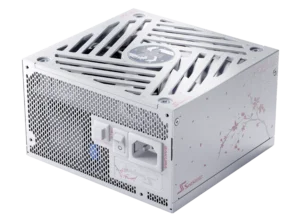
The following Seasonic PSUs are suitable options for RX 9070 GRE builds. For the standard RX 9070, see our RX 9070 PSU guide. They all support ATX 3.1 and PCIe 5.1 standards.
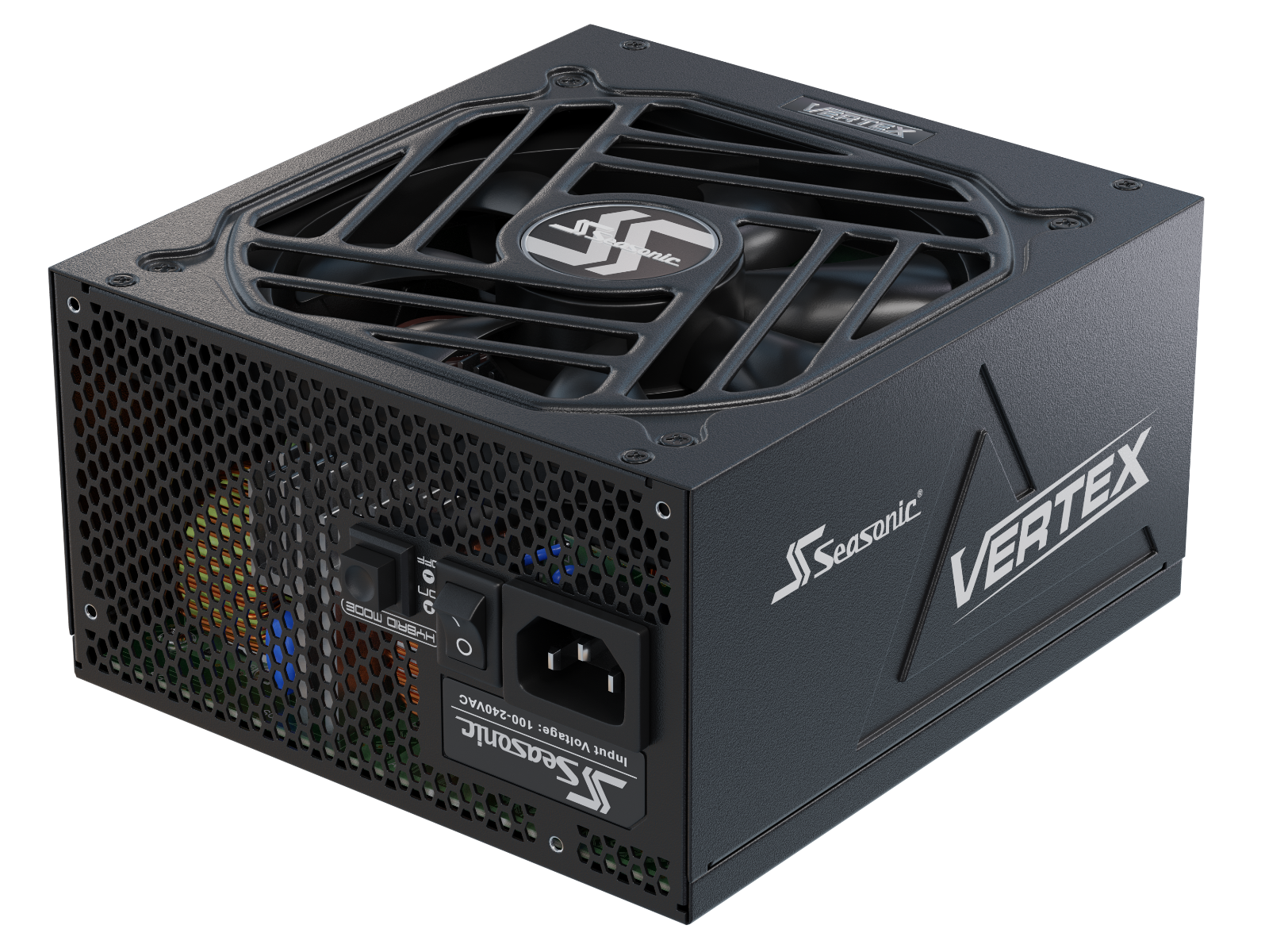
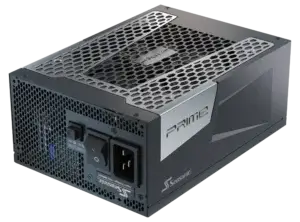
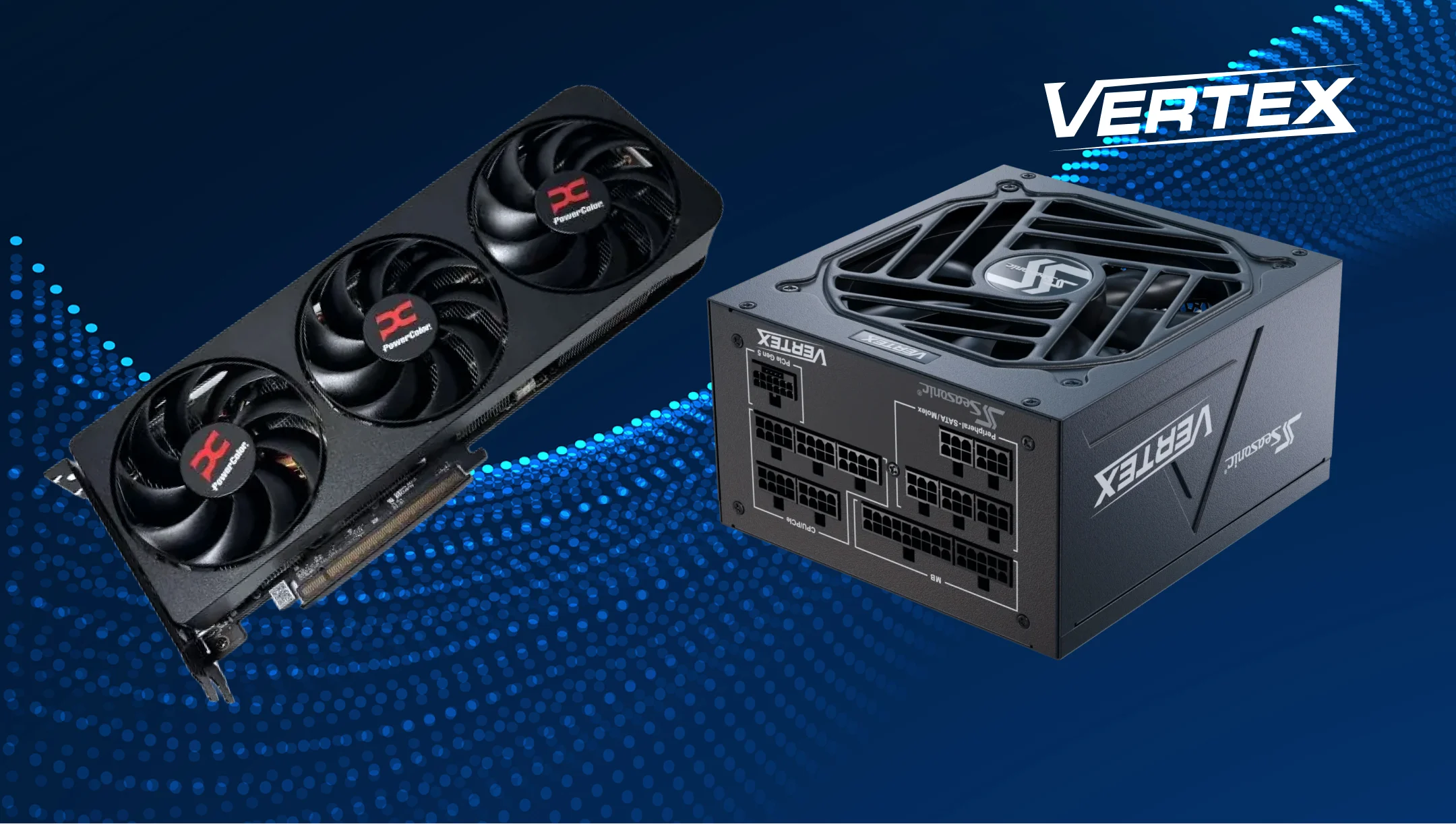
Seasonic VERTEX GX ATX 3.1 (850 W / 750 W)
VERTEX PSU Series is oriented towards users with higher performance needs for their PC. These models feature a 135-mm fan with an FDB bearing and a hybrid cooling control system. The series comes with a full range of protective features and a 12-year warranty.
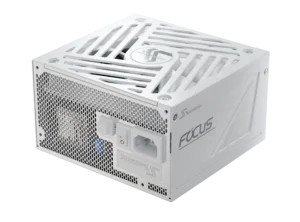
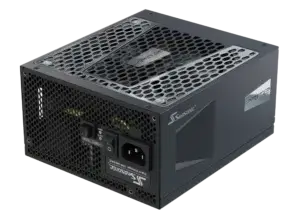
Seasonic FOCUS GX ATX 3.1 v5 (850 W / 750 W)
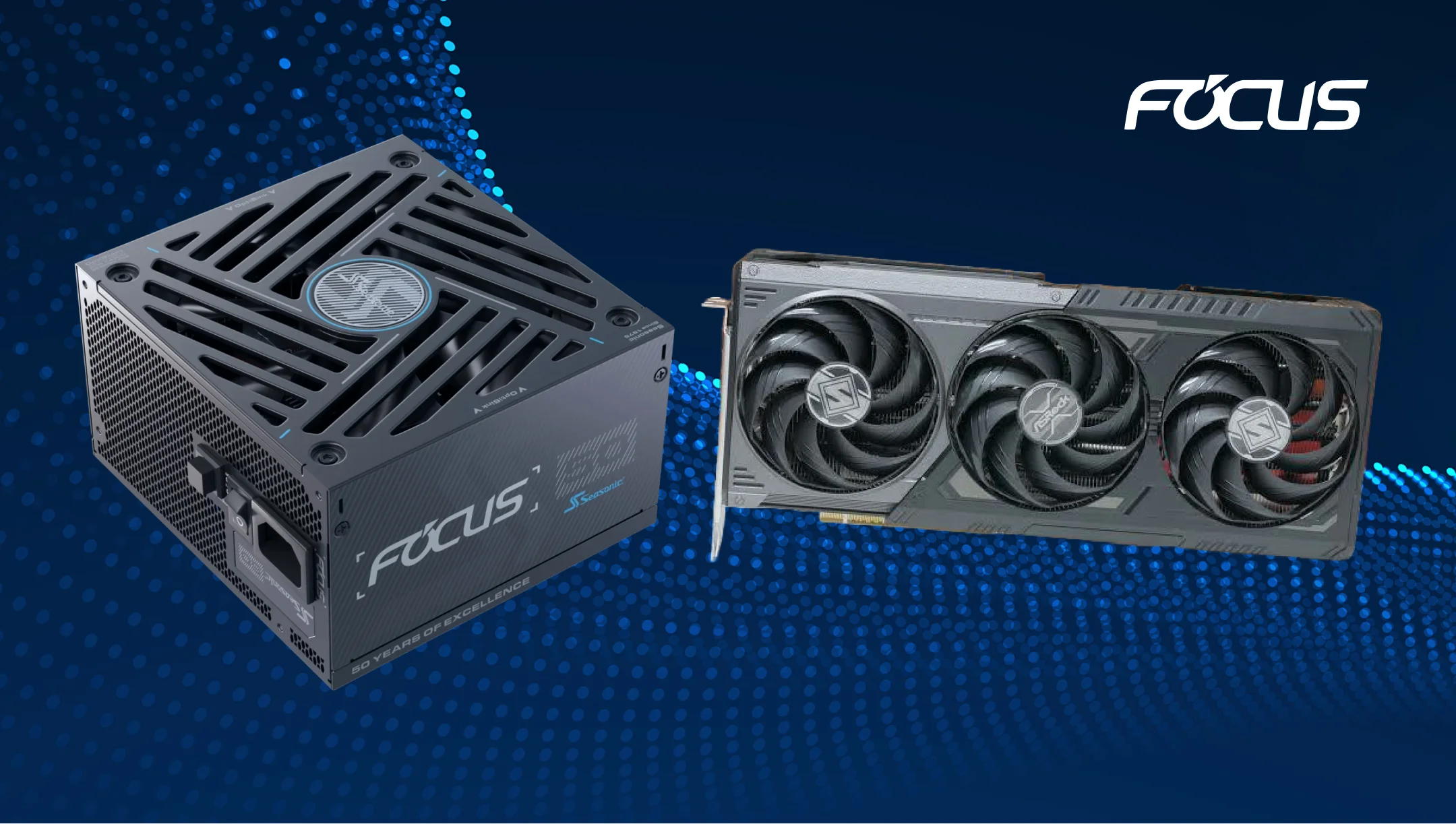
The updated FOCUS GX PSU generation combines OptiSink™ technology with the OptiSilent™ fan control system. With Hybrid Mode enabled, the fan can stop when load and temperature allow. The power supplies are 80 PLUS® Gold and Cybenetics Platinum certified. This is a good choice for high-performance systems where quiet operation is important.
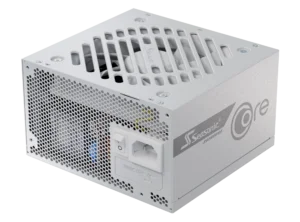
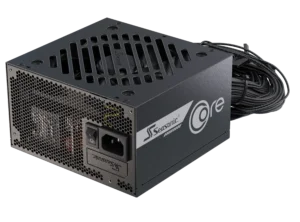
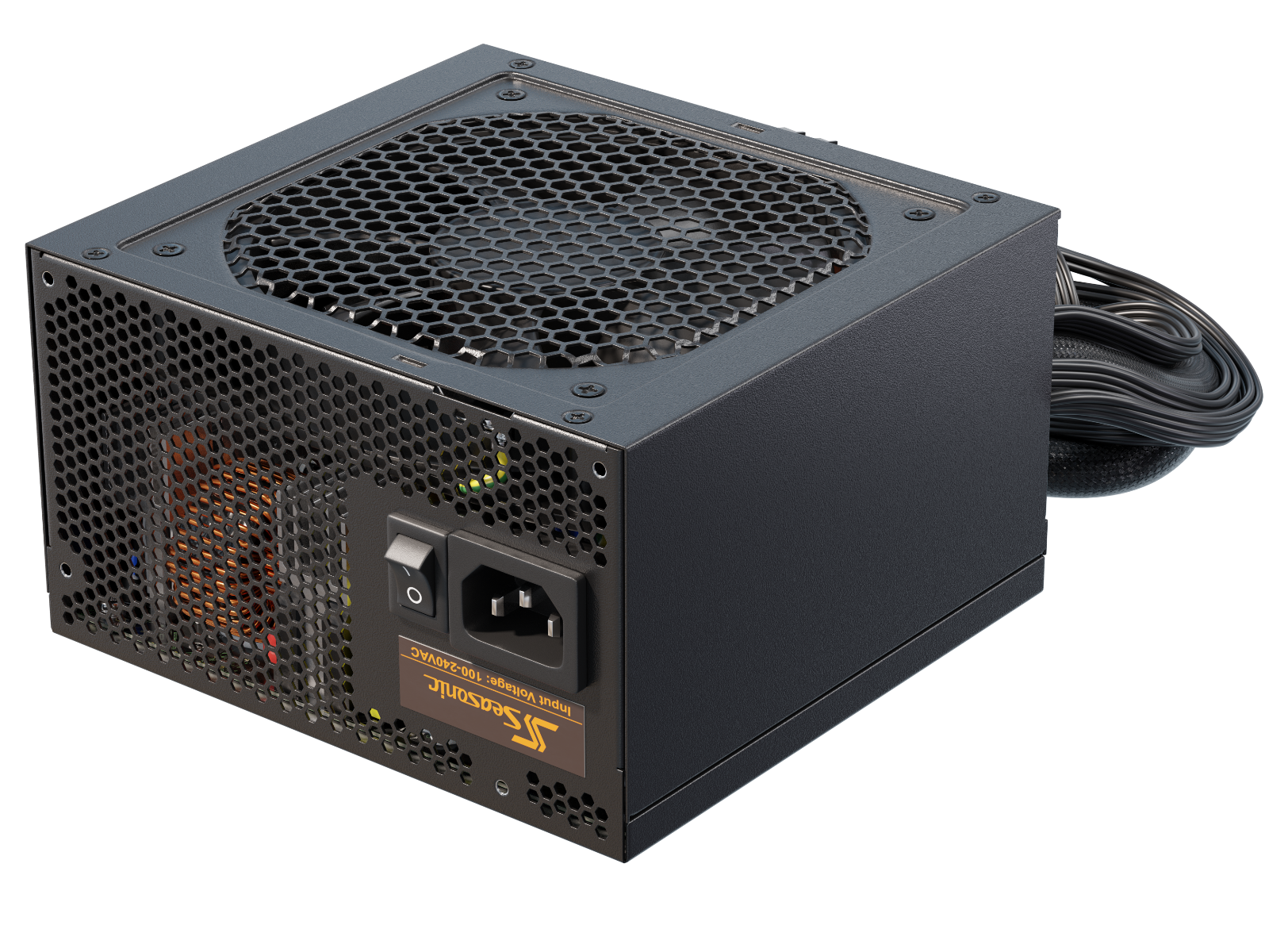
Seasonic CORE GX ATX 3.1 (750 W / 650 W)
The CORE GX PSU models feature a fully modular design, 80 PLUS® Gold certification, and a compact 140-mm-deep chassis. Cooling is handled by a 120 mm fan with a Hydro Dynamic Bearing (HDB). The models in this series come with a 7-year warranty.
结论
The AMD Radeon RX 9070 GRE lets you build a high-performance gaming PC without having to install an extremely high-wattage PSU. This also gives you plenty of freedom in choosing components and planning your budget wisely. Size the PSU for the complete system and the upgrades you expect.