




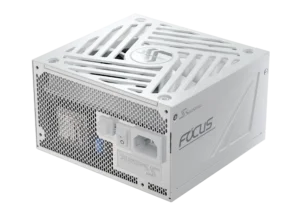


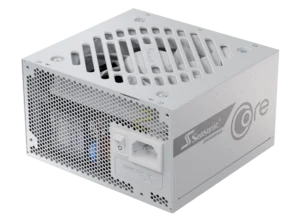
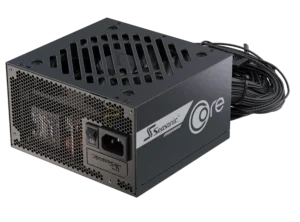
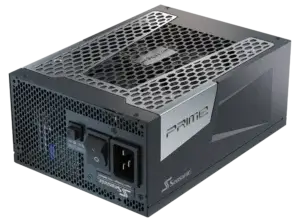


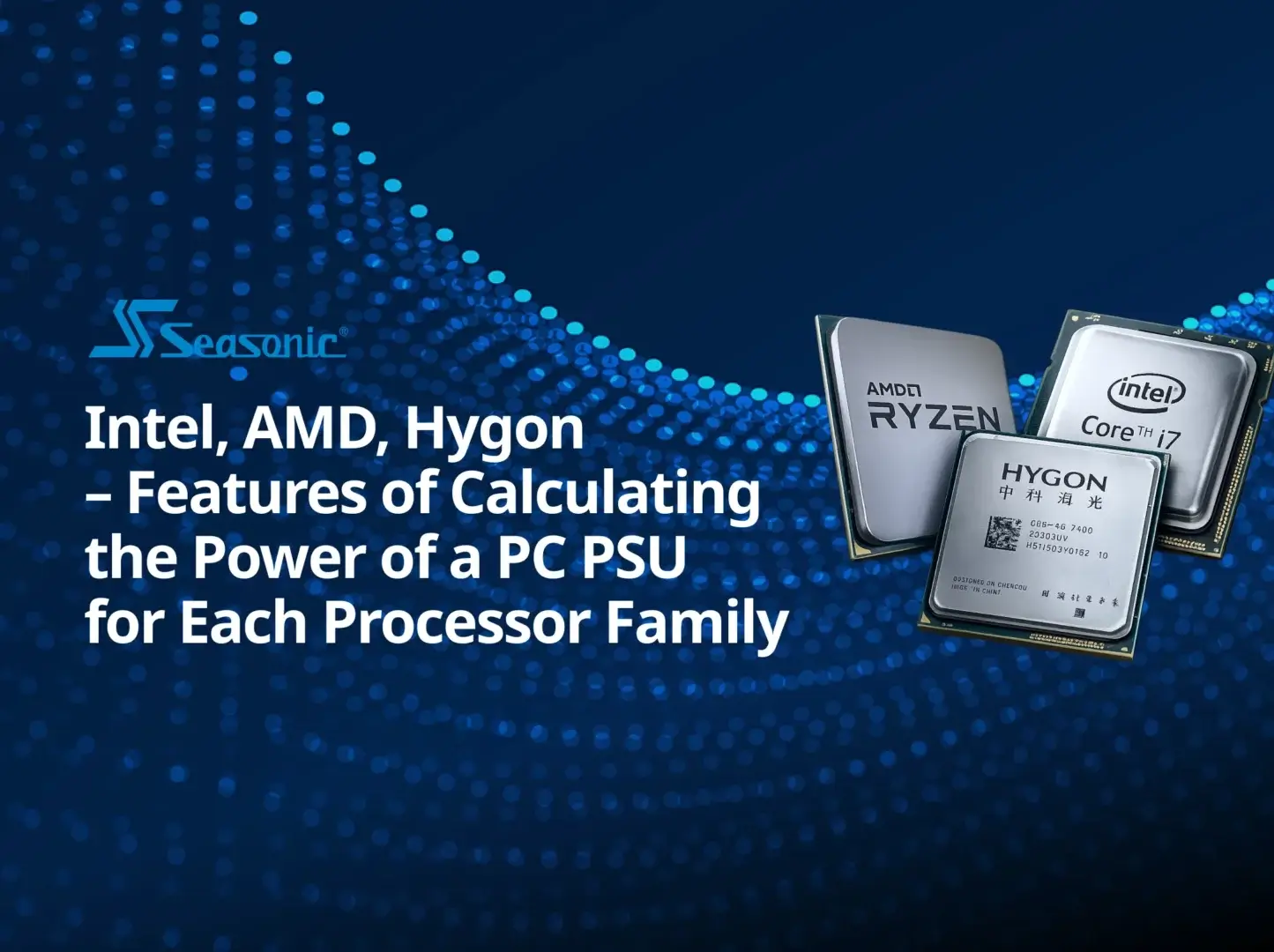

Choosing a PSU for a modern PC in 2026 comes down to how today’s CPUs actually behave in real use. Intel, AMD, and Hygon processors all rely more on dynamic boosts and short peak loads. That’s why proper PSU power capacity is so important – it directly affects system stability and long-term reliability. In this article, we break down everything you need to know.
What is the average power consumption of a PC processor?
Modern PC processors, on average, usually operate somewhere between 40 and 100W in real-life scenarios. The actual consumption always depends on what tasks you perform, as we’re not always pushing our systems to full load. For example, if you’ve got a browser open, documents, or other not so power-hungry apps, the processor may consume around 10–30W, or even less.
When we start working on using more programs or do something like edit videos with open YouTube in the background, it may take up to 40–90W. This is basically the normal everyday usage your PC spends most of its time in.
The serious load comes from rendering, stress tests, gaming, or tasks with AI involvement. Under such conditions, modern CPUs go far beyond the average figures and stably consume 150–250W and above. Because the heavier the task, the more the processor has to work, and the more power it pulls from the PSU.
The middle ground we should keep in mind is that the processors we use today don’t run at full capacity most of the time, so their “average” power consumption is relatively low. However, you should pick a PC power supply based on peak load, not average usage, because spikes matter most for stability.
How does TDP differ from actual power consumption in modern processors?
There are cases we see today where TDP (Thermal Design Power) and the actual CPU power consumption are assumed to be the same thing. But in reality, they are different because they reflect different working conditions. TDP does not explain how much power the CPU consumes. It basically tells you how much heat the cooling system is expected to handle when the CPU is doing normal work.
In reality, a CPU almost never sits in one fixed state. It constantly switches between low activity and short performance bursts that can go well above the stated TDP. That’s also why two identical processors can behave very differently in different systems. Their performance comes down to BIOS settings, power limits, and how good the cooling is.
TDP today is more like a design guideline for cooling, while real power consumption is constantly changing from second to second. That’s why, when building a system, it’s better not to focus on the TDP number alone, but on peak power and the actual workloads the CPU will face in real use.
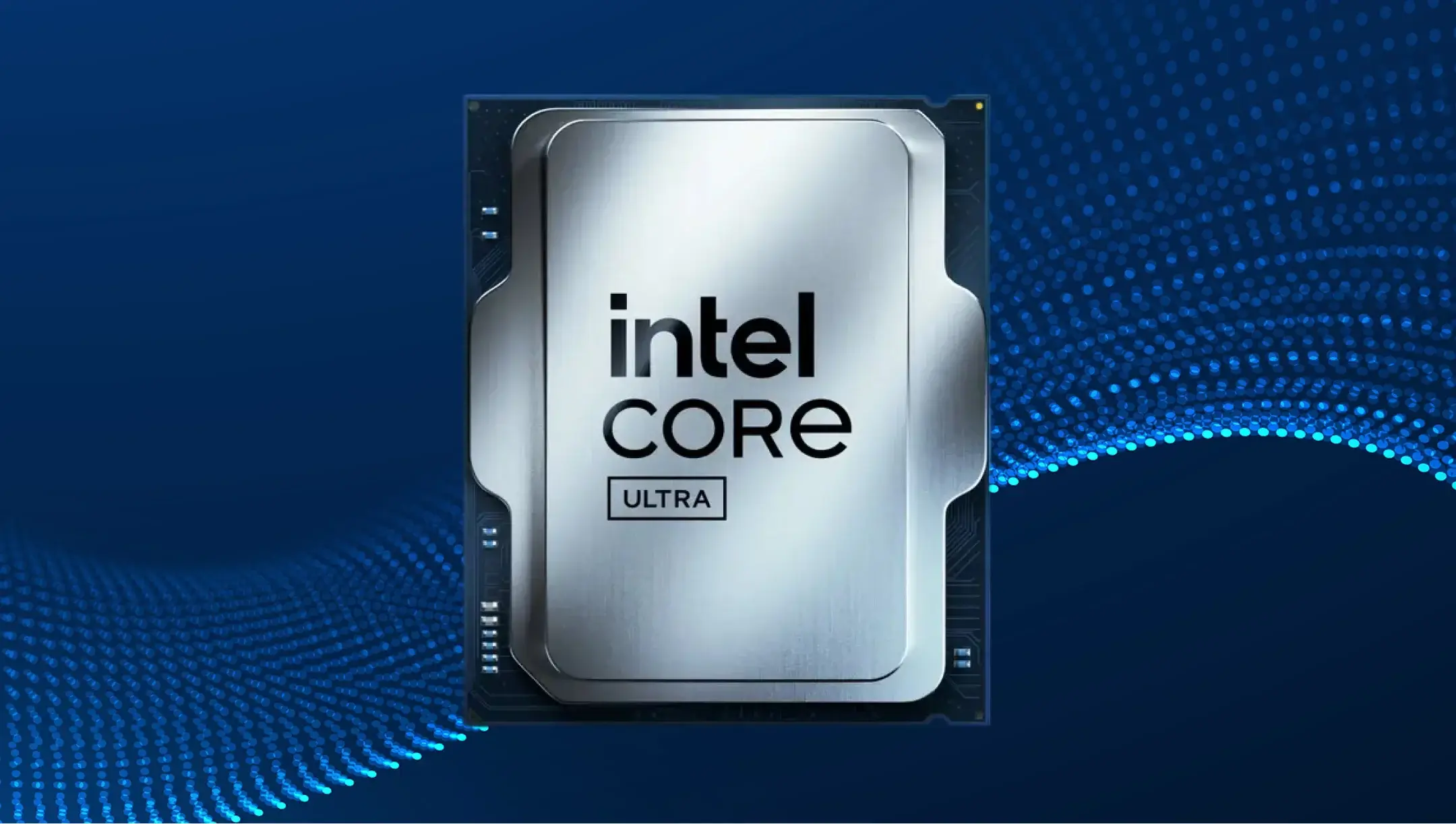
Intel processors: power limits (PL1, PL2) and power supply requirements
Across Intel processors, actual energy use isn’t defined by a single number, but by a system of power limits (PL1 and PL2). They simply show why the same CPU consumes power in different ways within the PC build.
PL1 is the long-term power limit. Basically, the level the CPU can handle all the time without overheating or slowing down. It’s often close to the classic TDP, but not always – more like a rough guideline now.
PL2 is the short burst mode. That’s when the CPU goes all out, boosting performance and power use for a short time. In real use, it can be 1.5–2x higher than PL1, but it only lasts for a limited period.
Here is one more parameter between these two – Tau, a sort of “timer” that determines how long the processor can run in PL2 before going back to PL1.
In practice, this means one thing: two identical Intel CPUs can show completely different power behavior. One may stay around PL1, while the other sits in PL2 most of the time, if the board and cooling allow it.
Because of that, PSU choice isn’t something you base on TDP alone. Power spikes can be short but intense, and they matter most. A solid PC power supply should handle not just average load, but those transient peaks too. That’s what keeps the system stable instead of causing random shutdowns or reboots.
AMD processors: PPT, TDC, EDC, and how they affect power consumption calculations
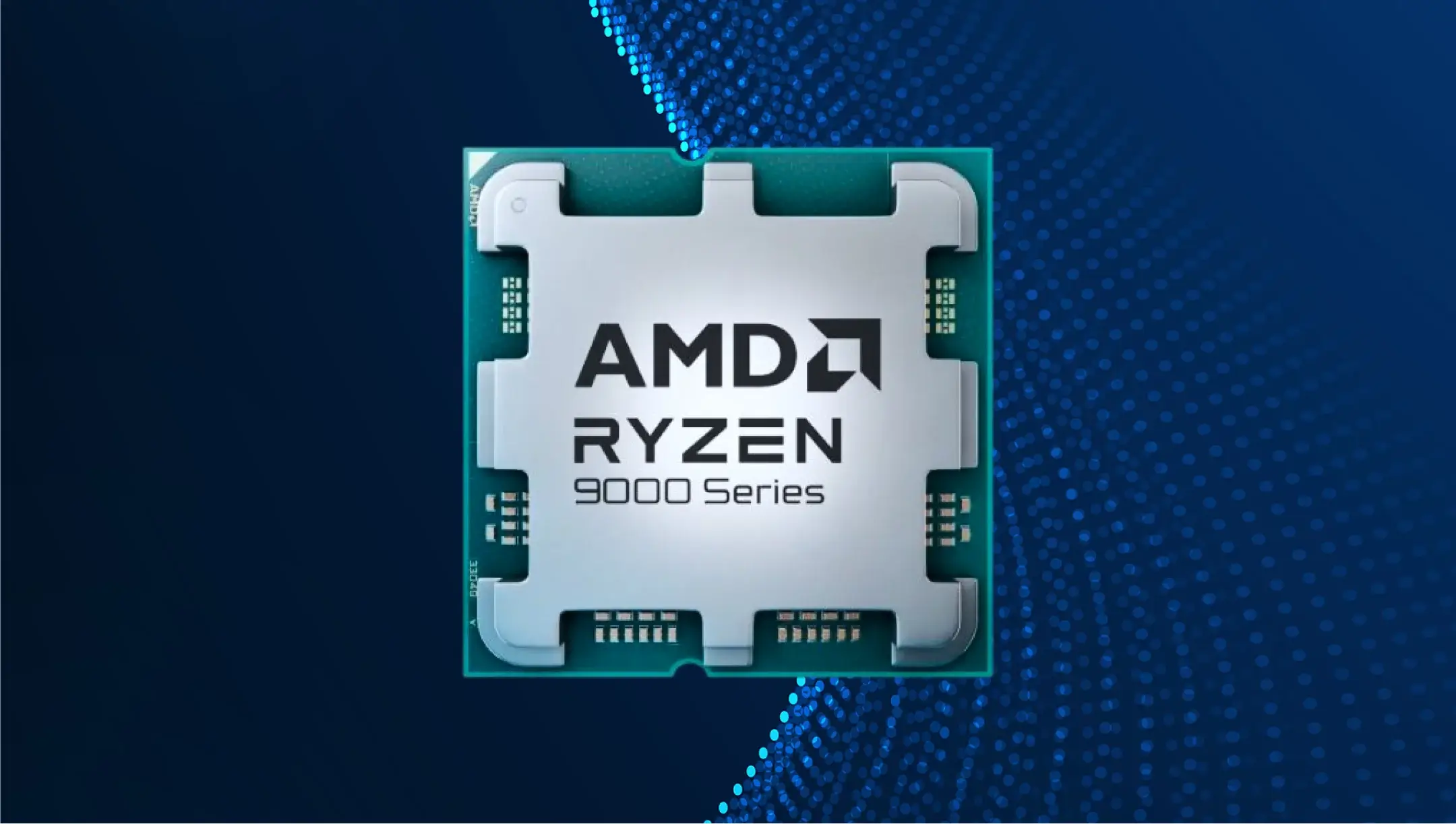
AMD processors have specific energy consumption control logic, different from standard power limits. There’s no simple “base vs boost” here; instead, three limits (PPT, TDC, EDC) work together to control how the CPU behaves under load. Let’s make it clear what they mean for real CPU behavior.
- PPT (Package Power Tracking) is the main power limit. It defines the total power (in watts) the CPU can draw. Think of it as the overall power budget for sustained operation.
- TDC (Thermal Design Current) is the sustained current limit. It affects performance under long, steady workloads like rendering or compiling. Once this limit is reached, clock speeds start to scale down, even if temperatures are still acceptable.
- EDC (Electrical Design Current) is the short-term current limit. It allows brief performance spikes, where the CPU boosts frequencies aggressively for short moments based on electrical headroom.
In practice, these three limits work together like a control system. The CPU constantly checks which one it hits first, and that’s what decides if it can push performance any further. So in the end, CPU power draw isn’t a fixed number – it depends on which limit kicks in first.
Hygon processors: architectural features and power consumption requirements
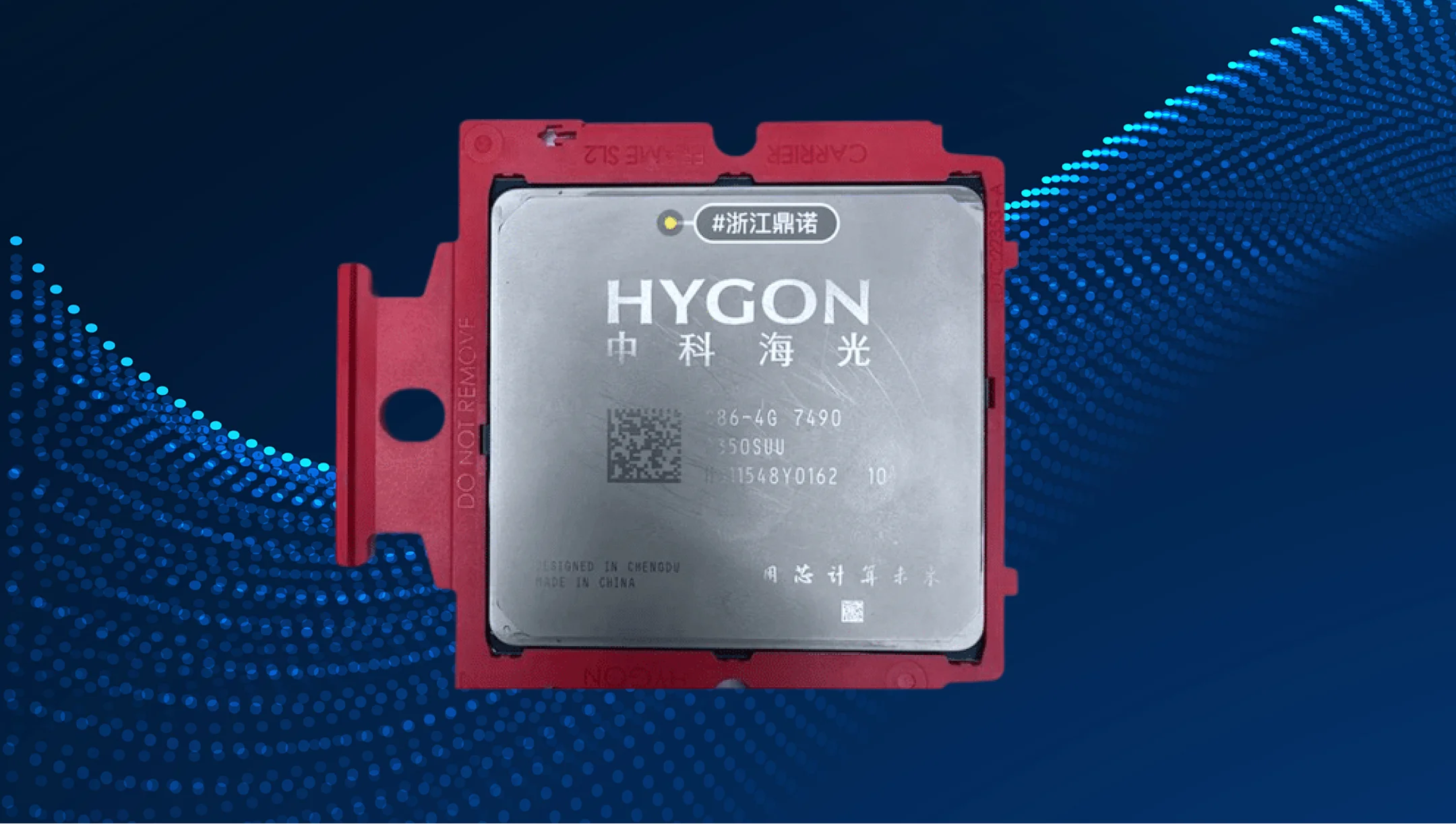
Historically, Hygon started as a “branch” of AMD Zen and later evolved into its own ecosystem. But it still carries the DNA of first-generation Zen, which continues to influence its performance and efficiency.
Most Hygon chips (like Dhyana / C86) are based on licensed AMD Zen 1 architecture (Family 17h), adapted for the Chinese market through a joint venture. This actually means their efficiency is closer to CPUs produced in 2017–2018.
Because of that, Hygon scaled performance differently. They don’t bet on improving IPC or efficiency, but go for increasing core counts. Some server chips go up to 64 cores and 128 threads, with support for DDR5 and modern platforms, but under the hood, it’s still a heavily modified Zen 1 design.
In real use, this can result in a more traditional power behavior – less aggressive frequency scaling and fewer modern power optimizations like advanced power gating or deep sleep states, depending on the platform generation. As a result, performance-per-watt may be lower compared to newer CPUs.
This is visible even in simpler examples. For instance, desktop chips like the C86 3250 sit around ~90W TDP with modest clocks on an older 14nm process, which is not very efficient by today’s standards.
Hygon works well in workloads where multithreading matters more than efficiency (like enterprise or government servers), but it falls behind in performance-per-watt compared to modern CPUs.
Overall, the Hygon processors‘ power behavior is more straightforward: it depends mostly on TDP limits and active core count, rather than advanced dynamic power management. That’s why systems using Hygon chips are usually designed with extra headroom, since the load is steady but less efficient in real-world usage.
Why is power supply headroom important for all processor families?
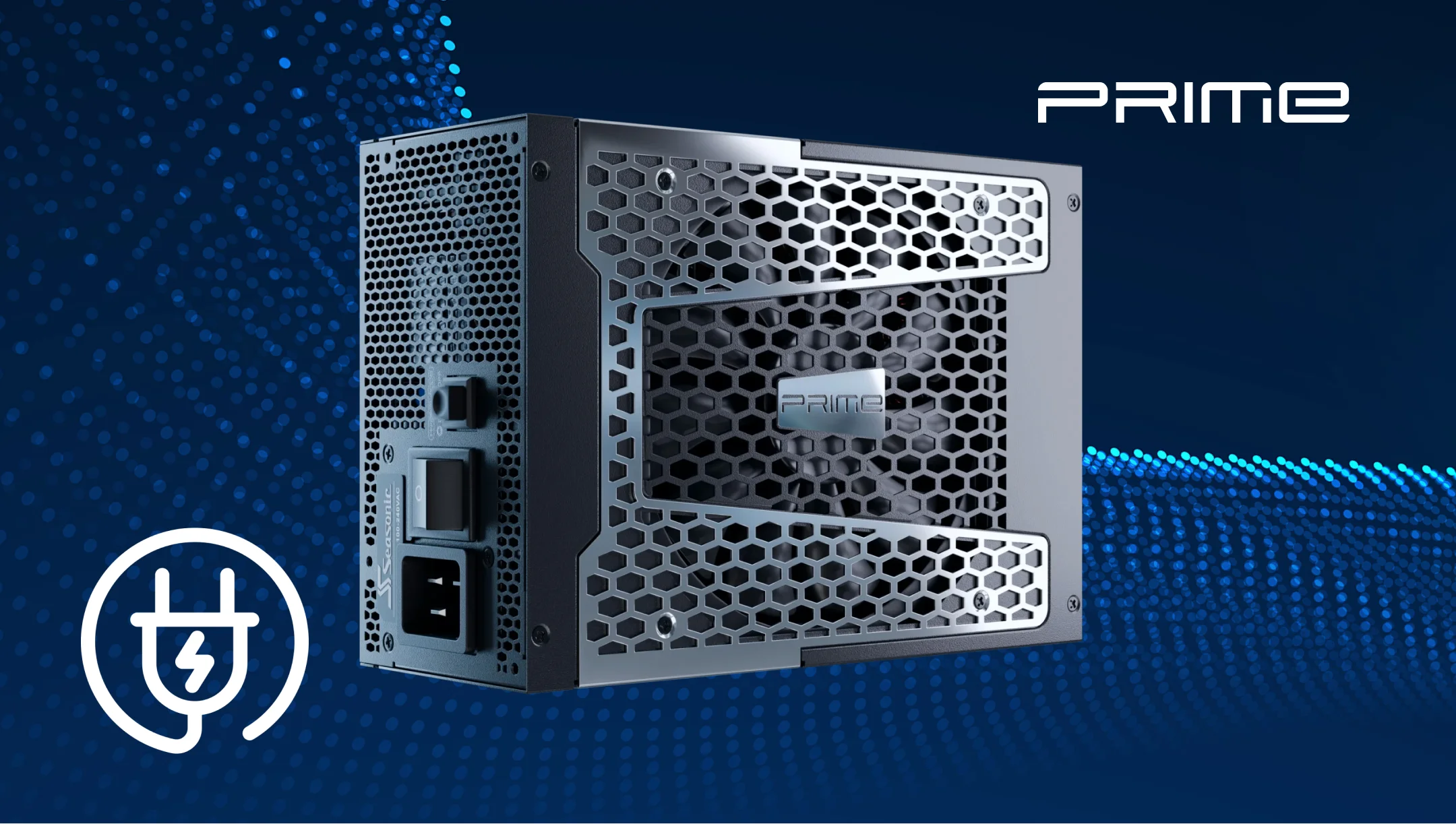
Looking at modern CPUs from any vendor (Intel, AMD, or Hygon), one thing is always true: their power consumption is never stable. It constantly shifts between idle, normal load, and short spikes that can go far above the baseline. That’s exactly why PSU headroom matters so much in today’s builds.
In actual usage, a CPU might sit around 40–80W during everyday tasks, but in a split second, it can jump to 150–250W in boost or turbo. In server or multi-core workloads, those spikes can be even higher and last longer. In gaming and workstation PCs, however, the graphics card is often the largest contributor to total system power draw and transient spikes, especially with high-end modern GPUs.
If the PSU doesn’t have enough headroom, it can’t react fast enough to those sudden demands. That’s when you start seeing issues like random reboots, clock drops, or instability under load. Even worse, without proper headroom, the CPU can’t reach its full performance, even if temperatures are fine. That’s why good power supplies are designed around peak loads, not just average ones.
In the end, a solid power reserve just makes everything feel more stable. Fewer frequency swings, smoother boost behavior, and no random micro-crashes in real-world use. Everything works and feels seamless.
Overclocking and boost technologies: how they change power requirements
With modern Intel and AMD CPUs, the processor doesn’t just run at one fixed speed out of the box. The processor responds to temperature, voltage/current limits, motherboard power settings, and available platform headroom. Only after this does it decide how far it can boost performance. That’s what turbo/boost is.
The catch is that these boosts can raise power use very quickly. A CPU might sit at 60–80W in normal work, but jump to 150–250W in just milliseconds if the system allows it.
Overclocking ramps everything up even more. Boost is an automatic, controlled version of overclocking, but manual OC shifts everything higher – more voltage, and much higher power draw. When running a PC, that can easily increase power consumption by 20–50%, even outside of stress tests.
So from a power perspective, the key point is that it’s not about average consumption anymore. What really matters is how fast and how high the CPU can spike into peak power, because those spikes, along with GPU transient loads, define what the whole power delivery system needs to handle.
Practical methods for calculating power supply capacity for Intel, AMD, and Hygon-based PCs in 2026
The proper method always starts with evaluating peak load, adds system reserve and 20–30% margin, and only then rounds up to the next PSU class. As a stage-by-stage plan, it looks like this:
- Always use CPU peak power (Intel PL2, AMD PPT, or real load), not TDP as it is.
- Use GPU peak power and transient behavior, not average gaming consumption.
- Add system baseline power (motherboard, RAM, storage, fans), roughly 50–100W.
- Calculate total peak load: CPU (peak) + GPU (peak) + system power.
- Add at least 20–30% headroom for power spikes in case of peak jumps or plans for overclocking.
- If overclocking or aggressive boost is involved, add another 50–100W of margin.
- Aim for the PSU to run at ~50–80% load in normal operation for efficiency and stability.
- Account for short transient spikes above nominal power draw.
- Round up to the nearest standard PSU wattage tier instead of picking exact values.
- Re-check PSU requirements if future CPU or GPU upgrades are planned.
Advantages of the Seasonic PC power supply wattage calculator
First of all, users say it gives a much more realistic estimate compared to many general PSU calculators, since it already includes proper headroom for peak CPU and GPU loads.
Another big advantage PC builders often mention is that it’s based on real-world usage, not just TDP numbers. This helps avoid situations where the system runs too close to the PSU limit.
Users also like how simple and logical the input process is. You just add CPU, GPU, drives, and fans one by one, and you instantly get a recommended wattage without doing manual calculations.
On top of that, the Seasonic wattage calculator already includes a built-in safety margin (usually 20–30%), so you don’t have to guess headroom yourself. This is especially helpful for beginners, since insufficient PSU headroom can contribute to instability under heavy load.
Overall, its main value is that it avoids underestimating power needs and better reflects how modern CPUs and GPUs actually behave under load.
Conclusion
In 2026, you shouldn’t size a PSU based on a CPU’s “average” power use, but on its peak and real-world behavior. Modern CPUs (whether Intel, AMD, or server chips like Hygon) may have short power spikes that can go way above their base TDP.
That’s why the key rule hasn’t changed: it’s not the average wattage that matters, but the headroom for those peaks. That extra margin is what keeps the system stable. Not the numbers you actually see during normal use.
To calculate PSU power capacity for your PC build, running on Intel, AMD, or Hygon CPUs, try the Seasonic wattage calculator and get numbers you can rely on.