









Explore how the way PC users calculate PSU requirements for powering high-performance PC systems with RTX 5090 GPUs has changed. Step-by-step guide and essential takeaways PC builders should know are here to look over.
What is the RTX 50 series GPU power calculation?
A power calculation for the RTX 50 series GPUs is a proper estimate of how much power it actually consumes. As a base, here is taken not only the nominal TDP index but also the short power spikes, CPU load, and the task class. Together, these numbers give you a bigger picture of how GPUs behave under extreme loads or when running tasks like AI training to see how much power they consume in real-world use, rather than basing everything on vendor specs alone.
Lots of PC builders worldwide do the calculation as simple math. For example, if the GPU consumes 575W plus the CPU power needs – 250W, the total sum they rely on is 850W. That’s not quite right, as the real power consumption lies not in numbers that show how much power the GPU eats up in its typical load, but sudden power spikes that push consumption hundreds of watts higher for a short time. Saying sudden power spikes, we mean VERY short power jumps that last a few seconds, like when a heavy scene loads or during gaming with demanding graphics.
To summarize, in the power calculation for the GPUs (especially high-end from the RTX 50 series), raw numbers alone don’t tell the whole story. The overall power draw is influenced by more factors than before, with newer GPUs pulling significantly more power under load.
RTX 5090 and RTX 50 series graphics card power requirements
The RTX 5090 and RTX 50 series GPUs’ TGP figure is 575W. That’s what NVIDIA officially says and, according to this, recommends choosing a power supply of at least 1000W for a standard system. But as we know, true power consumption only shows under heavy, sustained tasks, when the system is pushed and power usage spikes within seconds.
The real users see these scenarios when using the RTX 5090 GPU:
- In games, average GPU power consumption is usually around 400W–550W, with short spikes going much higher.
- In AI or rendering tasks, the GPU often stays close to its maximum power draw for long periods.
As a result, even users with high-quality 850W PSUs sometimes don’t face a true power shortage. Instead, sudden reboots or OCP triggers are caused by short peak loads rather than average power draw.
As the Seasonic expert disclosed before:
The manufacturer’s recommendations for a suitable PSU power capability start from 1000W, but it’s more of a baseline you can rely on. In a real use case, the RTX 5090 GPU behaves much more aggressively: it doesn’t just consume energy, but constantly jumps over loads.
Thus, the normal RTX 50 series GPUs’ power requirements for supporting various task types are as follows:
- RTX 5070 / 5070 Ti = 650W–750W PSU is usually enough;
- RTX 5080 = 850W is the sweet spot;
- RTX 5090 = 1000W as a minimum, 1200W+ for headroom or AI/rendering workloads.
Seasonic’s analysis of RTX 5090 power behavior shows that transient GPU spikes can significantly exceed average board power under gaming and AI workloads. Independent testing from Igor’s Lab and TechPowerUp demonstrated the GeForce RTX 5090 GPU briefly spiked to 901W in under 1 ms during transient bursts. Another experiment was held during real Cyberpunk 2077 gameplay. Tom’s Hardware recorded GPU power spikes of up to 659W.
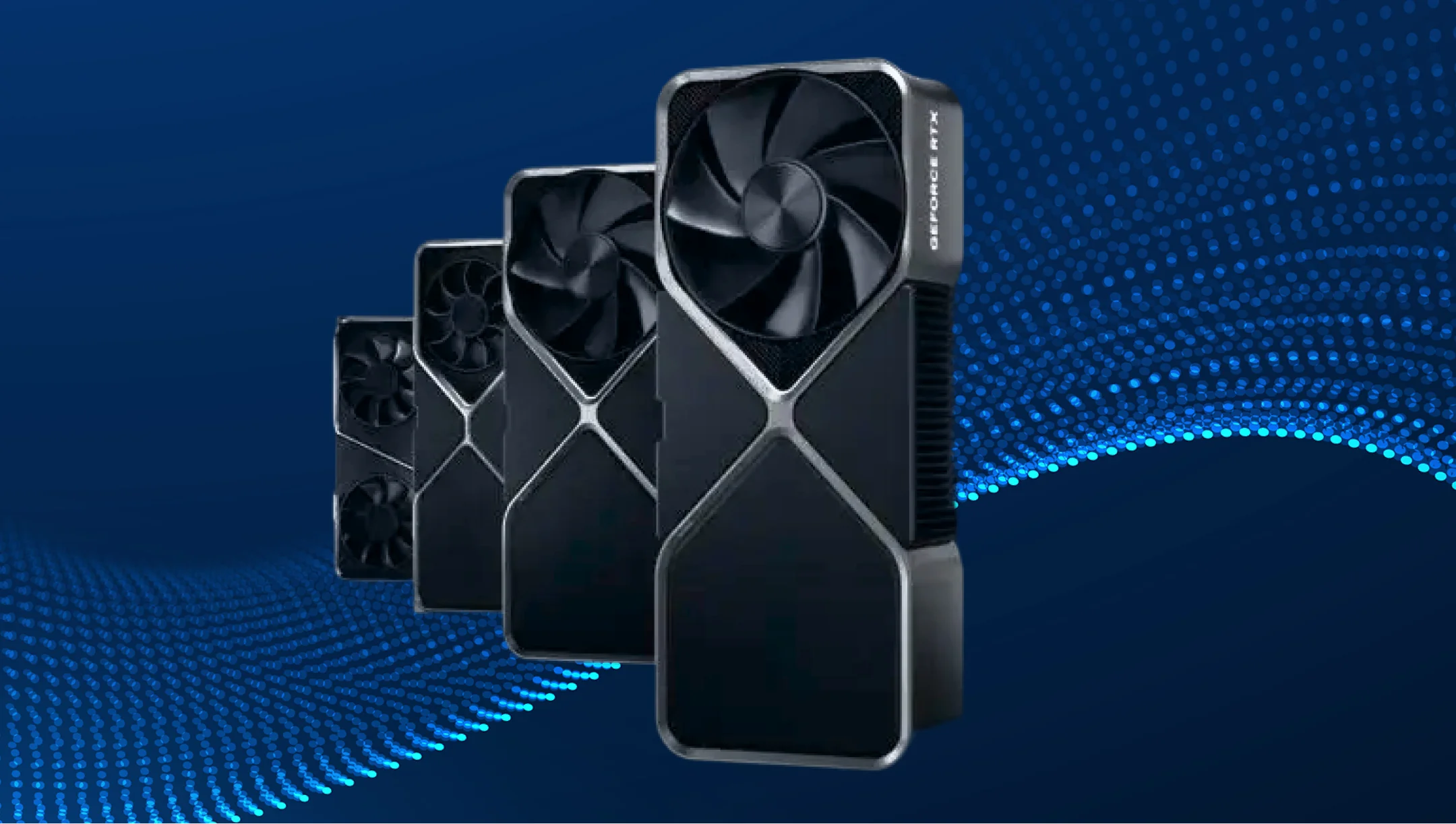
Key components that impact overall system power consumption
In real-world setups, systems often hit peak loads, with multiple components ramping up at the same time and brief power surges that the PSU has to handle without shutting down.
Here are the main components that actually impact power consumption:
| Component | Description |
|---|---|
| GPU (RTX 5090 and RTX 50 Series) | The core power consumer, among other PC components. The standard power requirement is 575W. In real use cases, it shows the following numbers: 1. 400W-55OW under gaming load; 2. 600W-650W under extreme loads; 3. 1200W and above in high-performance setups and when performing AI tasks. But just a heads-up – this power number isn’t what a single modern GPU usually pulls in normal use. It’s more about short peak spikes or the total load of a full high-end system, including the CPU and everything else. |
| CPU (Intel / AMD X3D) | PC builders highlight that the GPU and CPU together create a power wall when pushing their limits under extreme loads and complex tasks. That’s the power added by the CPU alone: 1. Ryzen 9 7900X3D / 7950X3D = 120W–180W. 2. Intel i9-14900K = 200W–250W in boost mode. 3. When overclocked or with limits removed, it goes even higher. |
| RAM (DDR5) | It doesn’t contribute much, but it still has an impact on overall consumption: 1. 32 GB DDR5 = ~8W–15W; 2. 64–128 GB high-frequency memory kits require up to 20W–30W. |
| Motherboard + VRM | A motherboard itself draws around ~20W–60W. But the real factor here is the VRM (voltage regulator module). The VRM converts power, and that conversion always comes with some loss. That lost energy turns into heat, which effectively increases total power draw from the wall. Thus: 1. High-end motherboards with efficient VRMs (around 90–95%) add almost no noticeable loss. 2. Budget or mid-range boards, on the other hand, can waste around 5–15% of the CPU power as heat. |
| Storage (SSD NVMe Gen4 / Gen5) | PC users often notice that multiple SSDs and active writes create a constant background load that bumps up overall power consumption a bit. Its contribution is: 1. 1 NVMe SSD = 3W–8W; 2. Gen5 SSD under load eats up to 12W–15W; 3. multiple drives easily take 20W–30W total. |
| Cooling system (fans, pump, AIO) | Overall, the cooling system components require: 1. 5–10 fans = 10W–30W; 2. AIO pump = 3W–10W; 3. custom loop (pumps + controllers) – up to 20W–40W. Some users note that when you go for a high-airflow setup, the idle power surge can jump by around 20W–40W just from the extra fans. |
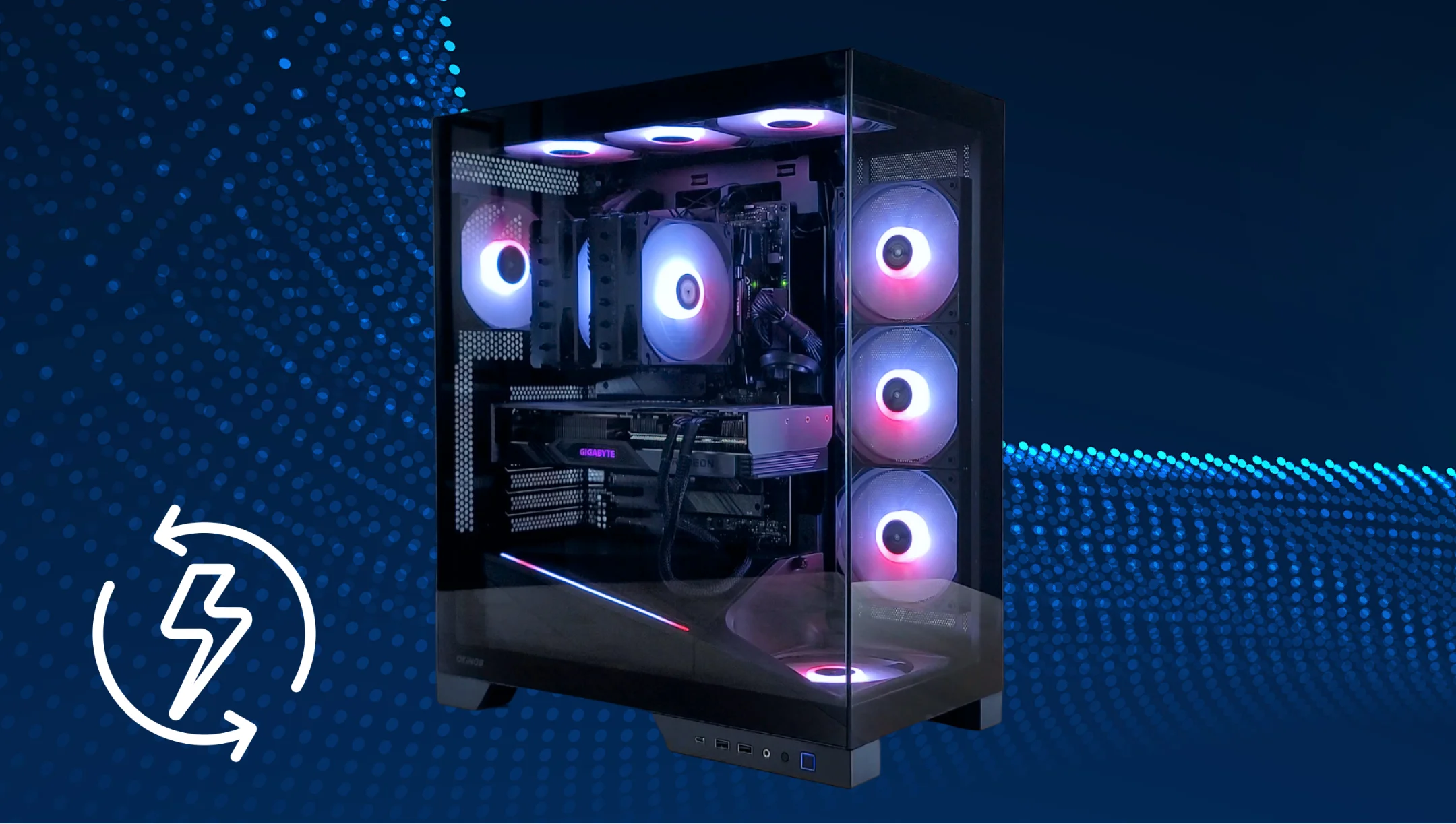
Calculating CPU and platform power requirements
Сalculating CPU power requirements highlights the one simple rule that lots of PC users face – CPUs almost always go over their “official TDP” because of boost modes.
For example, with the i9-14900K CPU, the power consumption behaves like this:
- eats ~200–250W in demanding games and rendering;
- can push closer to ~300W with power limits removed (typical “unlocked BIOS” scenario enthusiasts talk about).
PC users also describe AMD X3D chips as being significantly more stable, with much lower and more consistent power draw.
- ~60W–120W during gaming;
- ~120W–170W during work tasks.
Overall, in real-world RTX 50 series builds, users don’t size power based on TDP but on actual observed draw. CPU can reach up to 250W–300W on high-end Intel or 120W–170W on AMD X3D. Plus another ~50W–120W for the platform, which is exactly why a theoretical 850W often turns into a real 900W–1000W system load in practice.
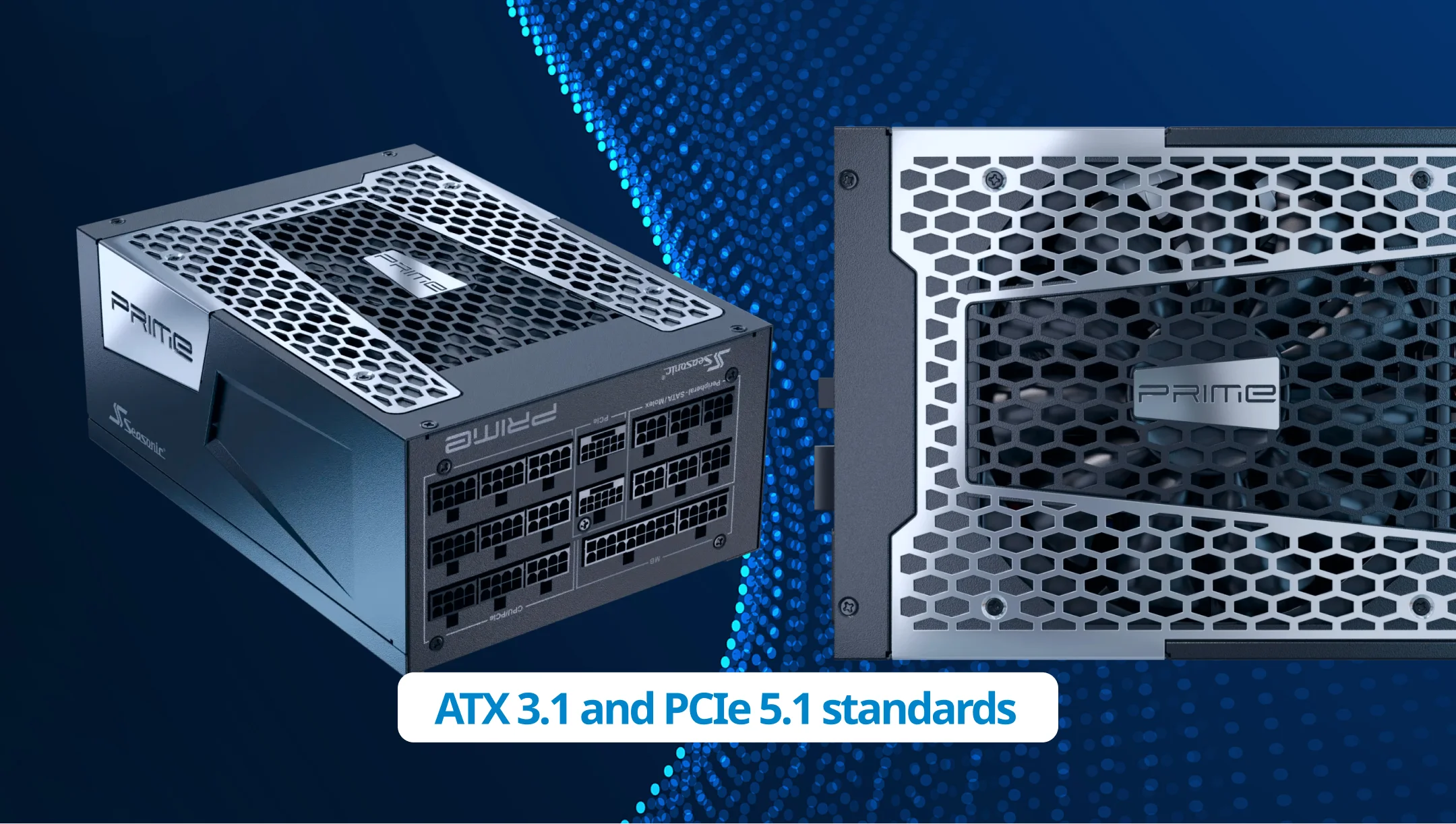
Considering power surge and ATX 3.1 standards
Transient spikes of RTX 5090 GPUs can expose PSU limitations. Not because of their average power consumption, as some users may assume. As PC builders say on forums, a system can run stably for hours, but still crash when the GPU spikes or CPU+GPU boost hits at the same time. We highlight these cases for a clearer understanding of why numbers don’t show all for PSU choosing, and how other components and the ATX 3.1 standard shape real-world GPU power draw.
Speaking of the ATX 3.1 standard, it was specifically designed for GPUs with high transient spikes and includes:
- the ability to handle short-term power peaks well above the rated load;
- improved response to sudden load changes;
- updated requirements for the 12V-2×6 (12VHPWR) connector.
That’s why even a high-wattage PSU can still be unstable if it’s not ATX 3.1-ready and not designed for modern GPU transient spikes.
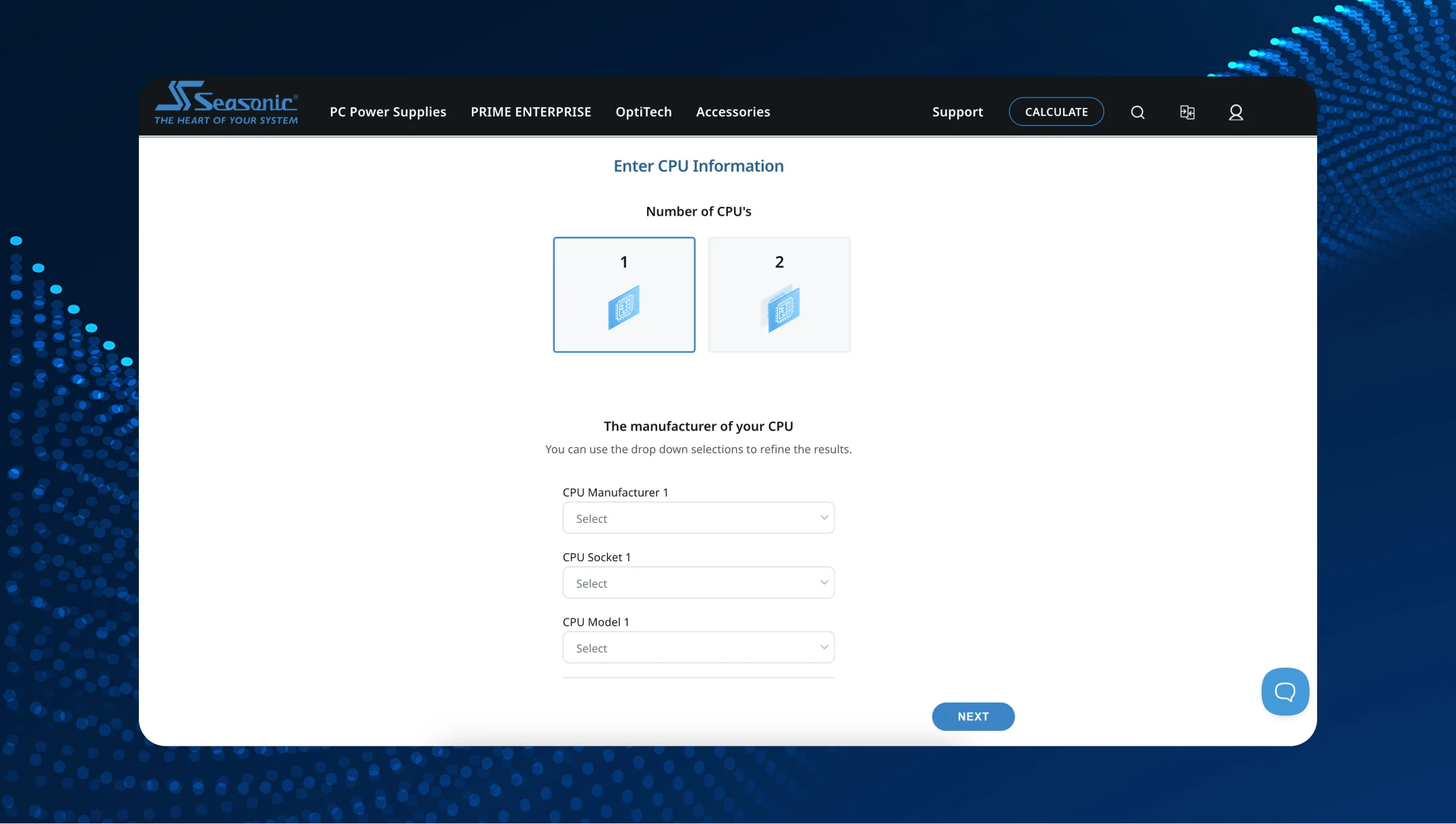
A step-by-step guide to calculating total PSU power
Follow this algorithm to calculate the total PSU power consumption that operates with the RTX 5090 GPU.
Step 1 – Define your GPU model and its maximum power needs.
For the RTX 5090 GPU, the standard value is 575W, but in real scenarios, the numbers go really higher:
- Average power consumption during gaming is ~550W–560W.
- Typical short-term power spikes are around ~650W–740W (5–20 ms).
- Extreme transient spikes are up to ~900W (<1 ms).
Step 2 – Add real power consumption from CPU (don’t take its TDP).
According to enthusiast reviews, the Intel Core i9-14900K typically runs in the 200W–250W range, and with power limits unlocked, it can reach close to 300W. It matters because CPUs and GPUs often hit peak load simultaneously, stacking the total system power draw.
Step 3 – Add the platform power needs as system background.
Here, take the maximum power consumption from the motherboard, VRM losses, RAM, SSD, and cooling. In real-world builds, users typically add an extra 60W–150W, depending on the configuration (number of SSDs, fans, and motherboard type).
Step 4 – Consider a scenario where both CPU and GPU hit peak load at the same time.
The CPU and GPU don’t run at a constant load – they can both enter boost mode at the same time. That’s when the system hits its peak power draw, which in RTX 5090 builds often reaches around 900W–1000W.
Step 5 – Add extra headroom for peak loads.
Typically, there is an additional 20–30% of power reserve to be ready for short power spikes from the GPU.
How much headroom do you really need for stability and efficiency?
There are three options for adding extra headroom, depending on the kind of workloads you plan to run on the PC system:
- Minimum stable headroom (~20%). Users with the RTX 5090 + i7/i9 setups report stable operation when the PSU has at least ~20% headroom over peak load. For example, if the system peaks around ~850W, a 1000W ATX 3.1 PSU is considered the lower stability limit.
- Comfortable headroom (~25–30%). It’s typical for RTX 5090 + i9-14900k-class builds running AI or rendering workloads. A 1200W PSU gives enough margin for simultaneous CPU boosts and GPU spikes, where total draw can hit ~900W–1000W.
- High headroom (~30–40%). For AI and long workloads, common in stable diffusion or LLM inference setups. Users go for 1200W–1600W PSUs and often undervolt GPUs, which leads to lower temps, quieter operation, and fewer voltage dips under sustained load.
Choosing the right PSU level for RTX 5090 builds
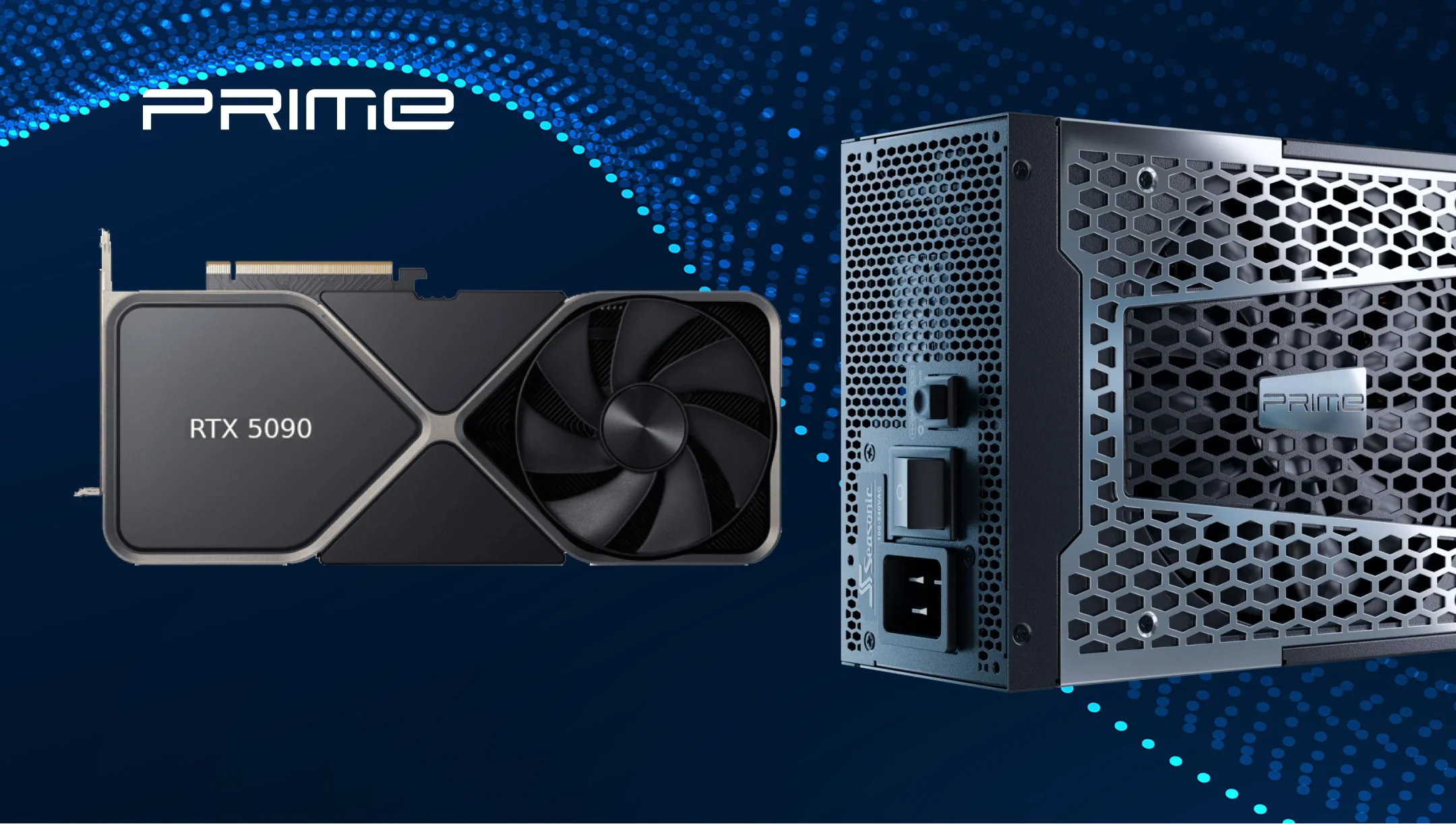
In real-world RTX 5090 builds, PSU choice is no longer just about the wattage on the label. PC builders are already handling simultaneous CPU + GPU peak loads instead, and that’s exactly what gives more accurate results. Based on this, the common PSU power capacity for high-end builds with modern GPUs in the heart of it, is assumed to be:
1000W is considered the lowest safe threshold for RTX 5090 systems in normal gaming scenarios. Users often describe it as “works fine, but no OC headroom,” especially with i7-class or more efficient CPUs.
1200W is the most common real-world choice for high-end builds like i9-14900K or Ryzen 9 + RTX 5090. Some users frequently report that moving from 850W–1000W to 1200W fixes random reboots during rendering or AI workloads when CPU and GPU boost at the same time.
1300–1600W (workstation / AI / OC builds) is used for sustained heavy workloads like Stable Diffusion, Blender, or LLM inference. The main reasons users choose this range are simple: lower noise, cooler PSU operation, and stable performance without running anywhere near 90–100% load.
Common mistakes when estimating PSU power for high-performance GPUs
The core mistake that may cause serious malfunctions is that users calculate everything around the average draw, not peak bursts. Besides this, there are more slip-ups to avoid:
- Focusing on TDP instead of the real peak power draw. Modern GPUs (especially the RTX 50 series) can spike way above their average power draw for short moments. That’s why systems may run games fine, but suddenly reboot during rendering or AI workloads.
- Ignoring simultaneous CPU + GPU spikes. In real workloads like rendering, shader compilation, or AI inference, both can boost at the same time, creating those massive ~900–1000W spikes, often mentioned in Tom’s Hardware reviews.
- Not leaving enough headroom. A PSU constantly running near 90–100% load becomes much more sensitive to transient spikes and can trigger OCP/OPP shutdowns even if average consumption looks fine.
- Ignoring ATX 3.1 support. A lot of users still run older ATX 2.x PSUs that weren’t built for modern GPU transient spikes. In practice, this usually shows up as random reboots or instability under sudden load changes.
- Forgetting about the platform and peripherals. Motherboard VRM losses, SSDs, RAM, pumps, fans, and cooling – easily add another 50W–150W. In high-end builds, that extra load can seriously affect overall PSU stability and headroom.
Conclusion
Calculating PSU requirements for the RTX 5090 and other RTX 50 series GPUs is no longer just about picking a high enough wattage. Modern high-end GPUs create short power spikes and uneven loads, so real-world stability now depends much more on proper headroom, ATX 3.1 support, and how well the PSU handles peak system loads.