


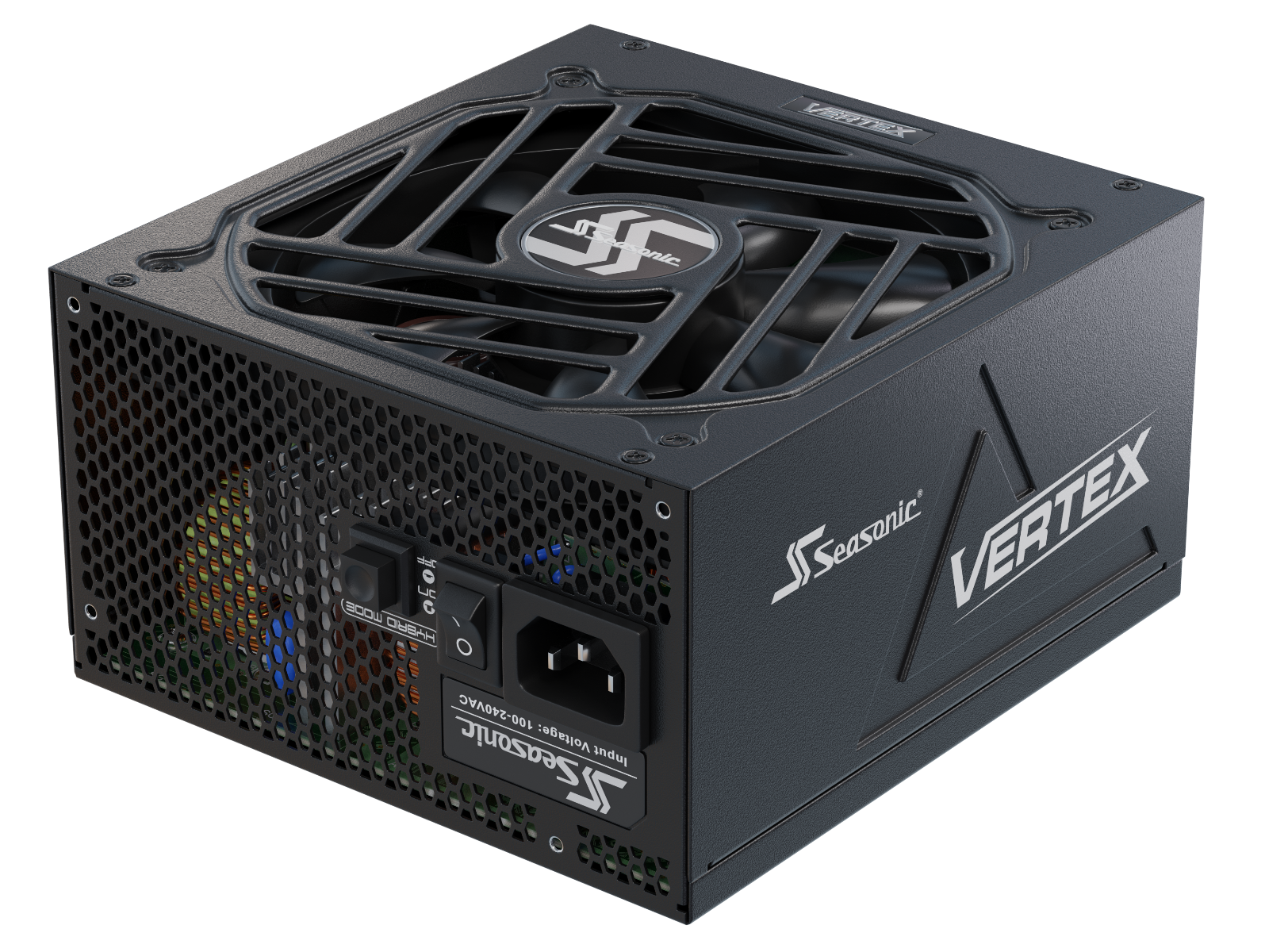


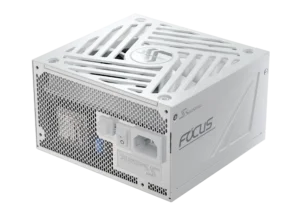


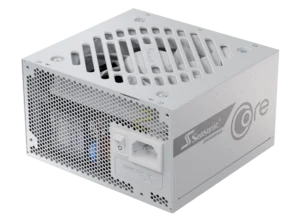
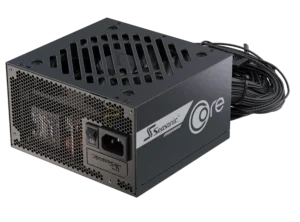
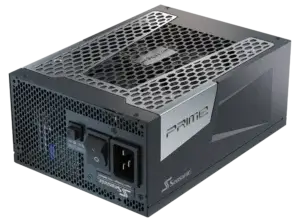



Find out how new-generation hardware affects PSU wattage and how to calculate it right to get the best performance in games.
What is a gaming PC power supply?
A gaming PC power supply is the unit that delivers power to all system components. As a rule, gaming builds feature high-performance GPUs and CPUs that draw significantly more power under gaming and other demanding workloads. What sets a gaming PSU apart from those that operate within office PCs is that it requires higher power capacity and must support new-gen GPUs to safely deliver the power the system needs, including short power spikes.
The high-quality power supply for gaming rigs should:
- ensure stable performance of the CPU, GPU, and other system components;
- protect hardware from overvoltage, short circuits, overloads, and overheating;
- maximize energy efficiency through high PSU efficiency;
- provide enough power headroom for future upgrades.
The power supply is the key to the reliability of any gaming PC. Power supplies should be chosen not only based on their rated power, but also by taking into account the system’s actual power consumption, peak loads, and future upgrades.
Power consumption of new-gen CPUs and GPUs
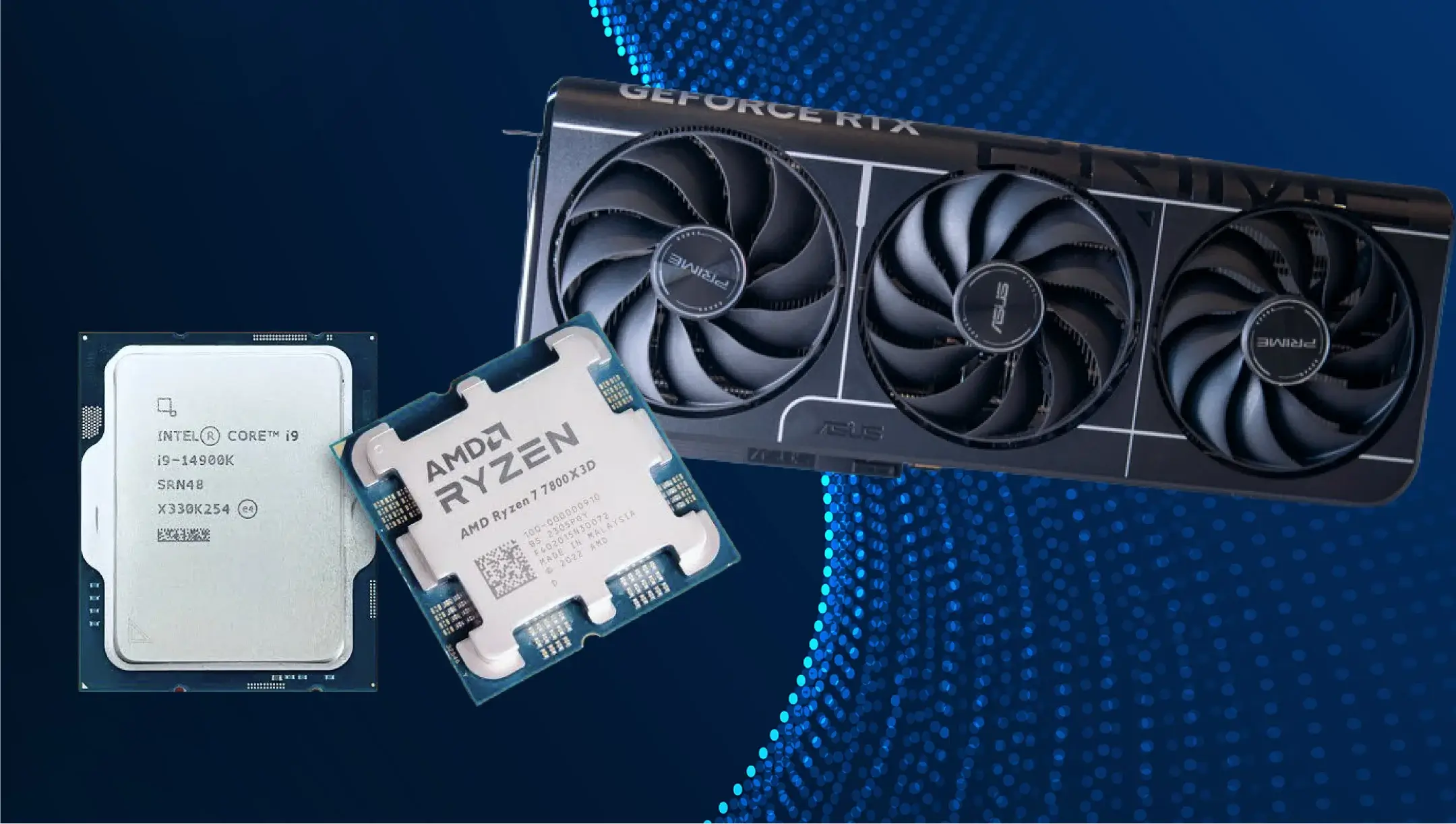
CPUs and GPUs are the most power-demanding PC components. This is why PC builders typically choose a power supply based on the power requirements of the CPU and GPU first. During intensive games, streaming, or other heavy tasks, the load increases significantly in just a few seconds. That’s what happens behind the scenes – the GPU draws more power from the PSU to maintain the same smooth gameplay when rendering complex scenes as it does with simpler ones.
With new-gen GPUs appearing on the market, they show higher performance and, in some cases, higher power requirements. The table below shows the official TGPs for the latest RTX GPUs that gaming enthusiasts run more frequently.
| GPU Series | Official TGP |
|---|---|
| GeForce RTX 5060 | 145W |
| GeForce RTX 5060 Ti | 180W |
| GeForce RTX 5070 | 250W |
| GeForce RTX 5070 Ti | 300W |
| GeForce RTX 5080 | 360W |
| GeForce RTX 5090 | 575W |
Most CPUs come with a specified thermal design power (TDP), but actual power consumption under maximum load can be much higher. There are official specifications for AMD Ryzen 9000 Series CPUs and Intel Core Ultra Desktop CPUs.
| Processor | TDP / Base Power | Maximum Power |
|---|---|---|
| AMD Ryzen 5 9600X | 65W | 88W (PPT) |
| AMD Ryzen 7 9700X | 65W | 88W (PPT) |
| AMD Ryzen 7 9800X3D | 120W | 162W (PPT) |
| AMD Ryzen 9 9950X | 170W | 230W (PPT) |
| Intel Core Ultra 5 245K | 125W | 159W (Maximum Turbo Power) |
| Intel Core Ultra 7 265K | 125W | 250W (Maximum Turbo Power) |
| Intel Core Ultra 9 285K | 125W | 250W (Maximum Turbo Power) |
Even though the CPU and GPU rarely operate at maximum power simultaneously during normal gaming, their peak power consumption values are used to calculate the required PSU capacity. As a result, the system can run stably under any load and avoid voltage drops.
Recommended PSU wattage for entry-level gaming builds
Entry-level gaming PC builds belong to configurations that use GeForce RTX 4060, RTX 5060, RTX 5060 Ti, and Radeon RX 9060 XT graphics cards. Handling modern games with heavy graphics, such systems usually consume 250W–350W, including the CPU and other components.
Even though these builds do not have very high power demands, don’t choose the PSU exactly in this power range. Leave some headroom to ensure your PC runs smoothly both now and after future upgrades or overclocking. In reality, there’s more to consider than just power consumption. Many factors can affect your PSU requirements, and in some situations, your system may need significantly more power than its average usage suggests – transient spikes from the GPU side, upgrading, and others.
Here is recommended PSU wattage for entry-level gaming builds running on GeForce RTX GPUs and Radeon RX GPUs:
| GPU Series | TGP | Recommended PSU wattage |
|---|---|---|
| GeForce RTX 4060 | 115W | 550W |
| GeForce RTX 5060 | 145W | 550W |
| GeForce RTX 5060 Ti | 180W | 600W |
| Radeon RX 9060 XT 8 GB | 150W | 450W |
| Radeon RX 9060 XT 16 GB | 160W | 450W |
Please note that if you plan to heavily upgrade your PC build, specifically GPU or CPU, it’s better to choose the PSU one class higher. For example, instead of a 550W power supply, pick a PSU with 650W of power capacity to avoid replacing the PSU and maintain stable system operation.
Recommended PSU wattage for mid-range and high-end gaming PCs
Mid-range and high-end gaming PCs are equipped with new-gen GPUs that consume 220W–575W of power. For such systems, manufacturers recommend PSUs with higher wattage because the GPU and CPU can place much higher demand on the power supply during modern games and mixed workloads.
Here are official recommendations from manufacturers on the PSU wattage for mid- and high-end GPUs.
| GPU Series | TGP (TBP) | Recommended PSU wattage |
|---|---|---|
| GeForce RTX 5070 | 250W | 650W |
| GeForce RTX 5070 Ti | 300W | 750W |
| GeForce RTX 5080 | 360W | 850W |
| GeForce RTX 5090 | 575W | 1000W |
| Radeon RX 9070 | 220W | 650W |
| Radeon RX 9070 XT | 304W | 750W |
The figures in the table work for builds that run on mid-class CPUs. If your build is equipped with a power-hungry CPU (Ryzen 9 9950X or Intel Core Ultra 9 285K), systems with multiple SSDs, and liquid cooling, system integrators recommend increasing the power supply capacity by an additional 100W–150W to provide headroom for short-term power spikes.
High-end gaming systems: When do you need 1000W or more?
Not all high-end gaming systems require a 1000W power supply. In most cases, 850W or 750W are enough to handle RTX 5080 / Radeon RX 9070 XT graphics cards. The need appears when the system combines high-power components or has significant potential for short-term peak loads.
There are common cases when it’s better to choose a 1000W PSU:
- As of 2026, the only mainstream gaming GPU for which NVIDIA officially recommends a 1000W PSU is the GeForce RTX 5090. This is because it has a 575W TGP and a high short-term power spike.
- Flagship processor. If the system is equipped with an AMD Ryzen 9 9950X (up to 230W PPT) or an Intel Core Ultra 9 285K (up to 250W Maximum Turbo Power), the load in mixed-use scenarios such as rendering, streaming, or combined use increases significantly.
- Overclocking components. If you increase the clock speed or voltage of the CPU or GPU, it will consume more power, so you should have an extra reserve.
ATX 3.1, PCIe 5.1, and GPU power deviations explained
Modern GPUs are more powerful nowadays and, expectedly, have increased power requirements for PSUs. In games or when running resource-intensive tasks, GPUs can spike for a few milliseconds when their power consumption exceeds their nominal TGP (Total Graphics Power) rating. If the power supply is not rated for such loads, this can lead to system instability, sudden reboots, or the activation of protective mechanisms.
To address these issues, the ATX 3.0 and PCIe 5.0 standards were introduced. They set a new benchmark for PSU capabilities to safely withstand sudden spikes in power draw, which are normal for modern graphics cards. Later, ATX 3.1 and PCIe 5.1 further refined this framework with the introduction of the 12V-2×6 connector.
From the technical side, the PCIe CEM 5.1 standard introduces a new 12V-2×6 power connector, which replaces the older one, 12VHPWR. The improved contact design makes it more reliable, reduces overheating risks, and supports power delivery up to 600W.
When building a gaming PC with GeForce RTX 40/50 Series GPUs, choose a PSU that’s ATX 3.1 compliant and comes with a 12V-2×6 cable. This ensures the system operates correctly under any load and meets current manufacturer requirements.
How to calculate the ideal PSU wattage for your gaming PC in 2026
To calculate PC PSU requirements, a smarter starting point is the GPU manufacturer’s recommended PSU wattage. These recommendations already assume a typical system configuration and provide a safe baseline for most builds.
If your system includes a higher-power CPU, multiple SSDs, additional cooling, overclocking, or if you want room for future upgrades, you may need a higher-capacity PSU than the baseline recommendation.
If no manufacturer recommendation is available, or if you want to estimate the requirement for a custom configuration, you can use the following formula.
Keep in mind that this is a general estimation guideline, not a strict rule.
Recommended PSU Wattage = (Maximum GPU Power + Maximum CPU Power + Power for Other Components) × 1.2–1.3
Where:
- Maximum GPU Power – TGP/TBP of the graphics card.
- Maximum CPU Power – PPT (AMD) or Maximum Turbo Power (Intel).
- Power for other components – motherboard, RAM, SSD, fans, RGB, USB devices, etc.
- 1.2–1.3 – recommended margin of 20–30%.
This approach is similar to how many PSU manufacturers and online wattage calculators estimate power requirements before rounding to the nearest standard PSU capacity (550W, 650W, 750W, 850W, 1000W, 1200W).
To make the calculation more accurate and faster – use an online wattage calculator from Seasonic. It has a wide base of modern PC components, considers the system configuration, and automatically adds extra margin.
Conclusion
Gaming builds become smarter and more powerful due to upgraded components that manufacturers offer and new task types, driven by the emergence of AI and the latest AAA games. The PSU wattage requirements are also dictated by the new-gen GPUs and CPUs that affect the whole system power consumption. Learning how to calculate PC PSU requirements will help you find the suitable power supply for your gaming build.