


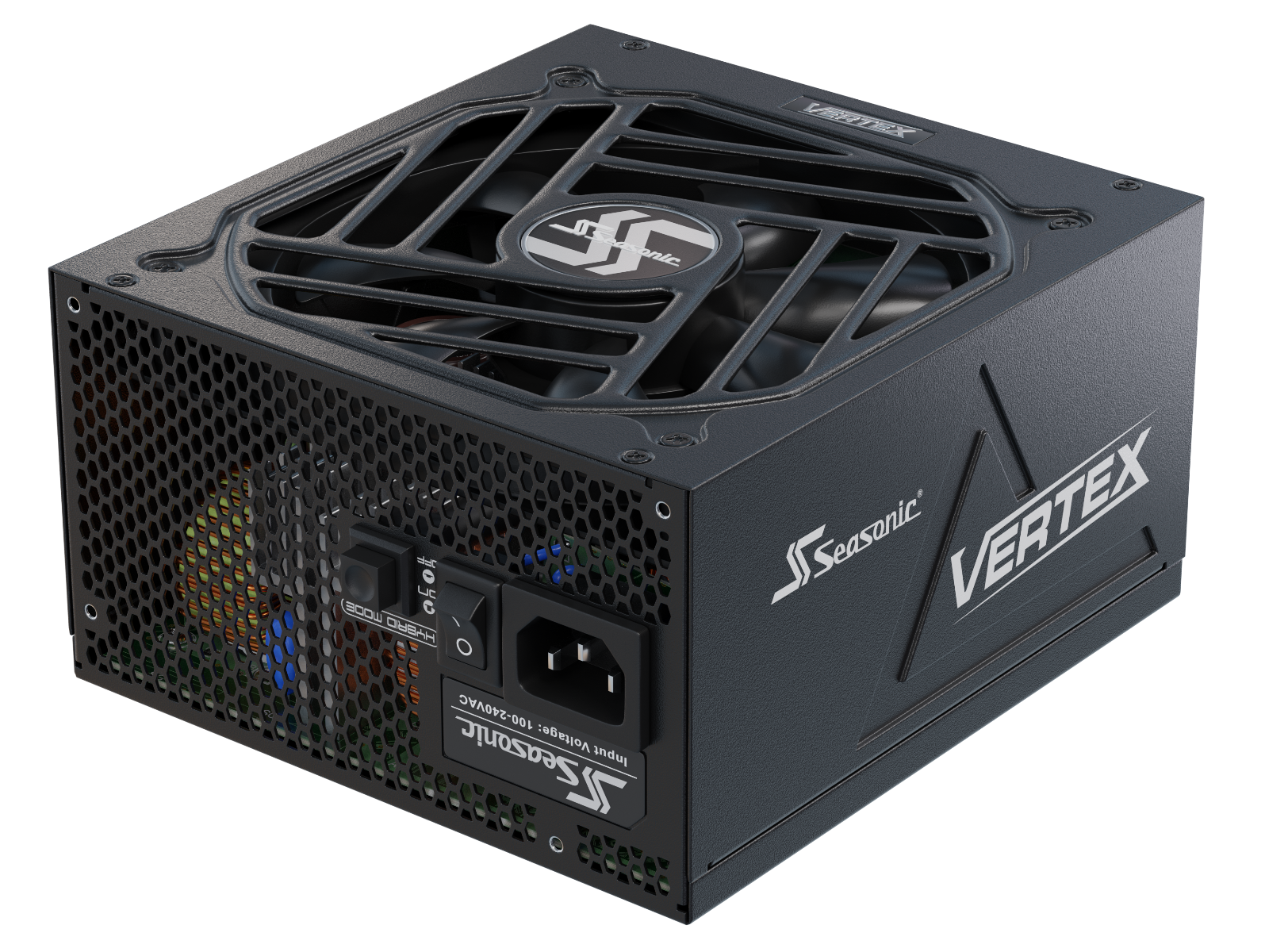








In this article, we’ll take a look at which power supply specifications will really matter in 2026 for gaming PCs, content creation workstations, and AI systems. And what to check before making your choice.
Key PSU features for gaming PCs
The best PSU for demanding gaming loads is one that withstands short-duration power excursions and rapid load changes, is compatible with new GPU power standards, and delivers high-quality power. Thus, the following features are key to making the PSU a reliable foundation for a gaming PC.
ATX 3.1 compatibility
It’s one of the key features for new-gen gaming PCs. The specification defines PSU requirements for handling short-duration power excursions caused by rapid changes in system load. Therefore, a PSU with up-to-date ATX 3.1 support is better suited to modern high-performance systems than a unit designed only for older standards.
Native 12V-2×6 connector
This connector can deliver up to 600 W directly to a PCIe card. For high-performance GPUs, this means less reliance on adapters and a simpler cable setup inside the gaming assembly.
Enough power capacity
The PSU shouldn’t operate at its limits for a long period of time. Since gaming PCs are built for demanding games and streaming, the PSU needs enough headroom to avoid operating continuously near the PSU’s rated capacity and to provide margin for the complete system configuration. PC hardware manufacturers specify every component’s power needs in technical documentation, so it’s much easier to calculate the total PSU power capacity for stable gaming PC performance. For example, the GeForce RTX 5090 has a TGP of 575 W, while NVIDIA recommends a 1000 W PSU for the power-demanding system.
Efficiency level
Looking at the 80 PLUS® certification level alone isn’t enough to assess a modern PSU. Other certification and testing programs can provide additional information about efficiency and acoustic performance. For example, Cybenetics evaluates efficiency through its ETA program and acoustic performance through LAMBDA.
Protection mechanisms
OVP, OCP, OPP, SCP, OTP, and UVP help protect components from abnormal operating conditions. Separately, a gaming PSU should be able to operate reliably under heavy loads and handle short-duration power excursions in line with current PSU standards.
What to consider for a content creation workstation power supply?
For a content creation workstation with typical everyday tasks like video editing, 3D rendering, or animation creation, the requirements for a PSU are much higher than those in office PCs. This is because the load is often placed concurrently on the CPU, GPU, storage devices, and other components.
This is especially true for modern professional GPUs like the NVIDIA RTX PRO 6000 Blackwell Workstation Edition. It achieves a maximum power consumption of 600 W, and its 96 GB of GDDR7 ECC and 4 NVENC/4 NVDEC make it specifically geared toward complex professional workloads. Thus, when picking a PSU for a content creation workstation, you need to check the actual GPU requirements.
Special attention is paid to scalability. AMD states that multiple Radeon PRO W7000 cards can fit into one system, with a PSU that can handle the load and enough PCIe slots for multiple GPUs. Therefore, it is important to check in advance the number of available power connectors and the capabilities of the specific platform.
Overall, the final PSU choice should be made after evaluating the entire configuration and checking the official recommendations from PC hardware manufacturers.
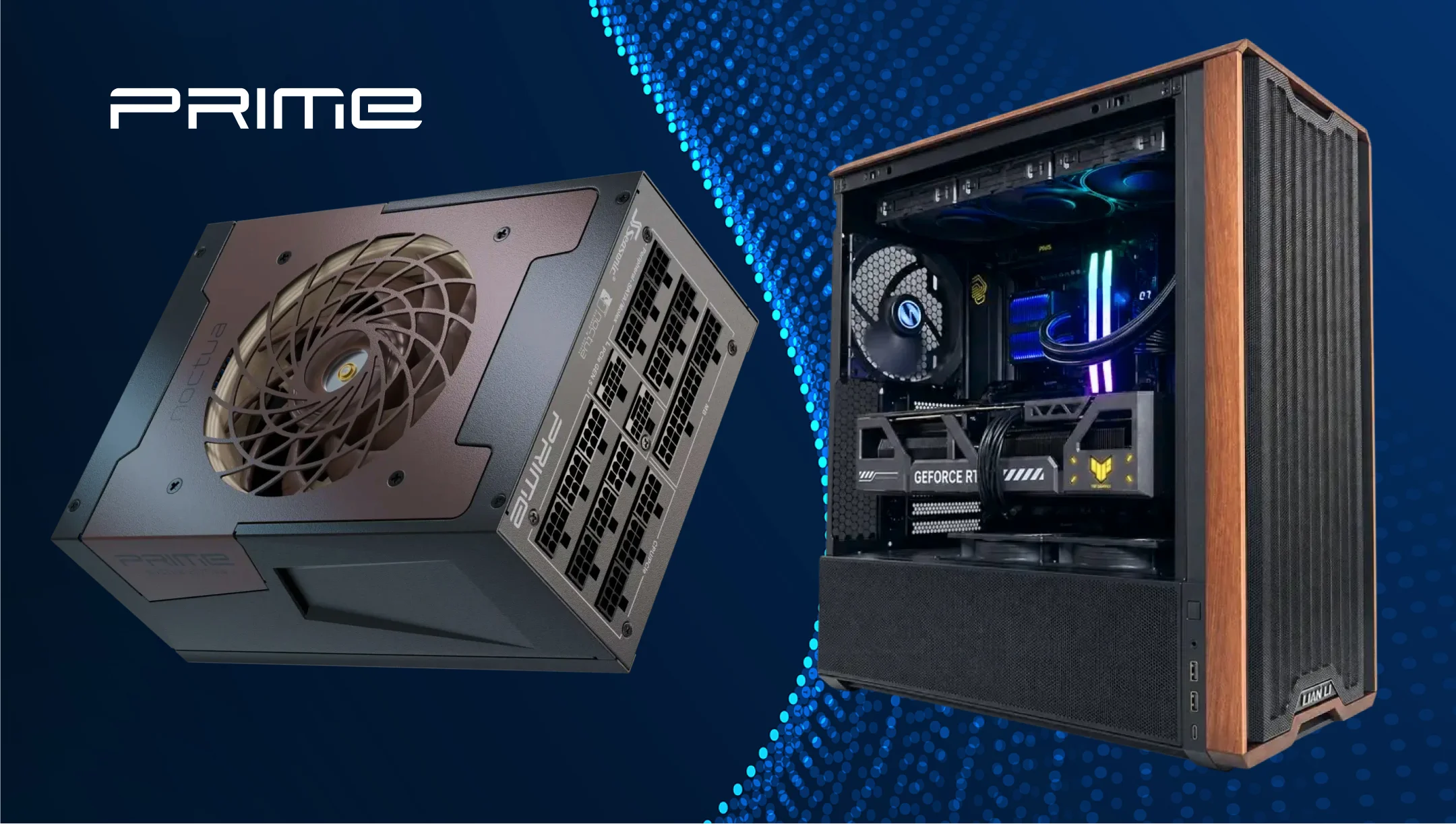
Key PSU requirements for AI workstations
The core criterion you should follow when choosing an AI workstation power supply is whether it can deliver stable power under heavy GPU loads and handle short-duration power excursions. This is particularly relevant in 2026, when professional GPUs may already have a very high power budget.
An AI workstation can place simultaneous demands on the GPU, CPU, memory, storage devices, and other components. Therefore, it’s best to first determine the exact configuration of the core AI components, and then check the official GPU requirements and the potential for future expansion.
For systems with high-performance GPUs, support for the latest ATX 3.1 specifications is important. The reason is short-term power excursions. It’s also important to know exactly how the PSU delivers power to the GPU. A native 12V-2×6 connection can be particularly useful for modern high-power graphics cards that use this connector.
For multi-GPU AI workstations, you should also check the number of available independent GPU power connectors. A PSU can have enough wattage and still not have enough connectors for all your GPUs.
Some AI workloads can place the system under sustained high load for extended periods. In these scenarios, PSU efficiency is of practical importance: energy that isn’t converted into useful power for the components is primarily converted into heat. For a workstation that regularly operates under heavy loads, it’s worth looking at the real-world specs, such as efficiency and noise.
For systems with powerful GPUs or multiple accelerators, stable power supply operation under prolonged high loads is critically important. When selecting a specific model, explore the results of independent tests for:
– output voltage stability;
– ripple/noise;
– performance under high load;
– temperatures;
– noise levels;
– operation of protective circuits.
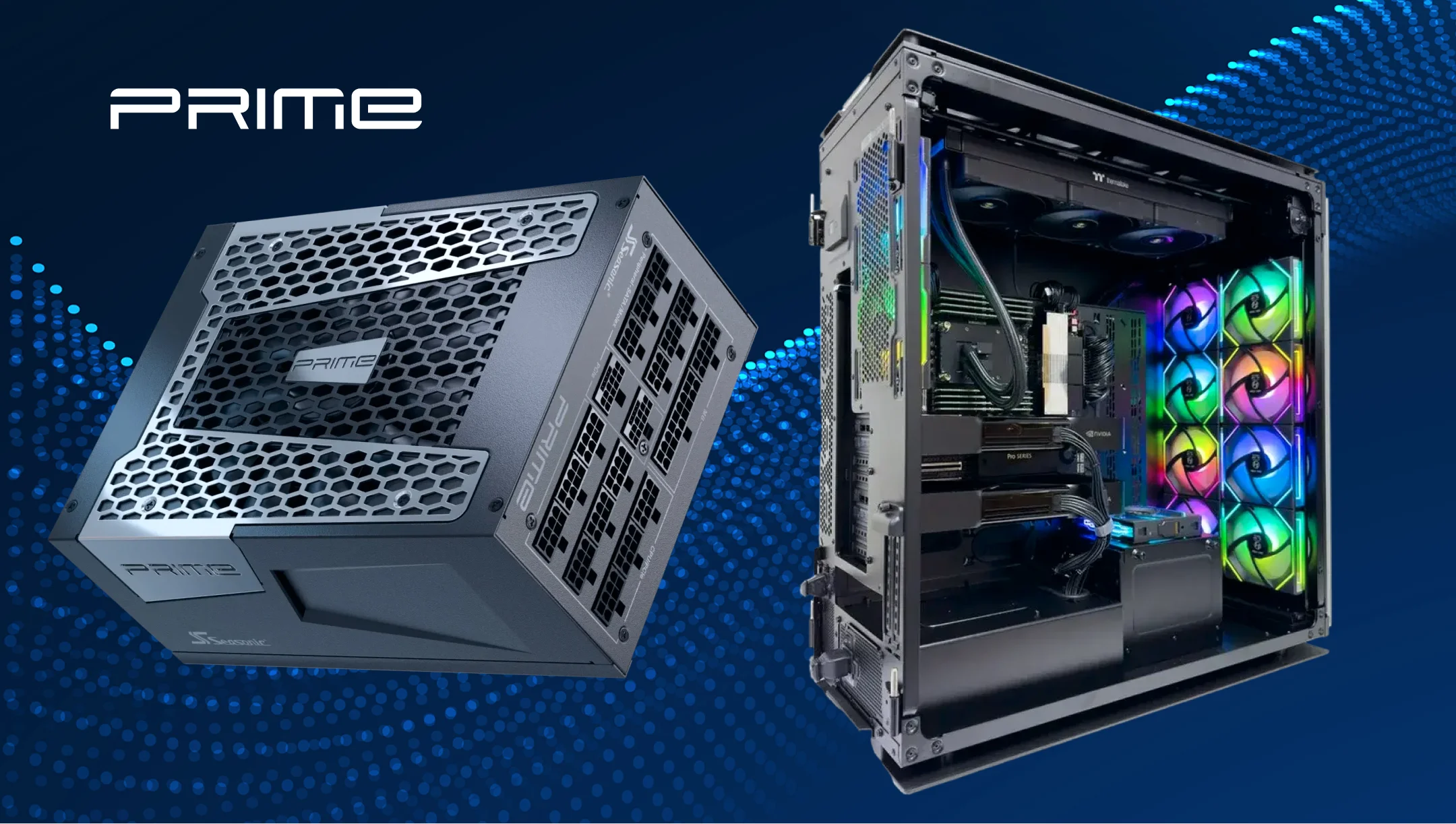
How much headroom does each system type need?
We want to note that headroom should not be treated as a fixed percentage mandated by the ATX standard. It’s a design margin that gives the PSU additional capacity beyond the system’s expected peak load. The exact amount depends on the CPU, GPU, number of GPUs, storage devices, and other components, as well as the PSU’s ability to handle short-duration power excursions.
In the table below, we added real examples of GPUs, as they are the most power-hungry system components, so you can get a realistic idea of how much headroom your system may need.
| System type | Example GPU | GPU power | Manufacturer's PSU recommendation | Headroom guidance |
|---|---|---|---|---|
| Gaming PC | Radeon RX 9070 XT | 304 W | 750 W | ~20–30% may be a reasonable design margin, depending on the configuration |
| High-end gaming PC | GeForce RTX 5080 | 360 W | 850 W | ~20–30% may be a reasonable design margin, depending on the configuration |
| Enthusiast gaming/creator PC | GeForce RTX 5090 | 575 W | 1000 W | ~20–30% may be a reasonable design margin, depending on the configuration |
| Content creation workstation | RTX 5090-class GPU | 575 W | 1000 W * | ~25–30% may be a practical starting point, depending on the configuration |
| AI / professional workstation | RTX PRO 6000 Blackwell | 600 W | Depends on full system configuration | ~30%+ may be appropriate for some configurations |
| Multi-GPU workstation | 2 × 600 W-class GPUs | 1200 W from GPUs alone | Depends on complete configuration | Calculate from the full system; 30%+ may be a practical starting point |
*NVIDIA’s 1000 W figure for the RTX 5090 is a required system power recommendation, not a recommendation to add another 1000 W on top of the GPU.
The role of 80 PLUS® Titanium/Platinum efficiency certifications for gaming, content creation, and AI builds
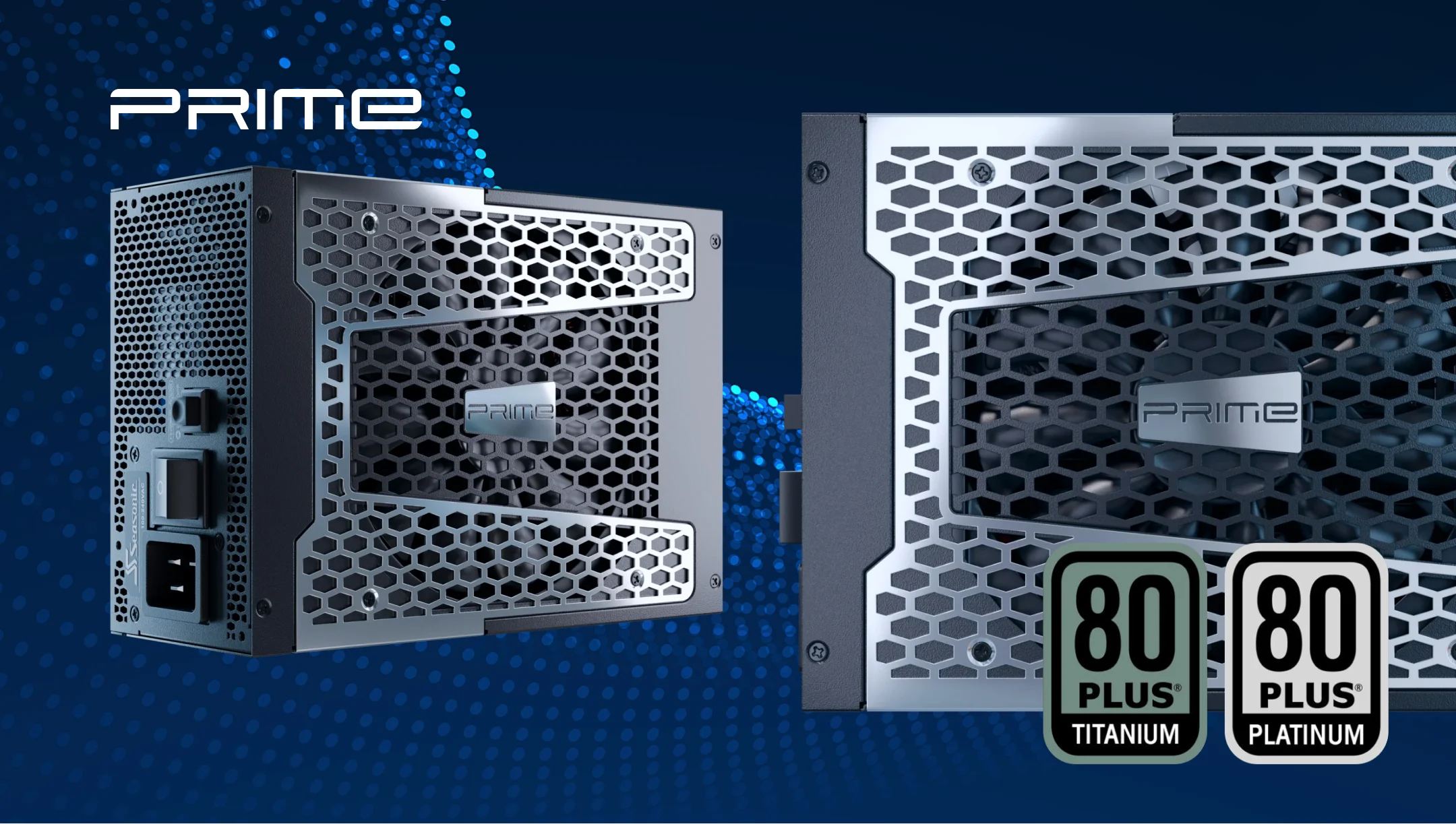
80 PLUS® Titanium or Platinum certification indicates how efficiently the power supply converts alternating current (AC) to direct current (DC). Higher efficiency means the PSU requires less AC input power to deliver the same DC output to the system, with less energy lost as heat.
In a gaming PC, the load can vary significantly, whereas during rendering, video processing, or AI computations, the CPU and GPU may operate at high levels for hours. In such scenarios, a more efficient PSU keeps energy waste and heat generation lower.
At the same time, Titanium or Platinum certification does not by itself indicate overall PSU quality. 80 PLUS® certification evaluates energy efficiency specifically, not characteristics such as voltage stability, ripple, or the ability to handle transient loads.
For systems that regularly operate under heavy loads, Platinum and especially Titanium certifications may offer a practical advantage due to lower power losses. However, the certification itself should not be the primary criterion for choosing a PSU. What really matters is how the specific model performs under real-world loads.
Connector compatibility: PCIe, 12VHPWR, 12V-2×6, and modular cabling
The PCIe 6+2-pin connectors are still used in some PSU models as 75 W (6-pin) and 150 W (8-pin). Newest PSU models work with a native 12V-2×6 connector, designed to deliver up to 600 W directly to the PCIe card.
The 12VHPWR connector was introduced with PCIe 5.0. PCIe CEM 5.1 introduced the revised 12V-2×6 connector, which retains the same 12-power-pin and 4-signal-pin layout while making mechanical changes intended to improve connection reliability. Specifically, the power pins were lengthened, and the signal pins were shortened to ensure that the power contacts are properly engaged before the sense contacts indicate a valid high-power connection.
Another important point is modular cables, which simplify system assembly and cable management. However, modular cables are not universally interchangeable between PSU models or brands. Always use a cable that is specifically confirmed by the PSU manufacturer as compatible with your particular PSU model or series.
This is how they differ from each other.
| Connector | Power capacity | 2026 relevance | Best suited for |
|---|---|---|---|
| PCIe 6+2-pin | 6-pin – 75 W 6+2/8-pin – 150 W | Still widely used | Mainstream and some high-end GPUs |
| 12VHPWR | Up to 600 W | Previous-generation high-power connector | Some PCIe 5.0 GPUs and PSUs |
| 12V-2×6 | Up to 600 W | Current connector for many high-power GPUs | Modern high-end GPUs that support the connector |
How Seasonic power supply engineering supports gaming, creative, and AI workloads
Gaming, content creation, and AI workstations equally require one core thing from the PSU – stable power delivery under heavy loads and compatibility with new GPU models. Due to this, Seasonic engineers focus on what matters for today’s users and what demands next-gen hardware puts on power supplies. Namely, support for modern standards, efficiency, and cable architecture.
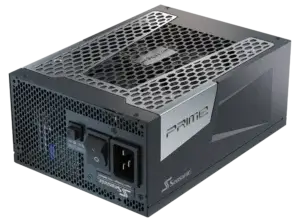
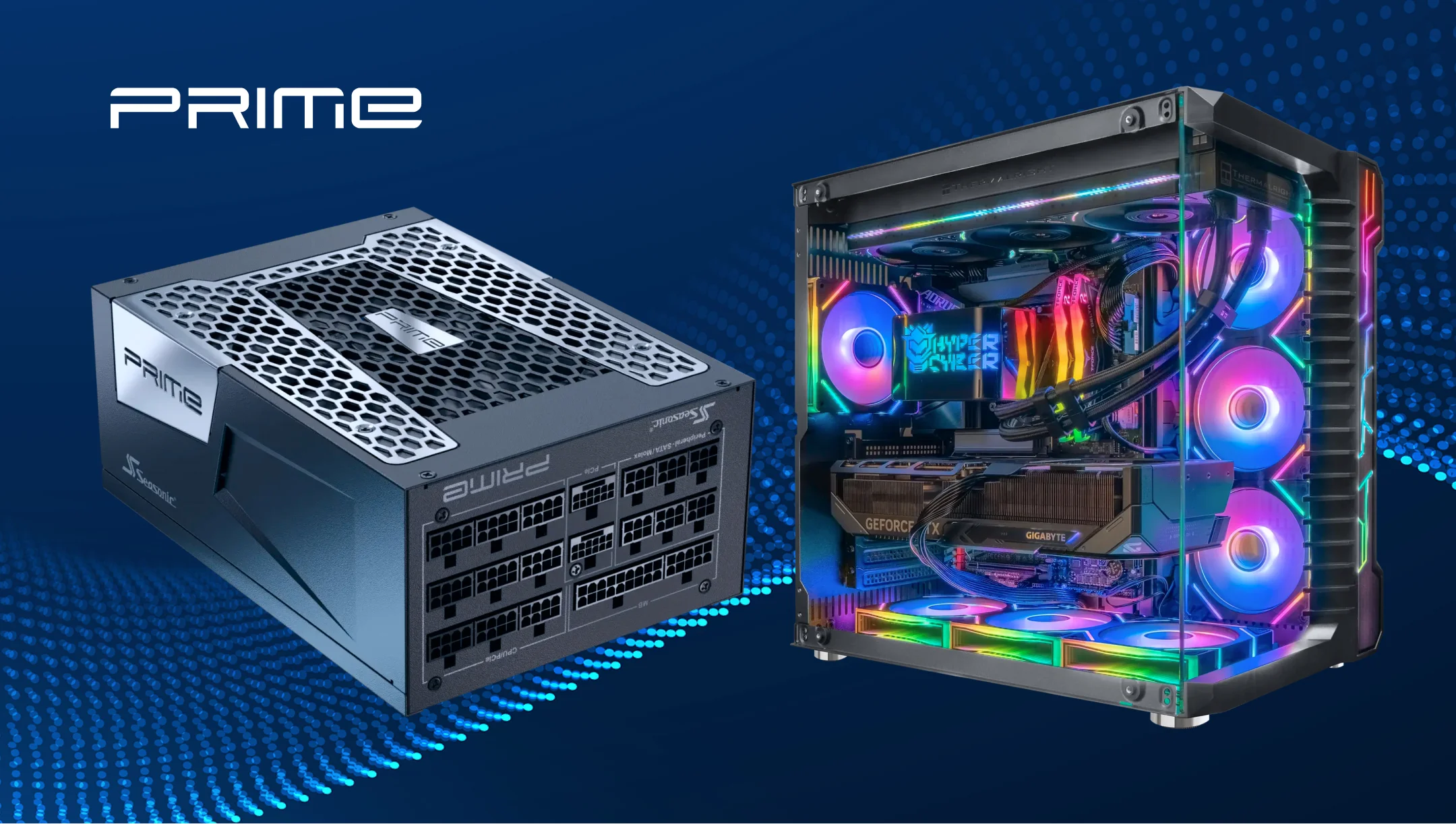
One of the key features is support for ATX 3.1 and PCIe 5.1 standards. For example, the flagship Seasonic PRIME PX-2200 supports ATX 3.1, has two native 12V-2×6 cables, and can power systems with multiple high-performance GPUs, including AI and edge-computing setups.
Seasonic engineers also use a fully modular design and offer cables with 16 AWG conductors for modern GPUs, which meet the ATX 3.1 requirements.
Here are more features Seasonic has implemented in the latest PSU models to meet high-end hardware power requirements.
| Workload | Relevant Seasonic engineering features |
|---|---|
| Gaming PCs | ATX 3.1, PCIe 5.1, native 12V-2×6 on applicable models, support for power excursions, quiet cooling. |
| Content creation workstations | High efficiency, stable power delivery under sustained load, fully modular cabling. |
| AI workstations | High-wattage models, multi-GPU support, and native 12V-2×6 connectivity on applicable models. |
| Future upgrades | Fully modular design, modern connector support, long warranty period. |
Conclusion
The right PSU is not only the one that comes with the highest wattage or the highest efficiency rating. For powerful gaming, creative, and AI systems, a combination of sufficient power, the ability to handle transient loads, modern connectors, and stable operation under load matters most. Choose the power supply based on your actual configuration and the requirements of specific components, so you’ll have a reliable system even after upgrades.